
About This Comparison
Deciding between Kling 4.0 and Kling 3.0 is simpler than most model comparisons, because the two are not in the same state: one was just released on October 8, 2026 and is coming to the SelfyzAI picker soon, the other is the version running in production today. That single fact drives most of what follows.
The short answer: Kling 4.0 is a major version update, and based on our pre-release beta testing our assessment is a passing grade — the capability gains are real. Kling 3.0 covers what most projects need right now, so there is no reason to pause production while you wait. Now that 4.0 is released, it is worth trying once it lands in the picker.
This comparison is written by the SelfyzAI team, and both versions route through the workspace we run, so read it with that in mind. Facts about the Kling 3.0 family come from what is available on selfyz.ai, verified on October 10, 2026, plus Kling's official documentation where noted. Facts about 4.0 come from our beta access, checked against the Kling 4.0 reference documentation; where our beta results and third-party reports disagree, the disagreement is stated rather than resolved.
The beta findings this comparison draws on are laid out in full in our Kling 4.0 review. The video below is generated with Kling 4.0 by SelfyZ AI team for your reference, which shows the biggest upgrade of Kling 4.0 compared with 3.0: Native 30s Generation (video length up to 30s).
What Actually Differs
The useful way to compare these two is by decision rather than by specification, because the specification is not final. The table below sets out the differences that change what a project can do, and each row is expanded in the sections that follow.
| Decision | Kling 4.0 (released Oct 8, 2026) | Kling 3.0 (available today) |
|---|---|---|
| Availability | Released — coming to the SelfyzAI picker soon | Live in the model picker |
| Single-take length | Native 30s Generation — up to 30s native (per beta) | 2–15s clips in the workspace, longer pieces joined |
| Frame control | Multiple Keyframes — up to 10 per generation (per beta) | Handled through the image-to-video and reference routes |
| Reference inputs | Omni Reference — up to 15 per generation (per beta) | Up to 4 reference images per subject (Elements, per Kling's docs) |
| Cost | Not published | Credits vary by model, duration and resolution |
| Best fit | Long single takes, multi-market delivery | Day-to-day short-form production |
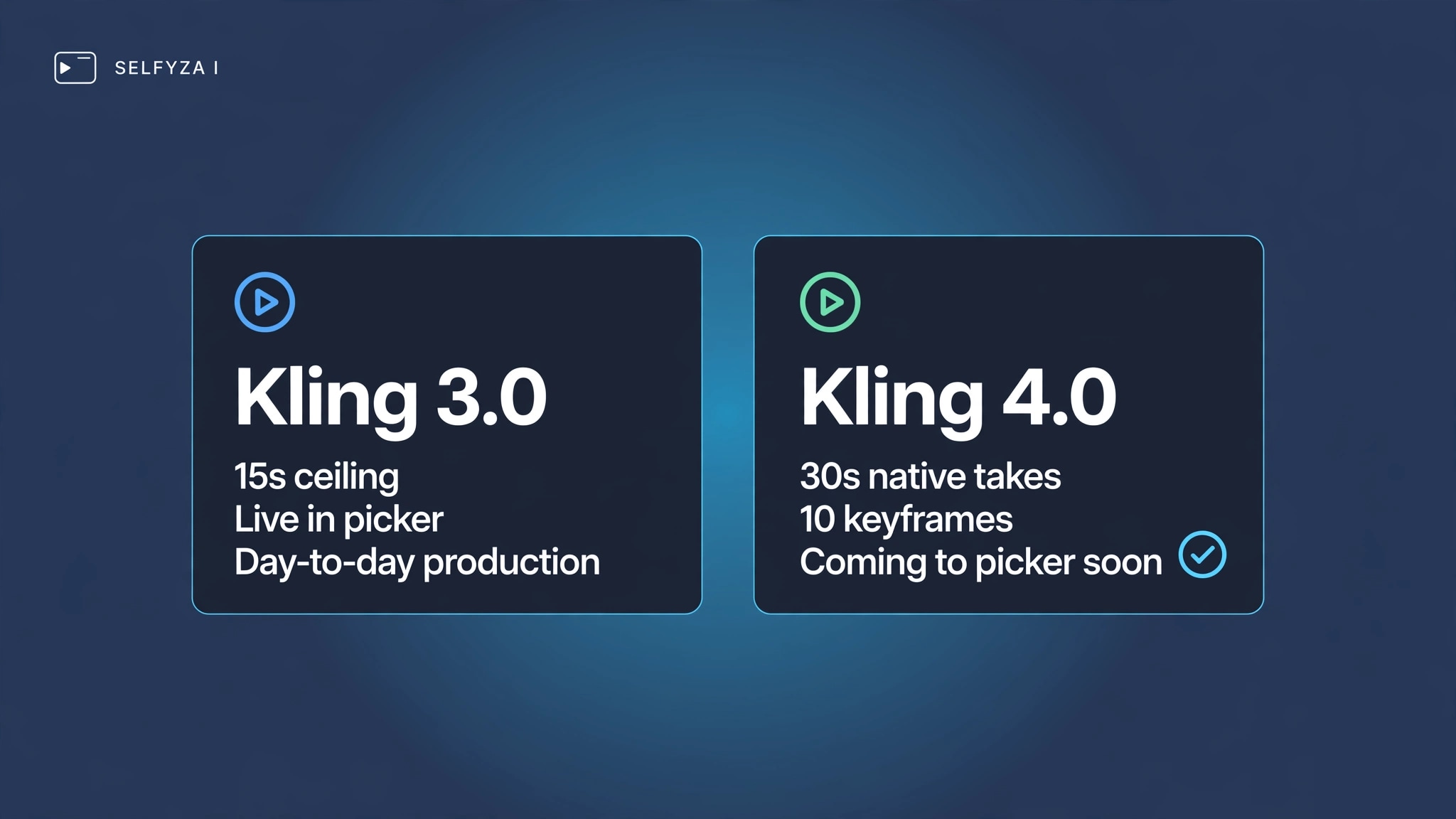
Two of those rows are about capability and the rest are about availability, and the split is worth keeping in mind. Capability differences — take length, frame control, reference capacity — describe what a finished model may do. Availability is what decides your next project: the Kling models you can select today are Kling 3.0, Kling 3.0 Turbo and Kling 2.6, all reached from the same picker in the AI video generator, and it is where 4.0 will appear when it lands.
It is also worth noting what has not changed. The 3.0 family has been the working line through 2026: Kuaishou's rollout entries run from January 31, 2026, through the Video 3.0 and Omni announcements, Motion Control, native 4K output, and the Turbo and Omni updates in June (source: Kling release notes, as tracked by third-party trackers). Kling 4.0 continues that line rather than starting a new one, which is why the differences above read as an iteration on the same workflow rather than a change of tool.
Output Length and Continuity
This is the difference most likely to change how a project is scoped. In our beta runs, Kling 4.0 delivers Native 30s Generation — native single shots of up to 30 seconds, consistent with the reference documentation. That is a different order of shot from what current workflows assume.
On the other side, third-party trackers generally put Kling 3.0's single-take ceiling at 15 seconds, with shorter caps in some modes. What we can state precisely is what the workspace does today: clips of 2–15 seconds, with longer pieces produced by generating several segments and joining them with extend video.
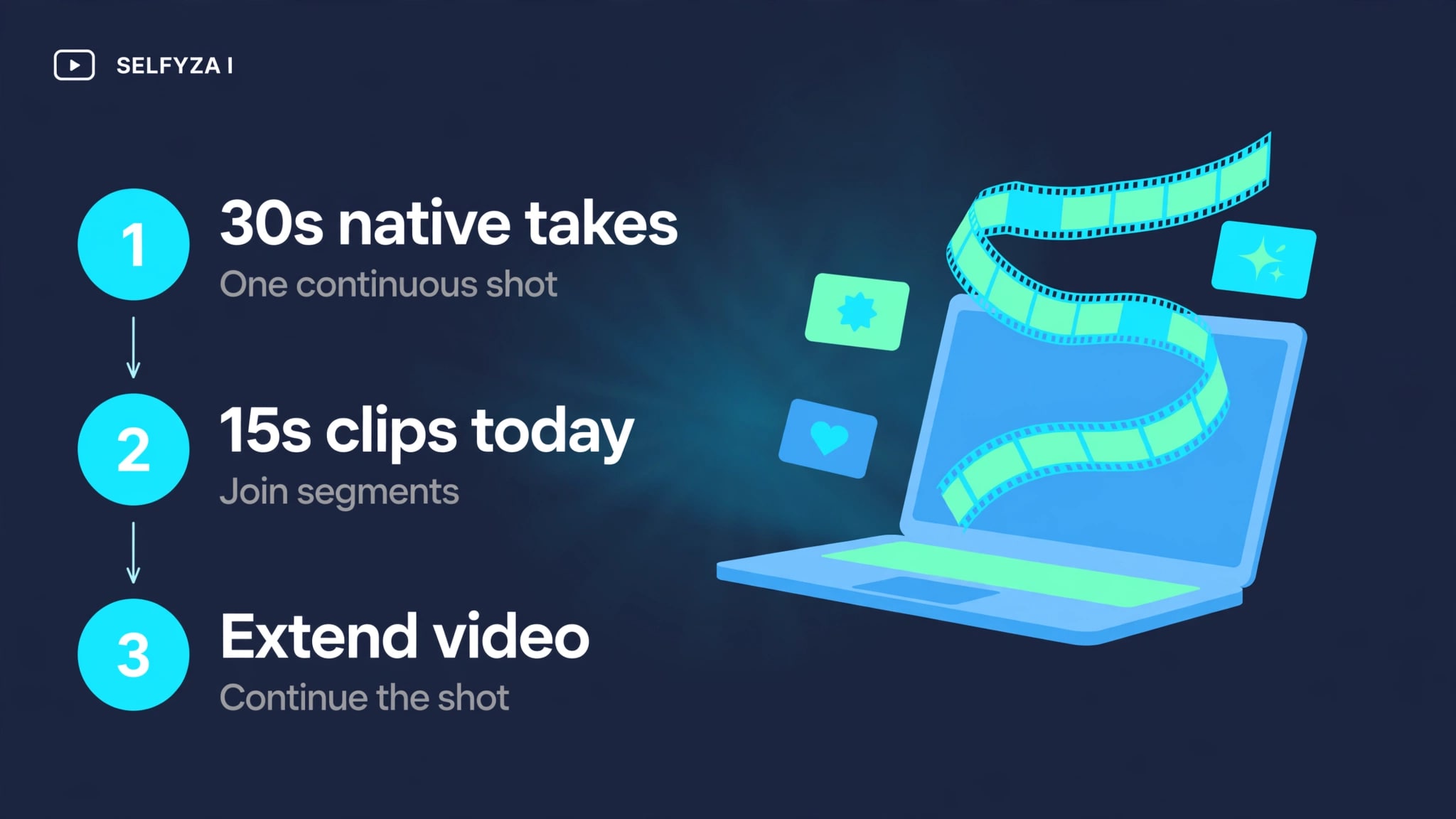
The practical difference is the join. Assembly is where continuity gets tested, because lighting, framing and subject appearance have to hold across a cut the model did not plan for. A single 30-second take removes that test from the middle of a scene. If your work depends on uninterrupted movement — a walk-through, a continuous rotation, an unbroken conversation — the difference is structural rather than cosmetic. If your work is short social cuts, it makes no difference at all.
What a longer take does not fix is continuity between shots. When a sequence cuts between three setups, each generation still has to hold the same character, wardrobe and lighting as the others, and that is a planning problem rather than a duration problem. Longer takes reduce the number of joins; they do not remove the need to keep a sequence consistent. A project that breaks at the cut will still break at the cut.
Reference Inputs
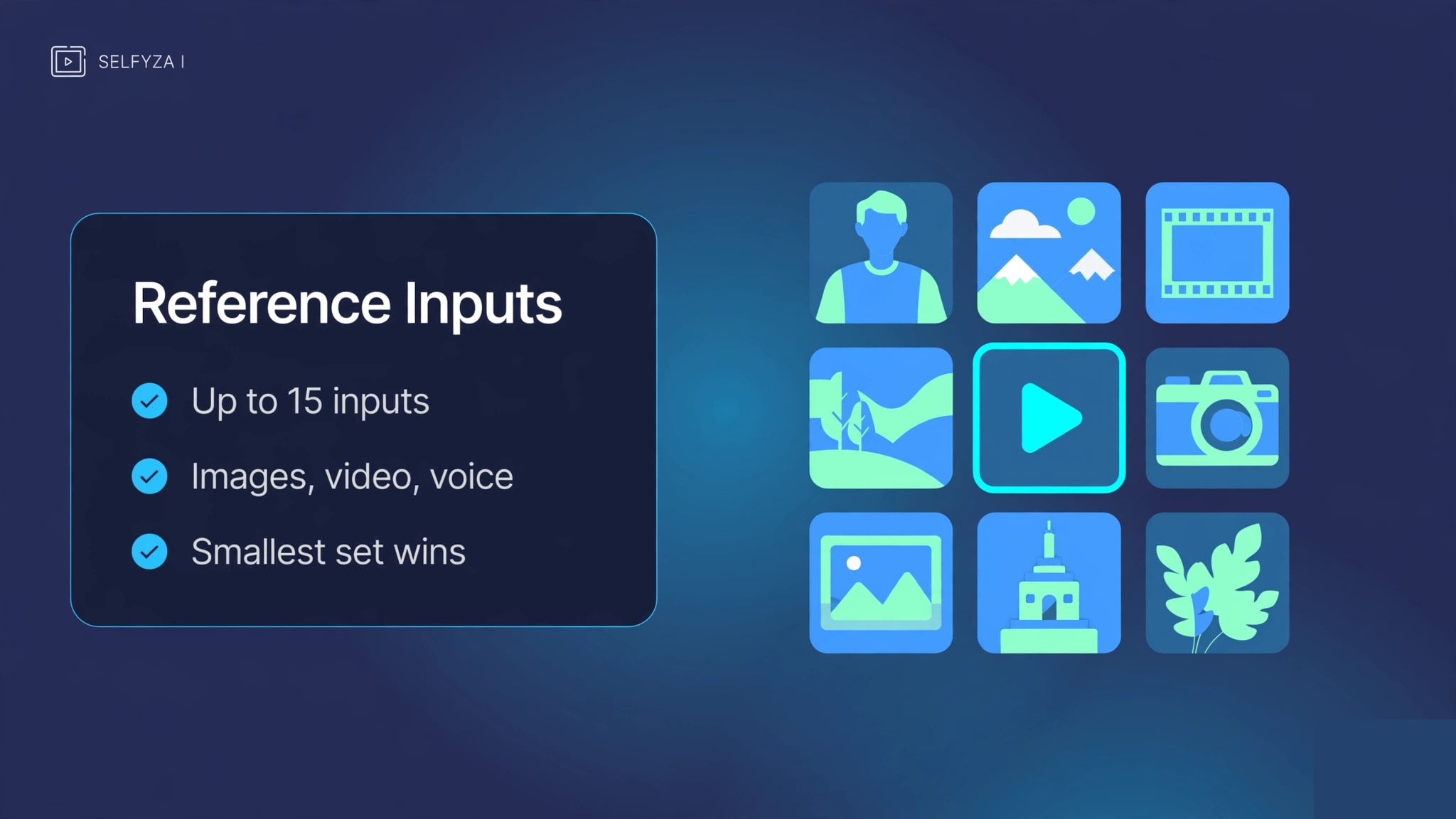
Kling 4.0's beta offers Omni Reference — up to 15 simultaneous reference inputs, drawn from images, video, voice or subject references in combination. Kling 3.0's documented side of the ledger: the Elements system takes up to four reference images per subject — front, side and detail angles make the strongest set — and supports video and voice references on top (source: Kling's official documentation).
Against that, 15 multimodal inputs is a near-quadrupling of capacity, and the widening from appearance-only references to image, video, voice and subject inputs changes what a single generation can be conditioned on.
What can also be compared is the workflow. Reference-driven generation is already available in the workspace through reference to video, which conditions output on supplied images or video and is the route subject-consistency work takes today. Where movement rather than appearance is what has to transfer, motion control mirrors motion and expression from an existing clip onto a new subject.
If the reference count holds at release, the change is capacity rather than concept: more material conditioning a single generation. That is not automatically better. References that disagree with one another constrain a generation rather than improving it, and the count is a ceiling rather than a target — most work needs the smallest set that pins down what matters.
Conflicting references are the failure mode to watch for. Supplying an outfit reference, a second subject's face and a background still puts three competing sets of instructions in front of the model, and the result is usually a compromise rather than a composite. That behaviour is not specific to one model; it follows from how reference conditioning works in general. The practical habit is to add one reference at a time and check what it changed.
Cost in Credits
Kling 4.0's credit rate has not been published, and we will not estimate it. Any per-second figure quoted for it is being quoted from something other than a published rate, because no such rate exists yet.
Kling 3.0's cost, by contrast, is measurable now. Credits are consumed per generation, and the amount depends on the model, the duration and the resolution, with usage itemised in Credit History. Because the rate varies by model, the honest way to compare two Kling versions on cost is to look at what your own runs consumed rather than at a headline number.
This is the part of the comparison that could still change the answer. If 4.0's longer takes are billed proportionally, a 30-second generation may cost several times what a joined set of short clips costs — or it may not, since a released model's rate is set by the model rather than by the clock. Treat cost as the open variable, and check the current rates for every model in the picker on the pricing page before planning a workflow around a longer take.
Without a published rate, the practical way to plan is empirical: run the shortest version of the workflow you intend to use, then read Credit History to see what it consumed. That gives a cost per output specific to your model, duration and resolution rather than an average drawn from everyone else's usage. It is a slower answer than a headline number, but it is the one that reflects what your project actually costs.
Who Should Pick Which
Availability decides most of this, so the split below is by situation rather than by preference.
When the deadline is this week
Kling 3.0 in the SelfyzAI picker is the version that produces output today, and for short-form single-clip work it covers the requirement. Nothing in the beta changes what you can deliver this month.
If your project needs long continuous takes
When a scene depends on movement that cannot be cut — a walk-through, a continuous rotation, an unbroken conversation — the join is the weak point in the current workflow, and this is the case where 4.0's described take length would change the result rather than the process. Plan the project around it, and confirm the specification at release before committing a schedule to it.
If your work is music-led or story-led
Longer native takes matter less here, because the structure already breaks the work into shots. MyStory Agent assembles story-driven video scene by scene and outputs 15–90 second pieces in 9:16, 16:9 or 1:1. MV Agent takes a 15–160 second track through lyric and emotion analysis, a story outline, consistent character assets, a storyboard, per-shot generation and a final pass aligned to the original audio. A longer clip limit shortens the assembly of each shot rather than changing the format.
If you are choosing between model families rather than between Kling versions, our Kling 4.0 vs Seedance 2.5 comparison is the more relevant read.
Frequently asked questions
What actually changed in Kling 4.0?
Four things stand out in the beta: Native 30s Generation (native single takes of up to 30 seconds) rather than joined segments; Multiple Keyframes (up to 10) and Omni Reference (up to 15 reference inputs) per generation; 4K/1080p Resolution with 10-bit HDR plus a new 21:9 Aspect Ratio; and stereo Sound Effects with tighter Lip Sync and accent handling. All four were observed in our beta testing and match the reference documentation.
Should I use Kling 3.0 now or wait for 4.0?
Use Kling 3.0 now. Waiting only makes sense if the specific gain you need is a long single take or multi-market delivery, and even then the question is about timing rather than a reason to stop producing. The two versions belong to the same family, so work done on 3.0 is not wasted.
What is the longest clip I can get?
Today, clips run 2–15 seconds in the web workspace, and longer pieces are assembled by generating segments and joining them. Our beta runs of Kling 4.0 show Native 30s Generation — a native single take of up to 30 seconds; that figure arrives with the release and could still change. Third-party trackers generally put Kling 3.0's own ceiling at 15 seconds.
Does Kling 4.0 cost more?
Nobody can answer that yet, including us: Kling 4.0's credit rate has not been published. What is known is how credits work in general — consumed per generation, with the amount depending on the model, the duration and the resolution, and usage itemised in Credit History.
Conclusion
Kling 4.0 is a major version update rather than a point release. Based on our pre-release beta testing, our assessment is a passing grade: the capability gains are concrete, the direction is clear, and the remaining questions will be settled as the released model gets exercised rather than reasons for doubt.
Kling 3.0 covers what most projects need today, and it is the version that will handle your next deliverable.
The case for waiting is narrow. If your work is short-form single-clip output, if you are not planning around long takes or multiple language versions, or if you would rather not build a schedule around specifications that can still move, then Kling 3.0 is the sensible choice.
If your projects run to continuous long takes or delivery across several markets, plan around 4.0; the Kling versions already in the SelfyzAI picker are what you would run until it lands.
For the cross-vendor picture this fall, see Vidu Q4 vs Kling 4.0.
Kling 4.0's specifications in this comparison come from the SelfyzAI team's pre-release beta testing and were checked against the Kling 4.0 reference documentation; specifications were observed in the beta and may differ slightly in the release. Availability, output length and credit behaviour on selfyz.ai were verified on October 10, 2026.