
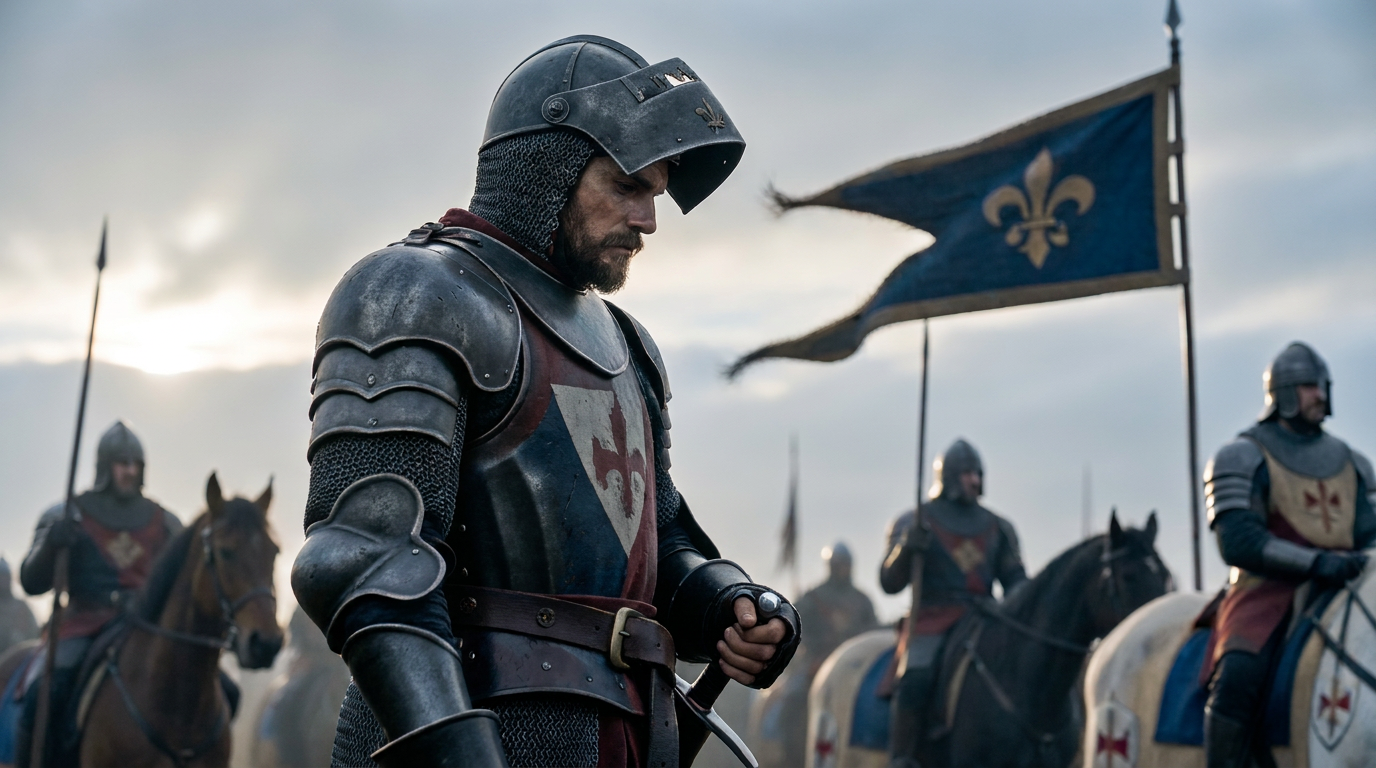
MyStory Agent

Unleash your CreativityUUnnlleeaasshh yyoouurr CCrreeaattiivviittyy

Credit Icon--
Out of ideas? Try this

What is the SelfyzAI MyStory Agent?

It is designed for creators who want to make AI story videos, vertical short dramas, character shorts, and editable narrative videos—without writing complex prompts or manually managing every shot.

What is the SelfyzAI MyStory Agent?
Input
Output

Powerful Features for Creating AI Story Videos

SelfyzAI MyStory Agent helps creators build story-driven videos with AI cover generation, editable outlines, character design, phased scripting, flexible formats, and guided video production.

Turn Images into AI Story Videos

Start with 1–2 character images or reference shots, and let SelfyzAI build story-driven AI videos around your visuals. The MyStory Agent helps turn portraits, characters, look-alike product assets, or creative references into short narratives with a clear story structure.
Create short dramas faster with templates

Create short dramas faster with templates

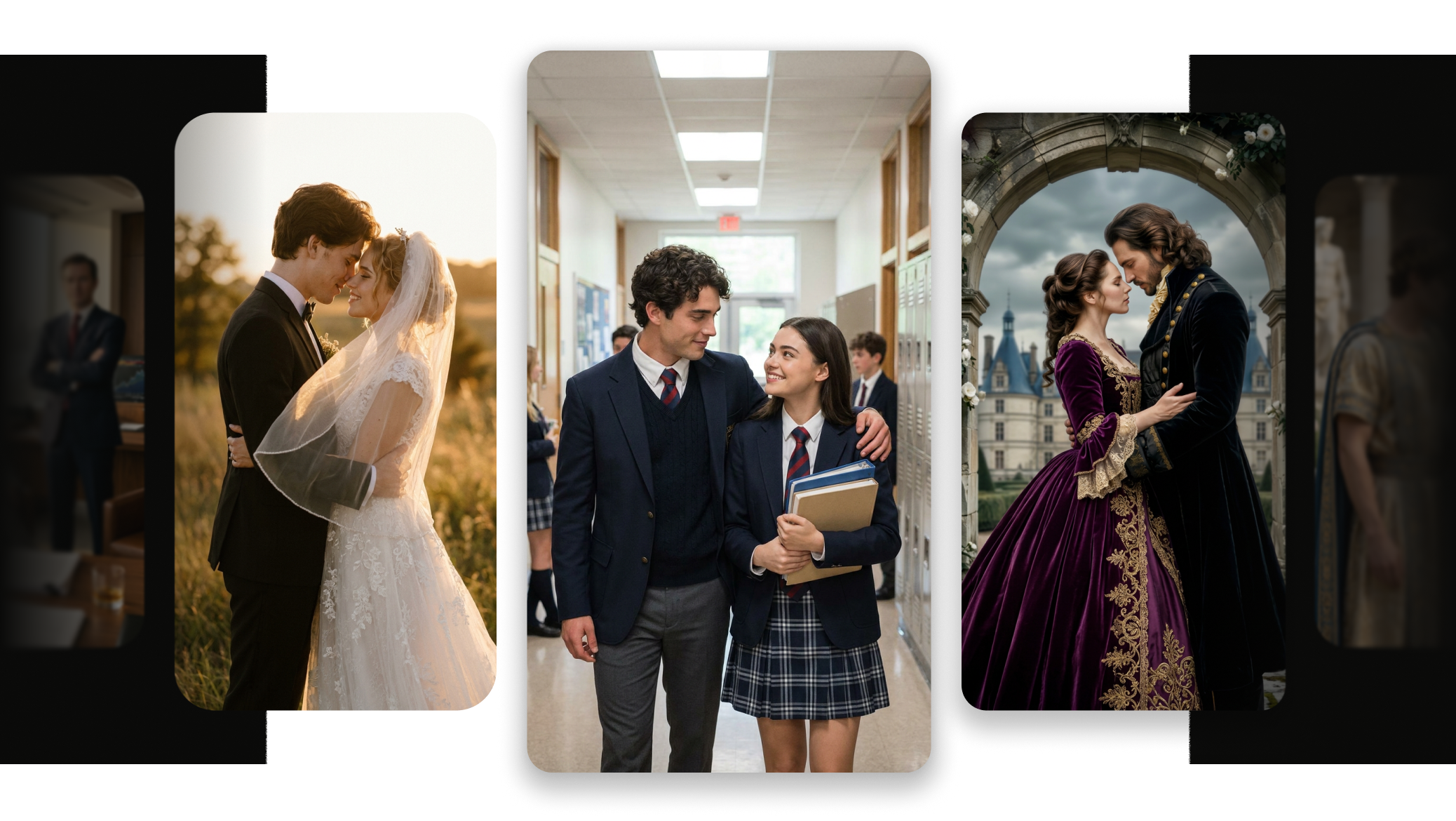
Use preset story templates to quickly set prompt direction, background, duration, resolution, and aspect ratio. Templates help creators start faster with popular short-drama types such as romance stories, plot twists, action scenes, makeover stories, and character transformations.

Standalone Tasks & Project History

Standalone Tasks & Project History

Each MyStory Agent creation becomes a separate task. You can view progress in "My", browse generated assets, and return to previous story projects, making it easier to manage multiple AI mini-drama videos at once.

Use cases for AI short dramas

Use MyStory Agent to create vertical short dramas, character stories, social video ads, romance plots, transformation videos, and narrative content with simple prompts and images.

Create AI mini-dramas centered on emotional relationships from a single character image and a simple plot idea. Suited for love stories, reunion scenes, breakup twists, confession moments, and vertical short-drama content.

How to create AI short dramas with MyStory Agent?

Follow the step-by-step guided flow to turn your images and story idea into an editable AI story video with a cover, outline, characters, script, and staged clips.

  1. 1

    Upload an image and enter your story idea

    Start with at least one image, such as a character portrait, reference image, or visual concept. Add prompts describing the genre, relationships, conflicts, setting, or transformation you want.

  2. 2

    Choose video settings

    Choose duration, resolution, and aspect ratio. MyStory Agent supports videos from 15s to 90s and common formats such as 9:16 for vertical shorts, 16:9 for YouTube, and 1:1 for social posts.

  3. 3

    Generate cover and outline

    SelfyzAI will create a cover image, story title, and an editable outline. You can review the story hook, adjust the plot, and confirm the direction before continuing.

  4. 4

    Confirm Characters, Scenes, and Script

    MyStory Agent generates character visuals, scene assets, and a staged script with time segments. You can edit the script or refine assets before generating the final video.

  5. 5

    Generate Phased Video Clips

    SelfyzAI converts each story stage into a video clip. You can preview the timeline, review each clip, and, when needed, refine clips with weaker results or clips that failed to generate.

  6. 6

    Save Your Story Video

    Export the cover and the finished AI short drama for social platforms, creative tests, paid ads, or further editing.

MyStory Agent FAQ

Find answers to FAQs on AI short drama generation, script-to-video workflow, character images, video settings, editable stages, and where to manage story projects.