
Everything you need to create AI videos
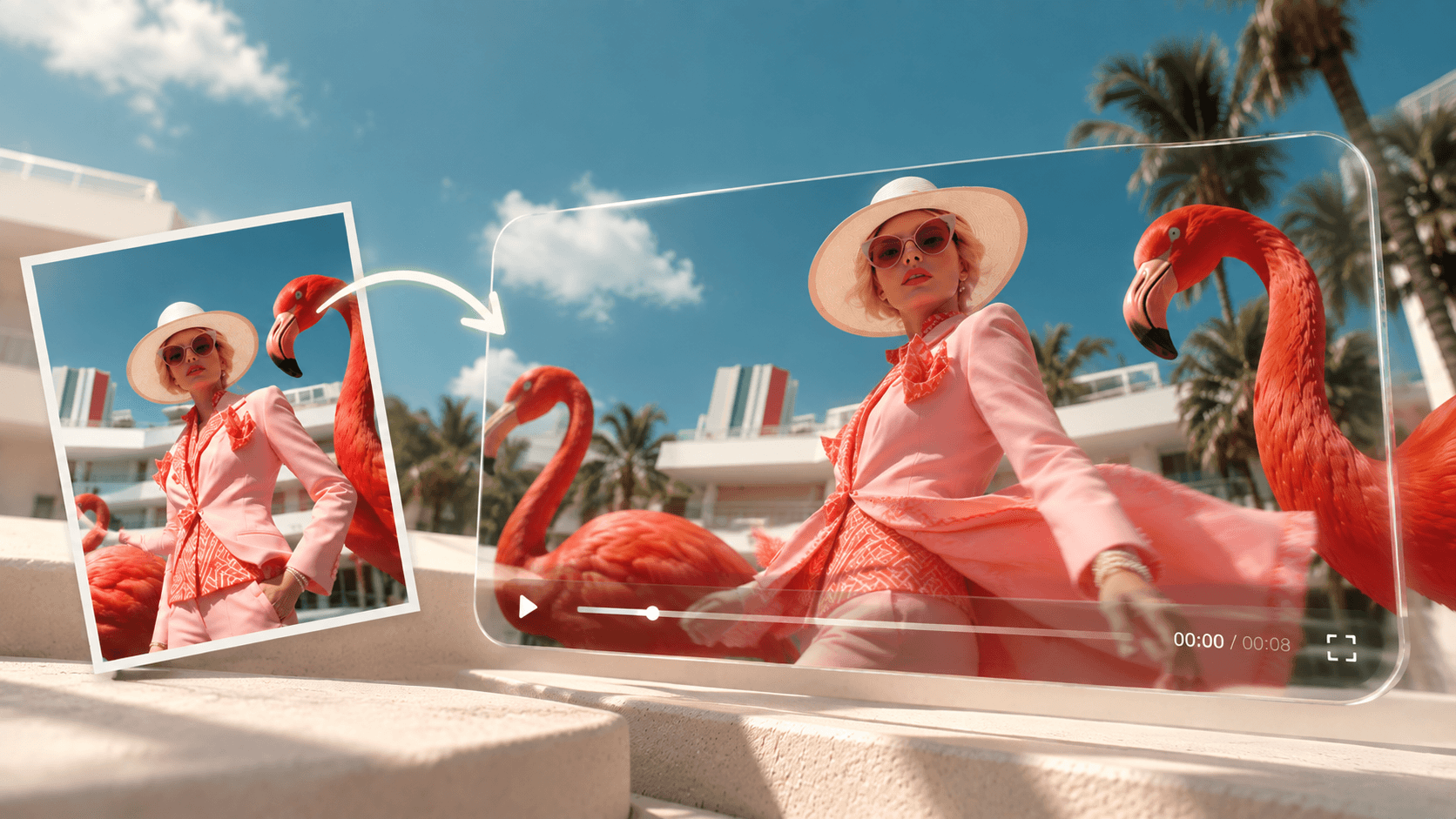
Image to Video
Bring any photo to life: Upload an image and turn it into a smooth AI video with natural motion, lighting, and camera movement.
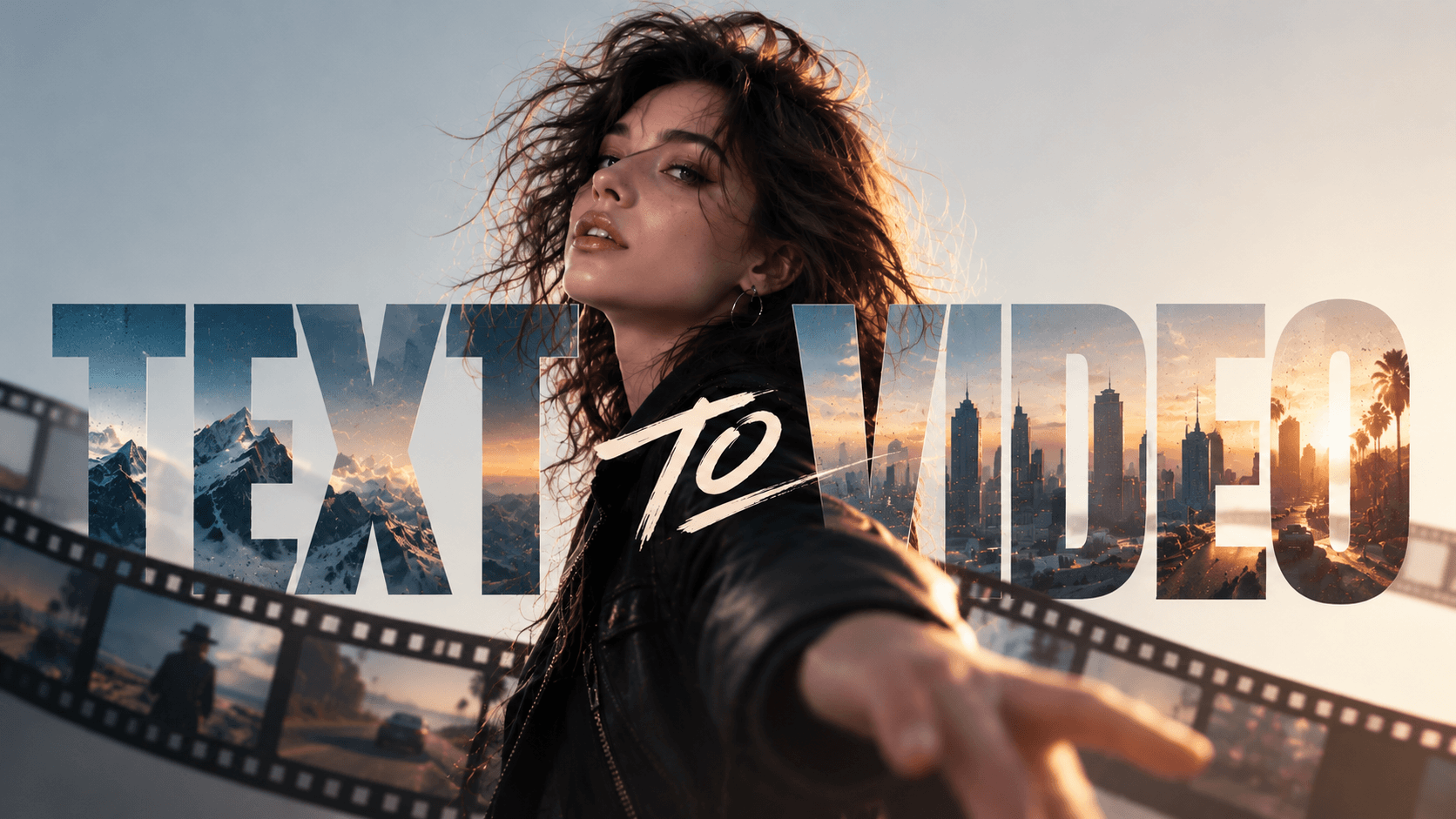
Text to Video
Describe your vision and watch it move: Turn a sentence into a cinematic AI video in seconds.
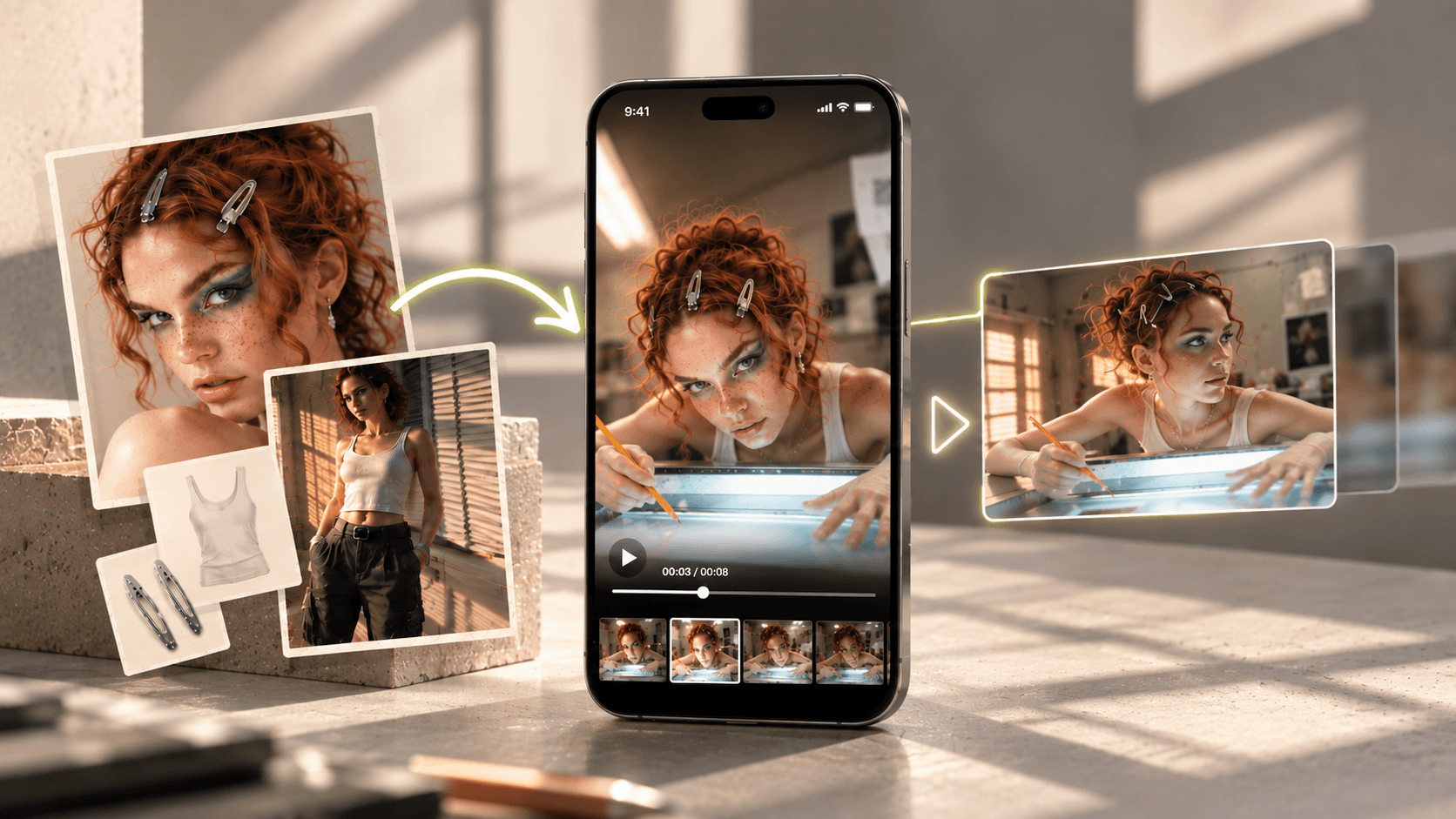
Reference to Video
Keep characters and styles consistent: Use reference images to guide video generation and maintain a unified look across scenes.
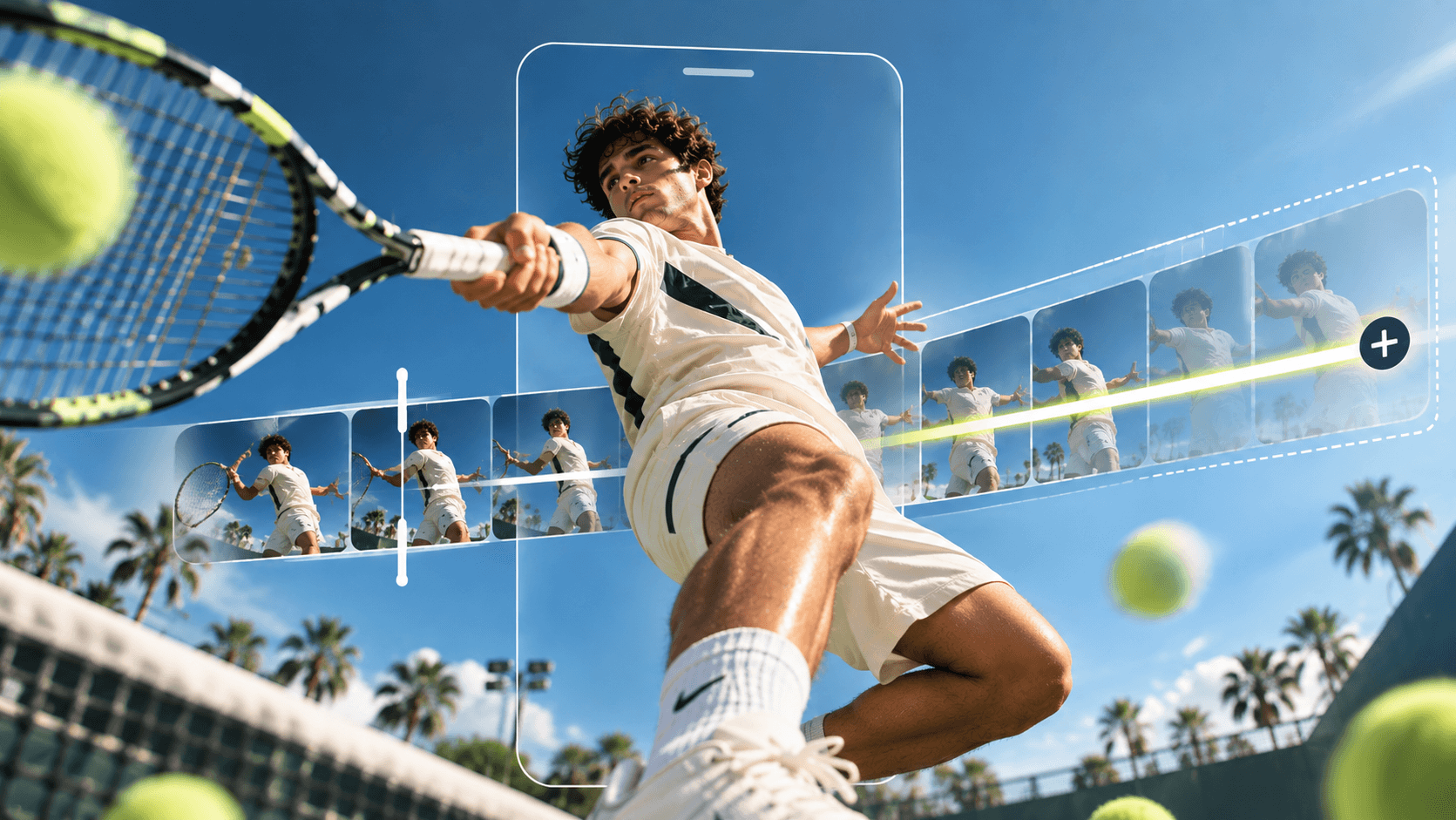
Extend Video
Seamlessly continue your story: Add natural transitions and smooth motion to any video clip.
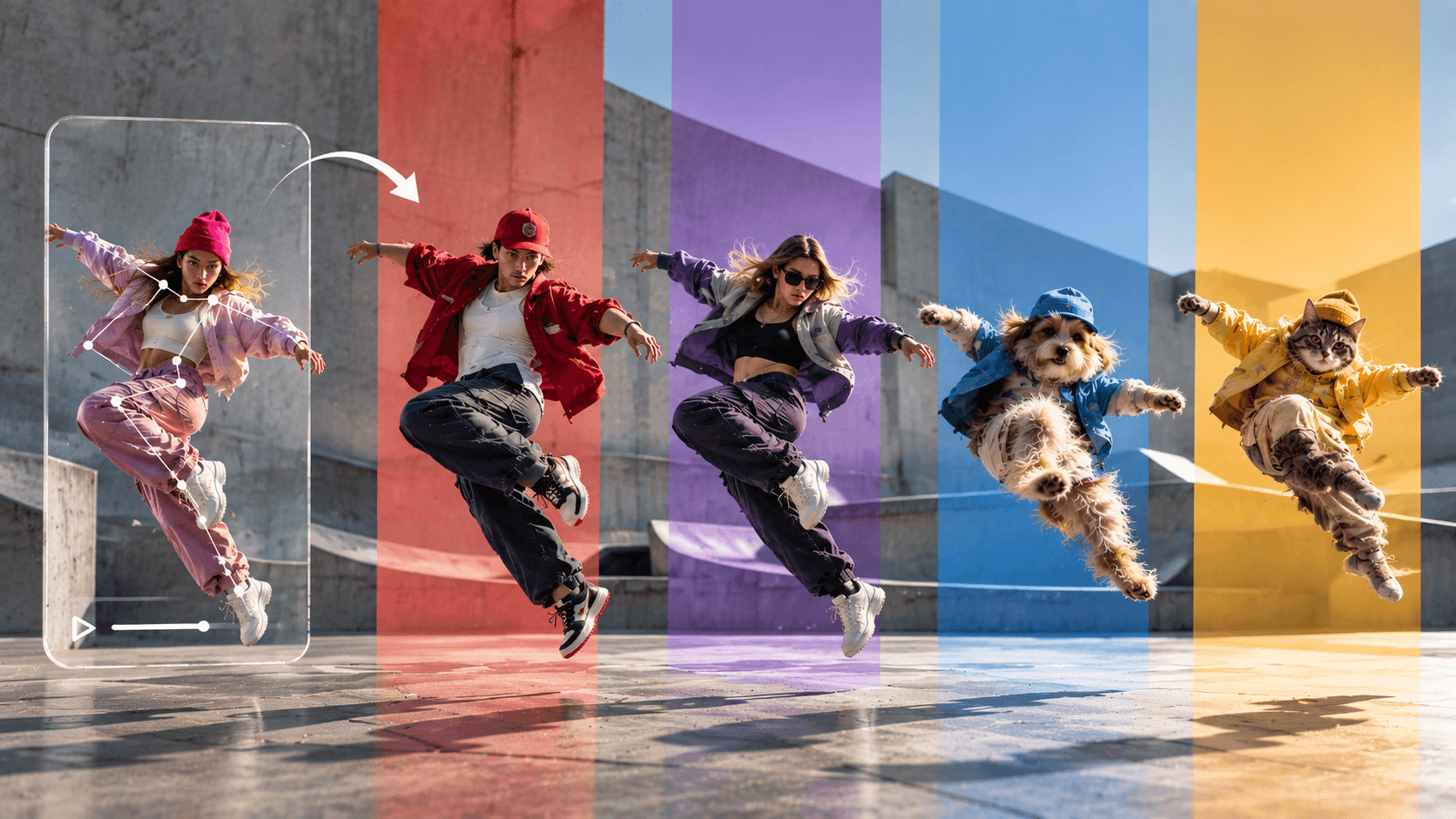
Motion Control
Control every move precisely: Fine-tune actions, gestures, and camera direction.
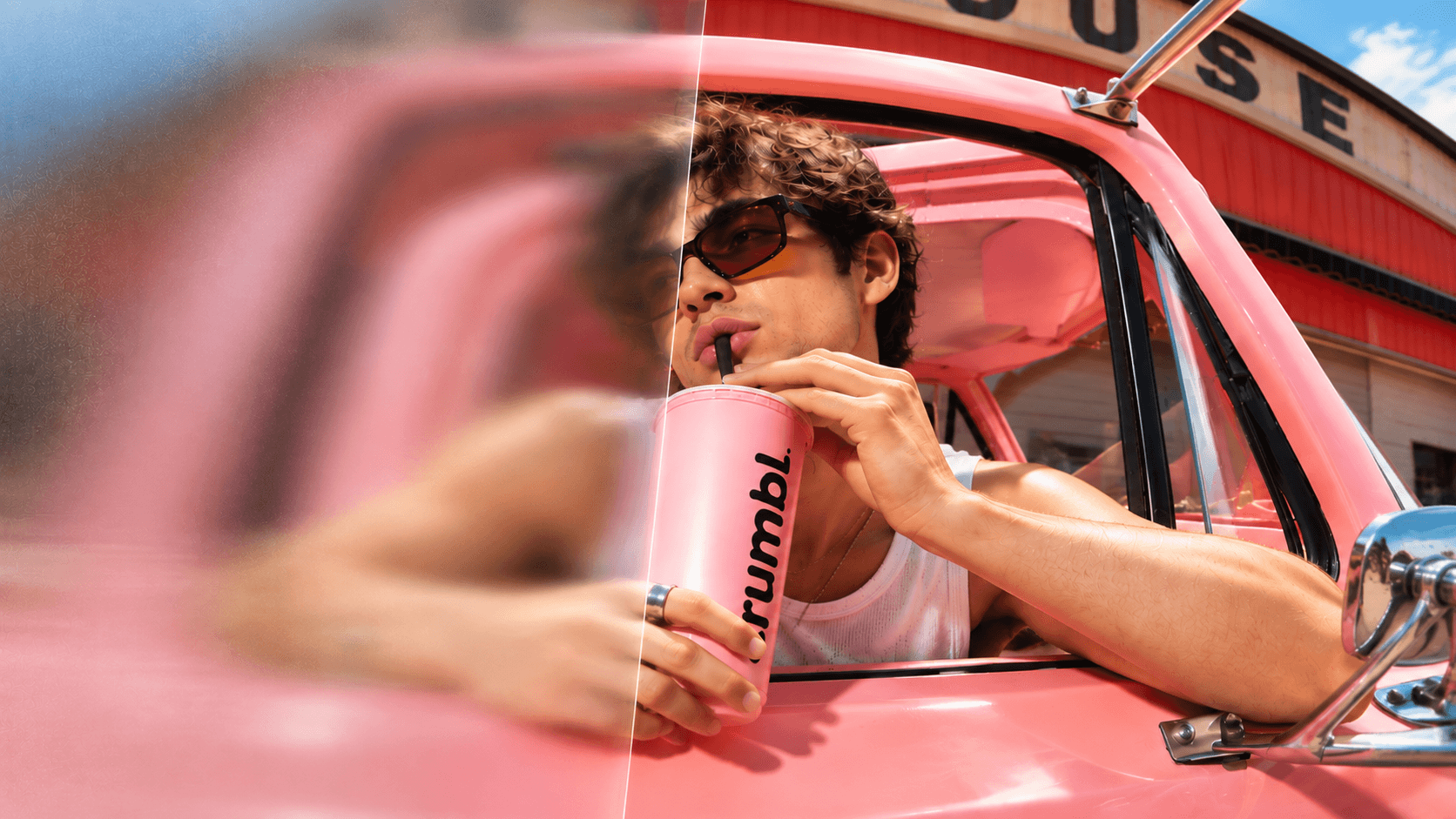
Video HD
Make every frame clearer: enhance AI videos to HD quality with noticeably richer detail.
See what the SelfyzAI AI Video Generator can do
From still photos to vivid videos in seconds
Upload a photo and let the AI video generator add natural motion: flowing hair, shifting light, changing expressions, and dynamic camera moves. A static product image can become a rotating showcase video with studio lighting; a portrait can become a cinematic close-up with subtle head movement and depth-of-field changes; a pet photo can become a lively clip with a wagging tail and twitching ears.
Enter one sentence to generate a video
Describe the scene, action, and mood, and one line of text becomes a complete AI video. No assets, filming, or complex editing timeline required. Marketers can turn “a steaming cup of coffee on a café table on a rainy day, with the camera slowly pushing in” directly into a polished 10-second ad. Story creators can create the opening shot of a fantasy scene in the time it takes to write a prompt. Choose from 13 built-in video models for each generation, so the same description can become either realistic cinematic footage or stylized animation.
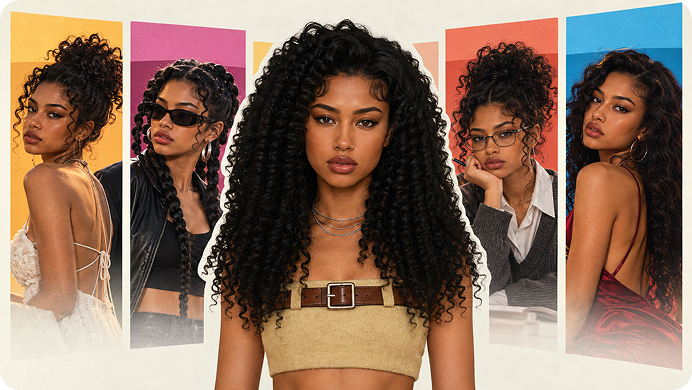
Your reference images, your consistent characters
Upload reference photos, and the generator keeps your character consistent: the same face, outfit, and style across different shots and scenes. That’s what makes Reference to Video different from one-off generation. Simply upload front, side, and detail shots of a character or product, then create new scenes, such as walking through a market, posing in a studio, or starring in a three-shot story, while the subject stays clearly consistent every time. Perfect for brand mascots, virtual influencers, product series, and serialized short videos.
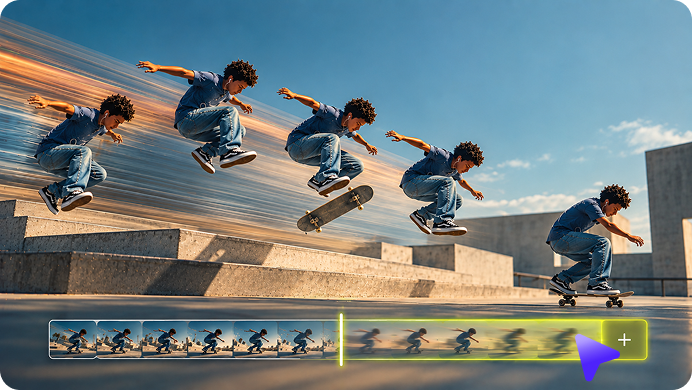
Let the story continue naturally
Extend any AI video beyond its first few seconds. The generator reads the motion, lighting, and style in the clip, then continues them naturally without abrupt cuts or mismatched visuals. A 5-second product showcase can become a 15-second unboxing sequence; a simple character gesture can flow into a full walking action; a landscape pan can develop into an aerial view. Because the extended content is generated from the actual footage, colors, grain, and pacing continue naturally instead of starting over.
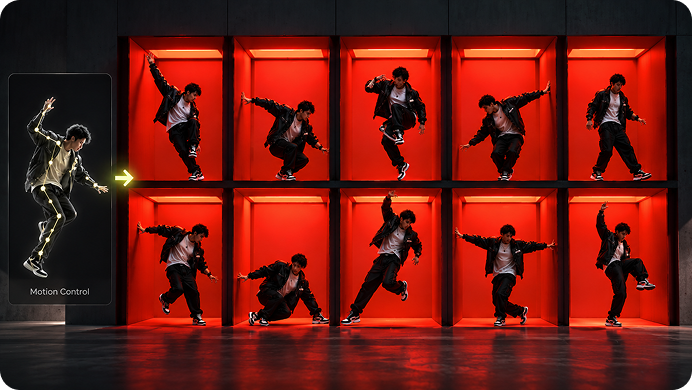
Control motion according to your instructions
Tell the video exactly how to move: actions, gestures, pacing, and lens direction. Motion Control generates matching movement from your prompt while keeping characters consistent in the scene. Instead of hoping AI “gets it right,” you can specify details directly: a slow push-in as the subject turns toward the lens, a hand lifting the product into the light, or a character walking left to right at a steady pace. This is the difference between “generating a video” and “directing a video”: precise enough for ads and client projects, yet simple enough to describe in one sentence.
See the before-and-after difference
Enhance AI videos to crisp HD quality. Compare the before and after: sharper details, cleaner edges, and richer textures, ideal for big-screen playback and paid ads. Even blurry or compressed generated videos can be noticeably improved, with clearer facial details, sharper fabric and product textures, and cleaner background elements. Paid plans support exports up to 4K, helping your final delivery meet professional ad standards.
Create AI videos with SelfyzAI in 3 steps
- 1
Start with text, images, or references
Enter a prompt, upload a photo, or add reference images to keep characters and style consistent. Choose the generation mode that best fits your idea.
- 2
Choose a model and control motion
Choose a built-in AI video model, then describe the action, camera movement, lighting, and mood. You can also fine-tune motion with Motion Control.
- 3
Generate, preview, and share
Generate a video in seconds, preview the result, enhance it to HD quality if needed, then download it or share it directly to social media.
Popular AI Models and Tools in SelfyzAI
SelfyzAI brings AI image and video generation into one workspace, with image models, Text to Video, Photo to Video, and Reference to Video workflows that turn an idea into complete visuals, including product shots, posters, short videos, and cinematic stories.
Practical Articles on AI Video Generation
The SelfyzAI team provides tutorials, model guides, and workflow tips to help you further improve the results of every generation.
Ready to create your masterpiece?
Join creators using SelfyzAI to turn text, photos, and references into AI videos, and generate your first video in seconds.
FAQs About SelfyzAI AI Video Generator
See how SelfyzAI helps you create AI images, videos, reusable characters, and portrait assets—without a complex workflow.
- Choose a generation mode: Text to Video, Photo to Video, or Reference to Video. Add a prompt or upload assets, select one of 13 built-in AI video models, then start generating. Afterward, you can extend video clips, adjust motion, or upscale the video to HD before downloading.
- You can describe anything: product ads, cinematic landscapes, character scenes, or short-form social content. The generator understands your description—including the subject, action, camera angle, lighting, and mood—and renders it into a video, usually 2 to 15 seconds long.
- Photo to Video brings a photo to life and turns it into a dynamic scene. Reference to Video goes a step further: it uses your reference image as a consistency guide, keeping characters, outfits, and style unified across multiple shots and scenes.
- This workspace includes 13 video models, including Kling 3.0, Seedance 2.0, Veo 3.1, Vidu Q3 Pro, Hailuo 2.3, Minimax H3, and more. You can switch models for each generation to compare different styles and motion quality.
- Videos can be exported in MP4 or MOV format. Paid plans support up to 4K quality. The Video HD tool can further increase video resolution and sharpen the image for clearer results.
- Yes. As long as you follow the platform’s usage policies, the content you generate can be used for social media, ads, marketing materials, and branded content. Paid plans support downloading videos without watermarks.
- Each generation uses credits. The amount depends on the model, video duration, and resolution. Subscription plans include monthly credits, and you can top up anytime in the Credit Store. Every credit deduction record can be viewed in Credit History.
- SelfyzAI is developed by Wondershare, a publicly listed tech company with years of experience in AI creative products. This means SelfyzAI is backed by a mature technical team responsible for its models and infrastructure, with ongoing product updates and reliable customer support. You are using a stable, long-term platform—not an experimental product that could disappear at any time.