AI Song Understanding
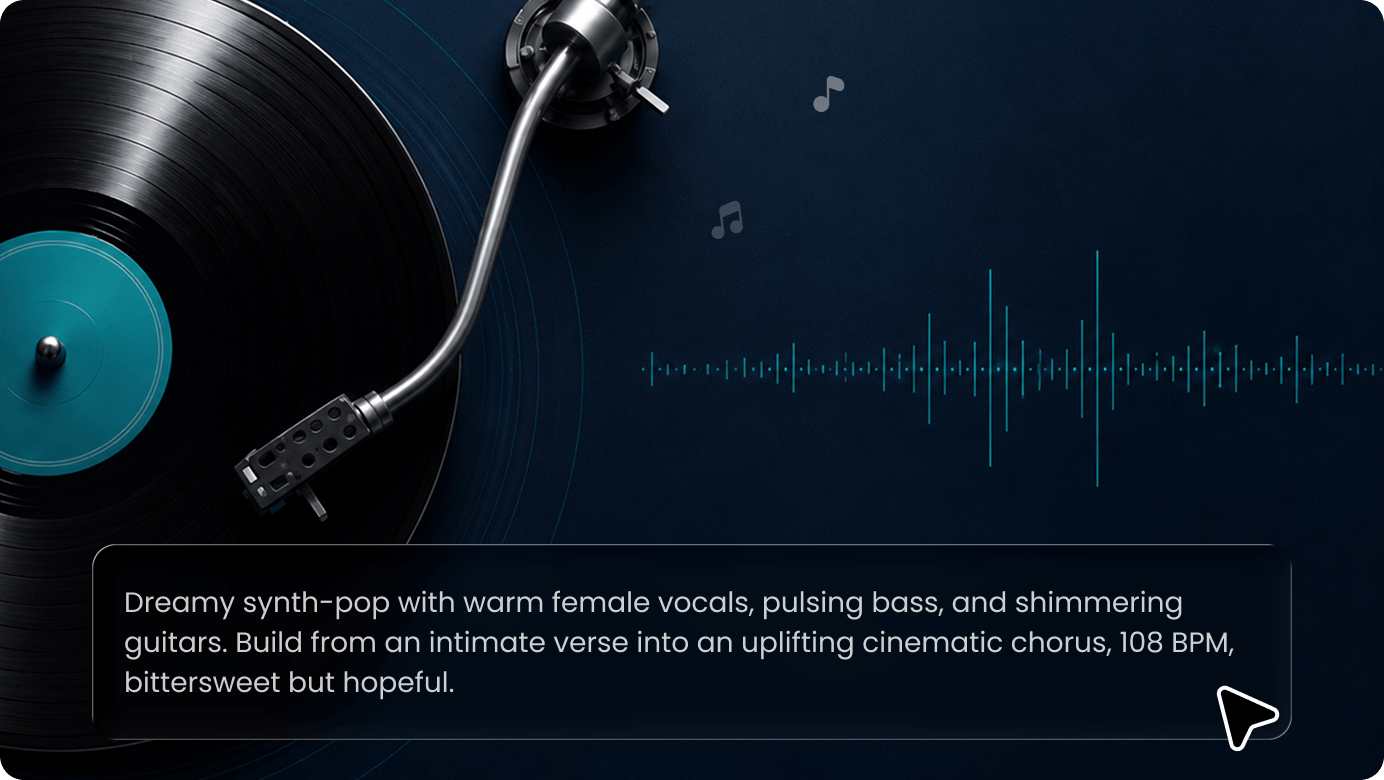
SelfyzAI MV Agent analyzes the song’s lyrics, mood, tempo, emotional shifts, key sections, and creative direction to build a clear creative foundation for AI music video generation.

Blend visuals with music Create stunning narratives that bring your story to life.
 --
--SelfyzAI MV Agent is an AI music video generator that turns your songs, lyrics, prompts, and reference images into a complete music video. After you upload the music and character visuals, the AI analyzes the lyrics, mood, tempo, and story direction to generate a cover, story outline, storyboard scenes, and editable video clips, and then assembles them into a finished music video.
SelfyzAI MV Agent analyzes the song’s lyrics, mood, tempo, emotional shifts, key sections, and creative direction to build a clear creative foundation for AI music video generation.
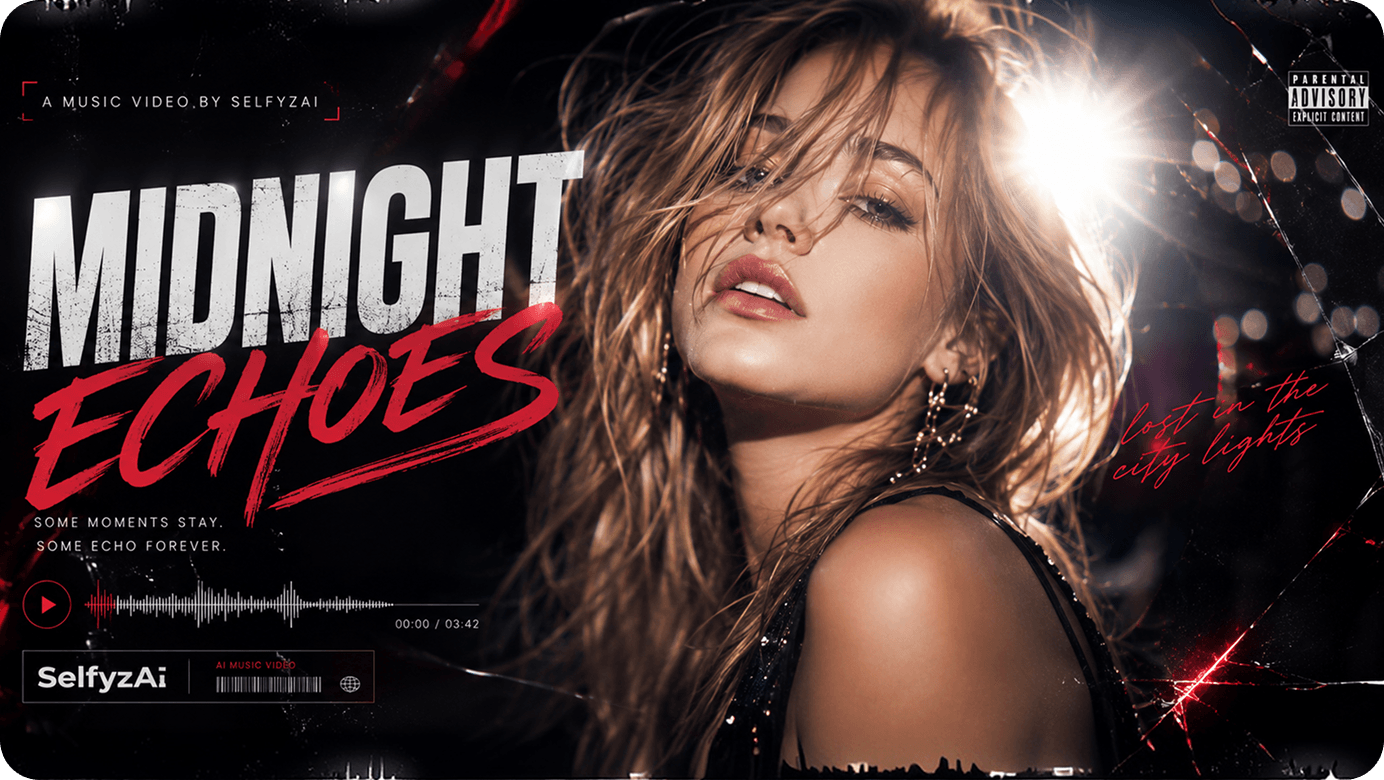
Generate a music video cover, character assets, and a structured story outline from your music, prompts, and reference images. Before generating the storyboard, you can review and refine the overall creative direction.
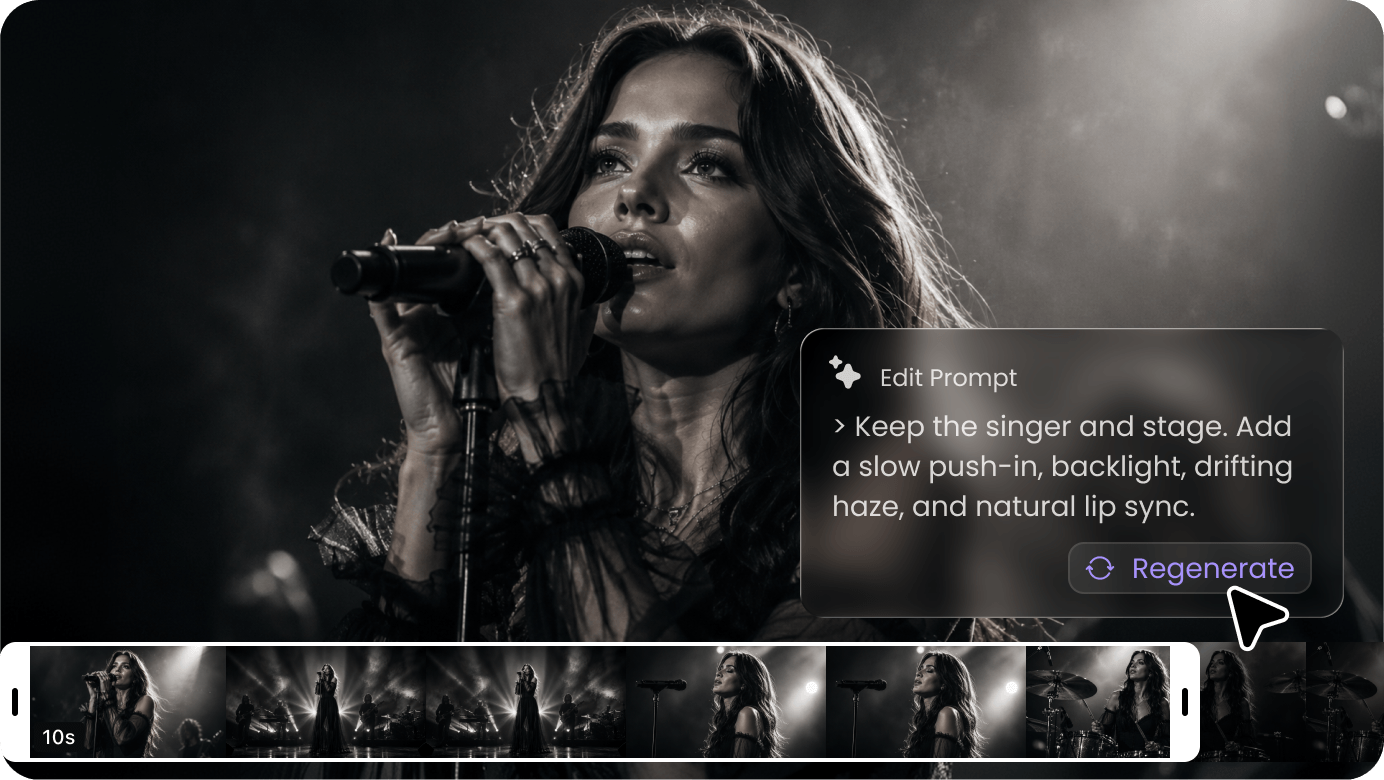
Generate AI clips for each storyboard scene, with support for editing prompts and regenerating specific clips, cover images, or character assets, without recreating the entire MV project.
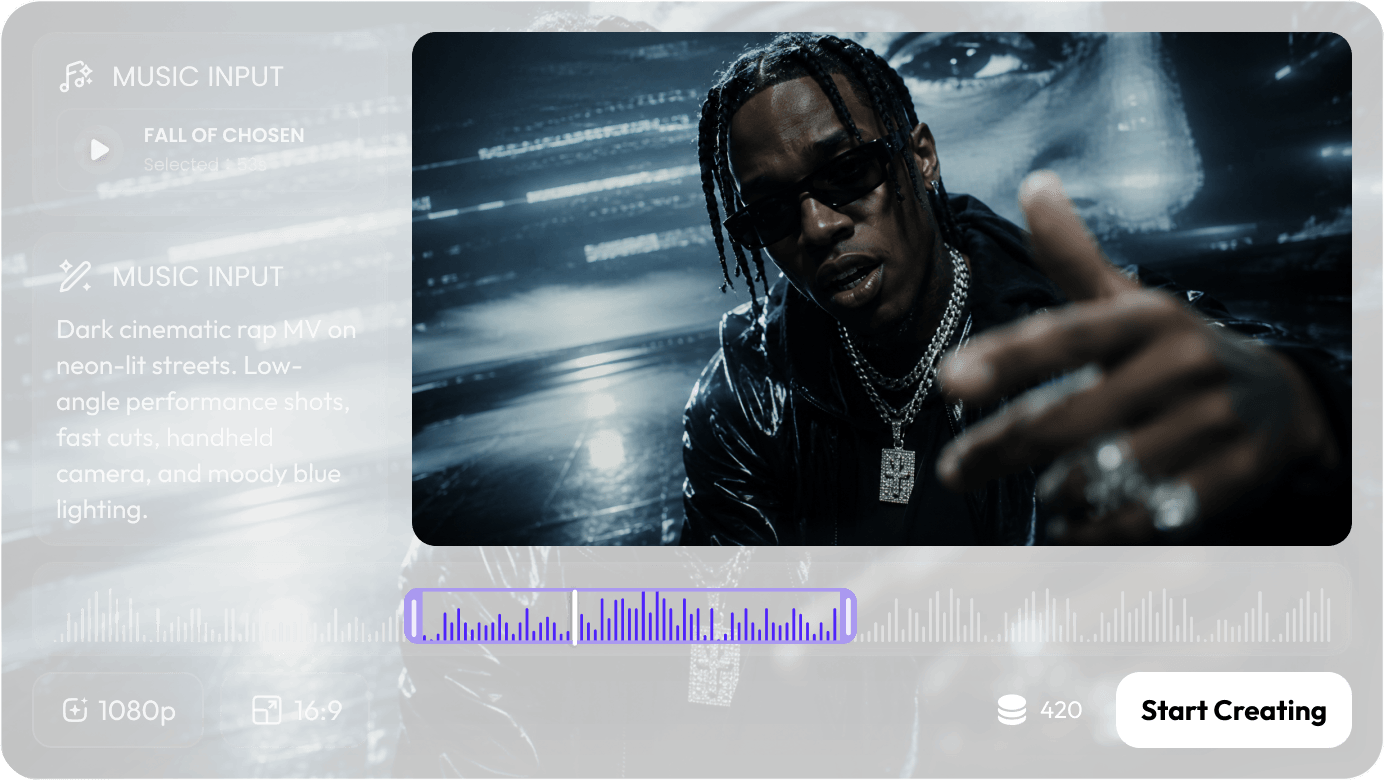
Create a full AI music video in a single workflow, covering song analysis, cover generation, character assets, storyboard planning, clip editing, music video assembly, asset management, and final download.
Transform lyrics, mood, and song structure into cinematic AI music videos with characters, scenes, visual progression, and a complete narrative arc.
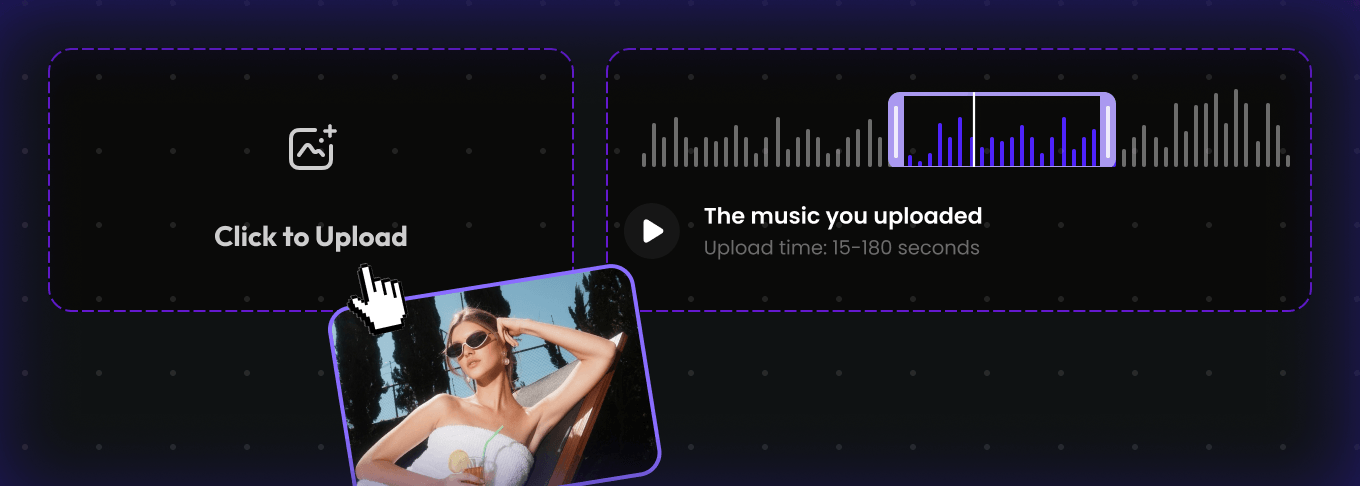
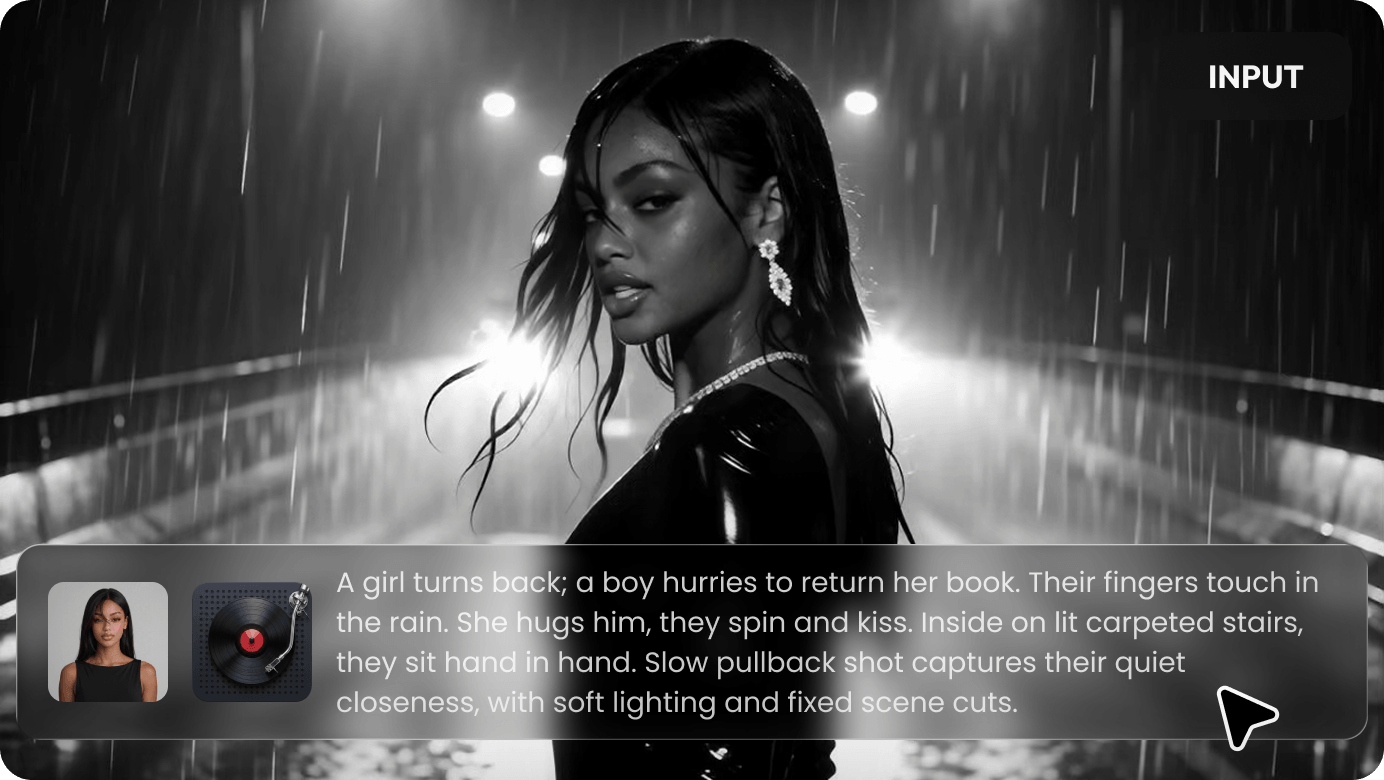
Upload an MP3 music file, add characters or visual reference images, and enter prompts describing the music video concept, story, mood, style, or visual direction. SelfyzAI MV Agent supports songs 15 to 180 seconds long and builds the creative foundation for your AI music video based on your input.
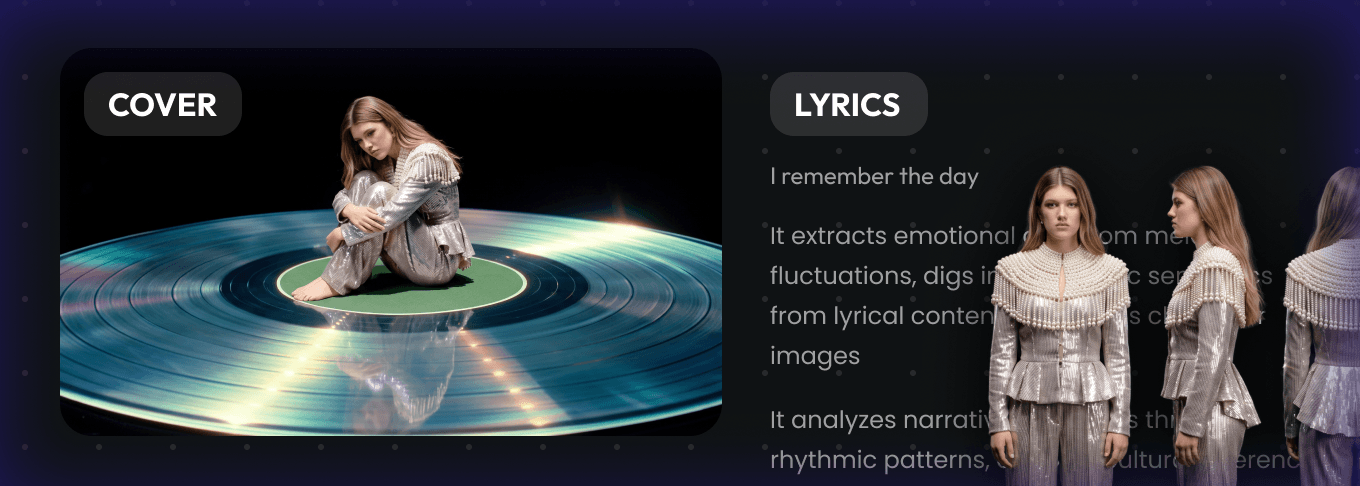
SelfyzAI analyzes the song’s lyrics, mood, emotional shifts, key sections, and creative direction, then generates a music video cover, character assets, and a structured story outline. You can review the timeline, edit lyrics or outline sections, refine cover or character prompts, and confirm the creative plan before proceeding.
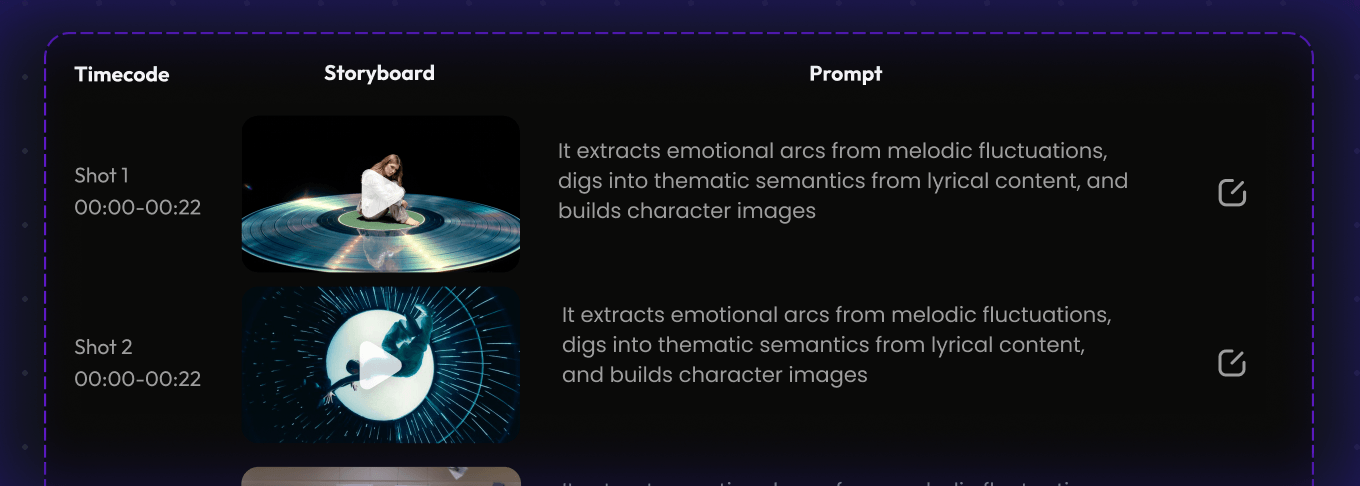
After confirming the cover and outline, SelfyzAI turns the approved concept into a scene-by-scene AI storyboard. Each shot includes timecode, visual direction, character actions, scene setup, mood, a first-frame image, and clip prompts aligned with the song's story and rhythm.
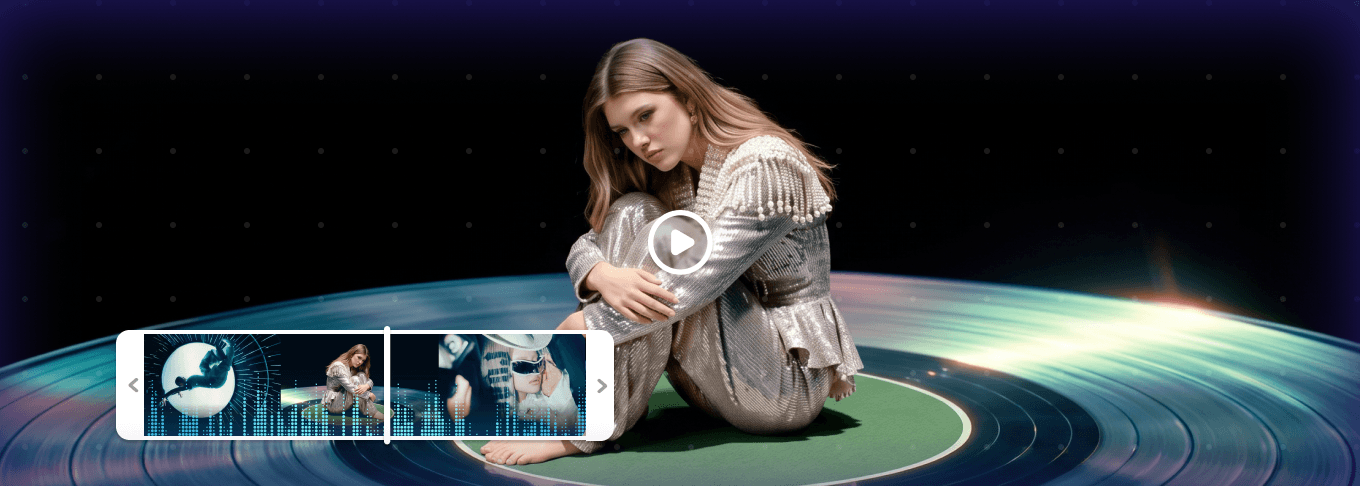
SelfyzAI generates video clips from the approved storyboard and assembles them into a complete AI music video. You can preview the full MV, review individual scene clips, regenerate selected clips as needed, and download the final music video for sharing or publishing.
Browse FAQs about AI music video generation, song-to-video workflow, lyric-based storytelling, character reference images, AI storyboard generation, editable music video clips, video settings, and how to manage music video projects in SelfyzAI.