
This roundup is written by the SelfyzAI team. We verified current availability, official feature records, public workflows, and access conditions as of October 27, 2026. We directly inspected our platform and Grok interfaces and used current official documentation plus recent independent reviews for the other candidates.
Want to compare several text-to-video models in one place?
Use SelfyzAI to choose a named model, enter one brief, and keep text, image, and reference workflows in the same workspace.
The short answer: choose our first-ranked option when model choice and workflow flexibility matter most; choose Google Flow for Veo-first creation with native audio. Our ranking rewards current availability, workflow breadth, creative control, input flexibility, and cost transparency—not vendor claims or one impressive demo.
How We Tested These Tools
Best Text-to-Video AI Tools: Quick Comparison
No single tool leads every workflow. The table below treats each platform as a decision option rather than turning vendor specifications into an artificial performance score.
| Tool | Best for | Current approach | Main strength | Main limitation |
|---|---|---|---|---|
| SelfyzAIOur pick | Comparing models | Multi-model platform | Workflow choice | Metered credits |
| Google Flow | Veo filmmaking | Veo 3.1 ecosystem | Native audio | Plan access |
| Runway | Creative production | Gen-4.5 workspace | Editing controls | Credit demand |
| Kling AI | Directed shots | Kling 4.0 | Keyframe control | Complex settings |
| Luma AI | Frame direction | Ray3.2 | Visual continuity | Single ecosystem |
| Adobe Firefly | Creative Cloud | Firefly video tools | App integration | Credit limits |
| PixVerse | Social clips | PixVerse V6 | Multi-shot video | Short outputs |
| Grok Imagine | Fast concepts | Video 1.5 | Audio ideation | Account gate |
The 8 Best Text-to-Video AI Tools in 2026
Each entry answers the same four questions: what the tool is strongest at, who should use it, what is currently verified, and which limitation could change the buying decision.
1. SelfyzAI — Best for Multi-Model Choice
The platform ranks first under our rubric because it treats model choice as part of the creative workflow. Its current video workspace includes named options such as Kling 4.0, Seedance 2.5, Vidu Q4, and Veo 3.1, while the dedicated text-to-video generator keeps prompt-led creation separate from image and reference inputs. That is useful when a creator wants to compare model behavior without learning several unrelated interfaces.
The platform is strongest for teams that create different types of short video and want model flexibility more than loyalty to one vendor. Its limitations are equally important: third-party models consume credits, the amount varies by model, duration, and resolution, output limits differ by model, and all purchases are non-refundable. It is therefore a flexible option, not an unmetered one.
Our 8.8 score uses the published roundup rubric: availability 25%, workflow breadth 25%, control 20%, model/input flexibility 15%, and access transparency 15%. It evaluates platform fit, not universal output quality.
Our verdict
Choose SelfyzAI when you want model choice without rebuilding your workflow.
It brings several named video models and specialized input paths into one workspace, making it the most flexible option in this roundup.
Pros
- Multiple named models
- Specialized workflows
- Clear model selection
Start with a text brief, choose the current model that fits it, and compare results from one video workspace.
Explore AI video models2. Google Flow — Best for Veo and Native Audio
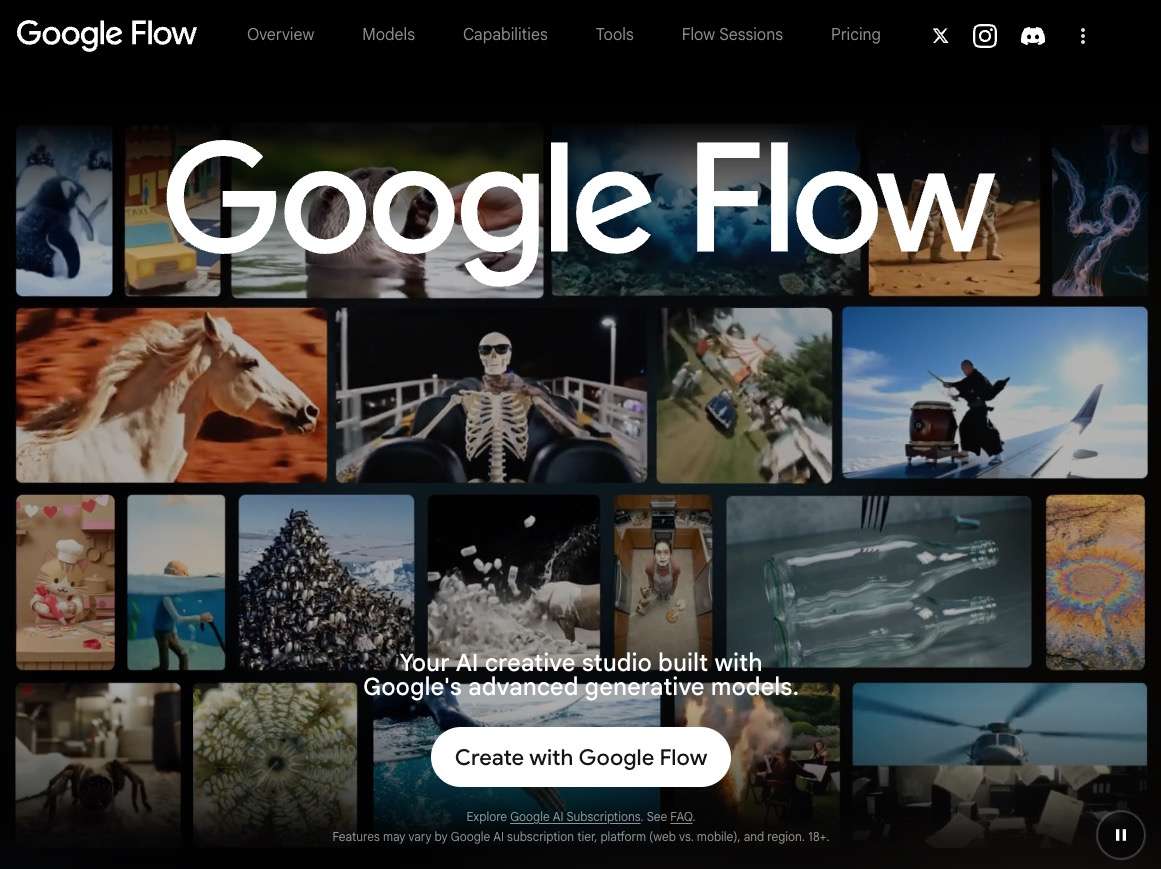
Google Flow is the clearest choice for creators committed to the Veo ecosystem. Google says Flow supports audio across its generation features and provides more precise clip editing with Veo 3.1. That combination suits short narrative scenes where dialogue, ambience, and visual direction need to be considered together.
Flow is less attractive when cross-model comparison is part of the job. Access, credits, available variants, and regional eligibility can depend on the active Google AI plan. Choose it when Veo is already the intended model and the surrounding Flow workflow matters more than trying several engines.
3. Runway — Best for an Established Creative Workspace
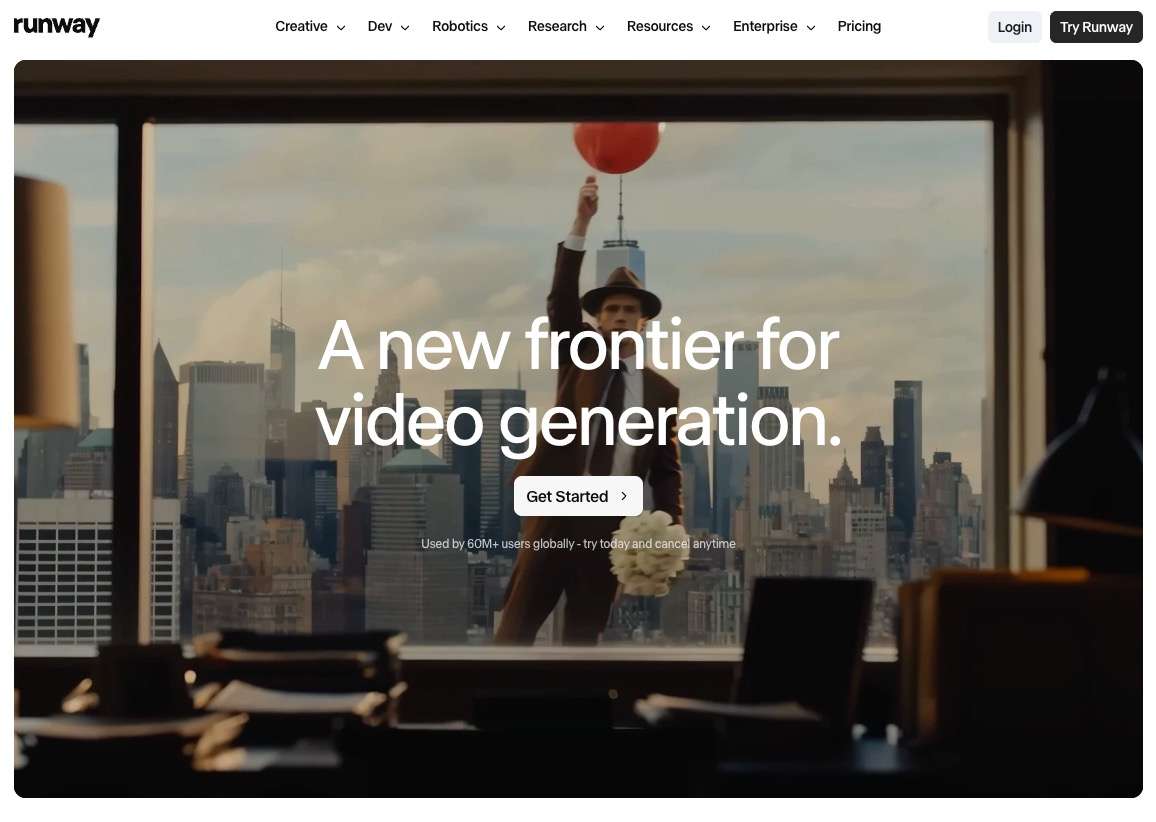
Runway combines text-to-video generation with a broader editing and asset workflow. Its current Gen-4.5 materials emphasize improved motion, prompt adherence, temporal consistency, and both text- and image-led creation. Runway also has a more mature environment for creators who expect generated shots to continue into editing or compositing.
The trade-off is complexity and credit demand. A large toolset takes longer to learn, and repeated high-end generations can consume plan capacity quickly. Runway fits production-minded users who will use its surrounding controls; it is less efficient when the job is only a few simple social clips.
4. Kling AI — Best for Keyframes and Directed Motion
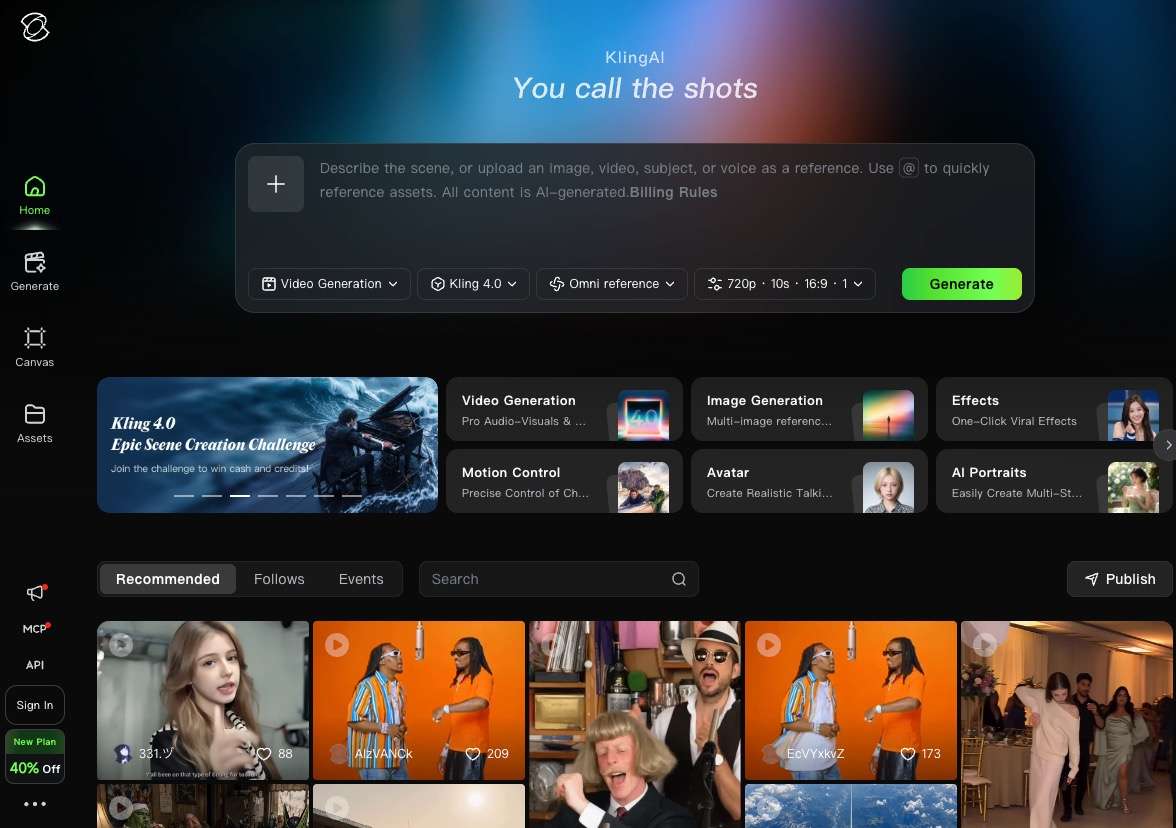
Kling AI 4.0 is designed for creators who want to specify more than a text prompt. Its current official guide lists text-to-video, image-to-video, first-and-last-frame generation, and multi-keyframe workflows with up to ten keyframe images. These controls make it well suited to planned camera movement, transformations, and scenes with defined visual beats.
More control also means more setup. Reference preparation, keyframe selection, prompt structure, duration, and audio choices can make the workflow slower than a basic prompt box. Kling is a strong fit when shot direction is worth the extra work, but excessive for creators who only need quick variations.
5. Luma AI — Best for Frame Direction and Continuity
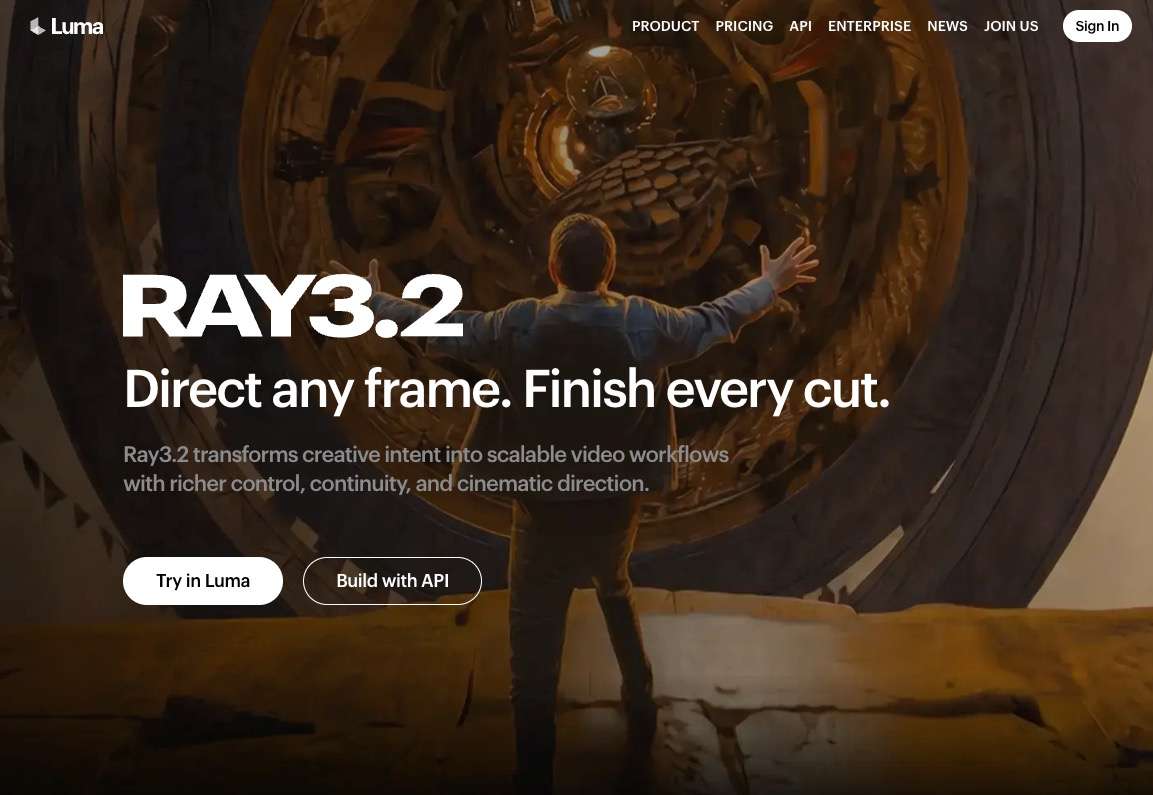
Luma AI's current video model is Ray3.2. Luma positions it around directing frames, maintaining continuity, and moving creative intent through a repeatable video workflow. That makes the platform useful for creators who think in shots and transitions rather than isolated prompt experiments.
Version accuracy matters here. Some current search results still foreground Ray3.14 or older Dream Machine terminology, while Luma's July 2026 official information identifies Ray3.2 as current and describes Ray2 as deprecated. Luma is a focused ecosystem rather than a cross-vendor model hub, so it is better for users who prefer its direction tools than for those comparing several model families.
6. Adobe Firefly — Best for Creative Cloud Workflows
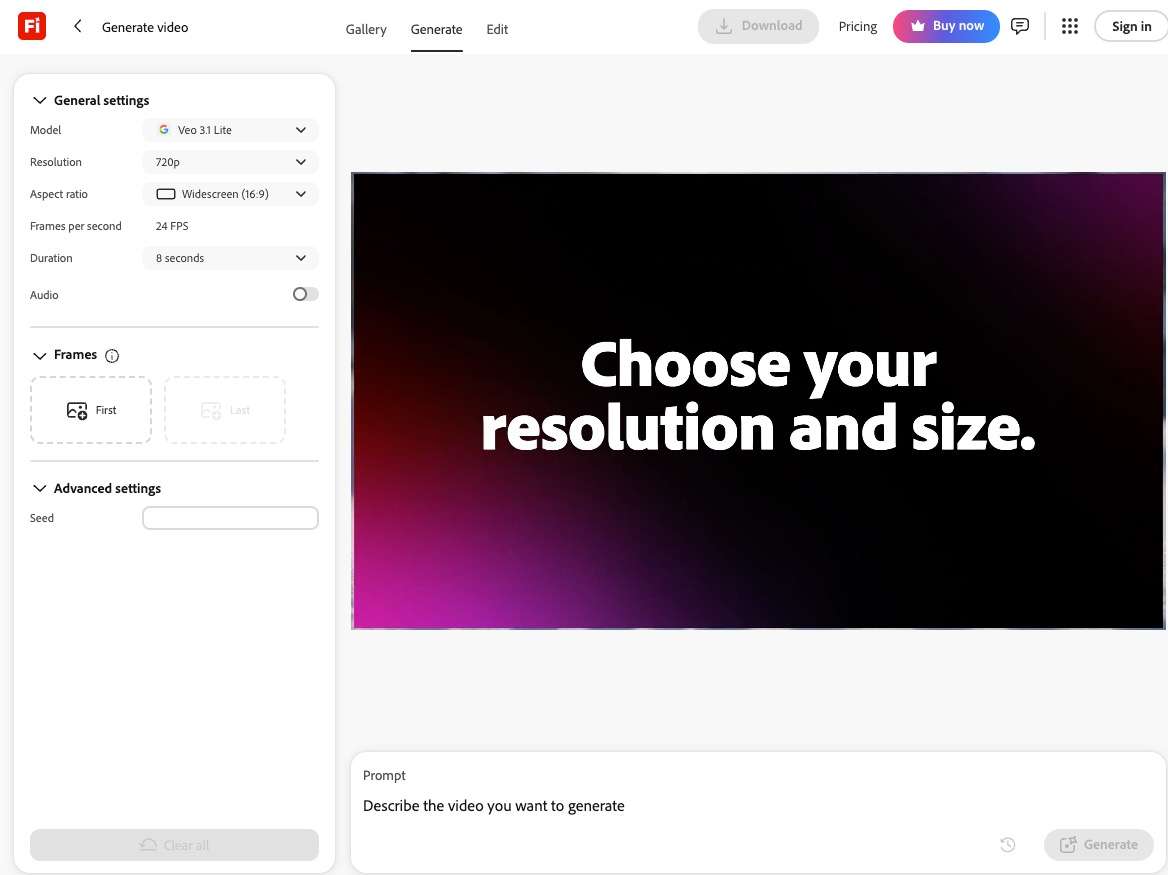
Adobe Firefly connects text-to-video and image-to-video generation with video-to-video tools and the wider Creative Cloud environment. Adobe's current help pages also describe general generation settings and workflows that continue into editing, soundtrack, translation, and lip-sync tasks.
Its advantage is integration, not a promise that every prompt outperforms specialist video platforms. Generative-credit limits, model availability, output settings, and app access can vary by plan. Firefly makes the most sense for existing Adobe users who want generated material to move directly into an established creative pipeline.
7. PixVerse V6 — Best for Short Social Video
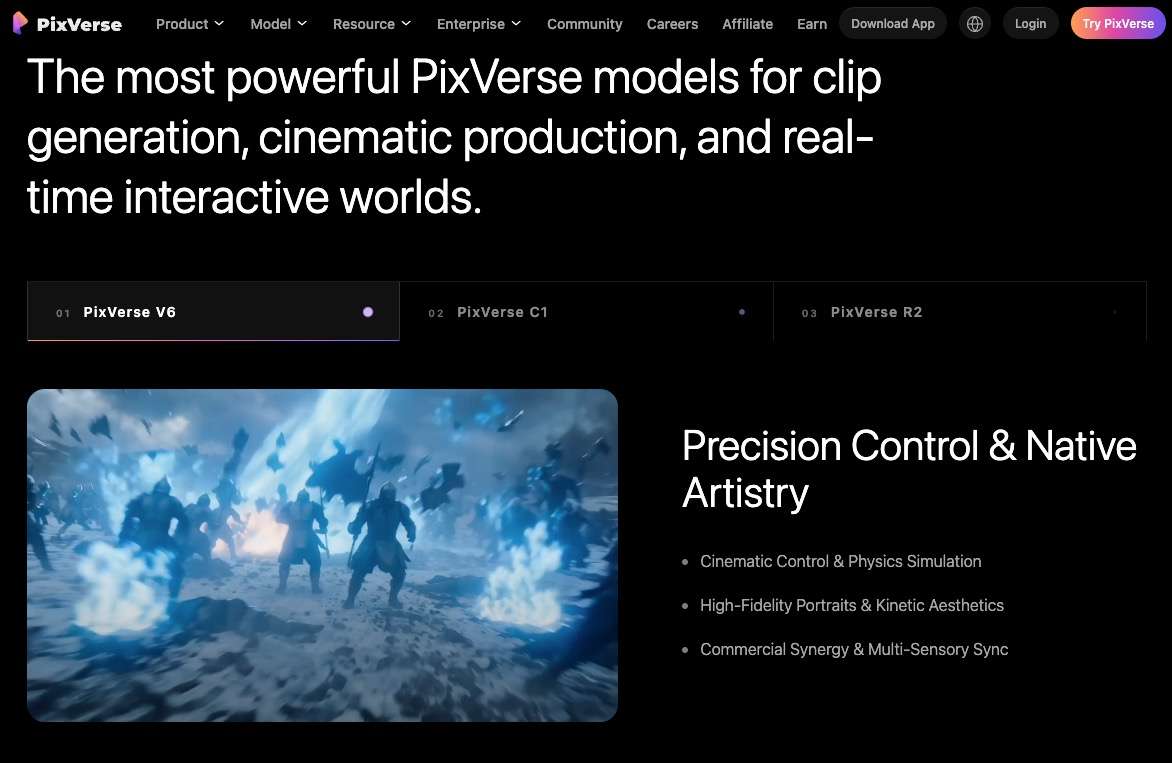
PixVerse V6 focuses on fast, shareable clips. Its official materials list up to 15-second 1080p generation, multi-shot scenes, native audio, aspect-ratio control, and both text- and image-led workflows. Those features align well with social posts, product concepts, music snippets, and vertical campaigns.
The main limit is also visible in that positioning: it remains a short-clip system. Multi-shot generation does not automatically create a finished long-form narrative, and repeated variations still consume credits. PixVerse is a practical choice when the deliverable is short and channel-specific, not when the project needs long timeline continuity.
8. Grok Imagine — Best for Fast Audio Concepts
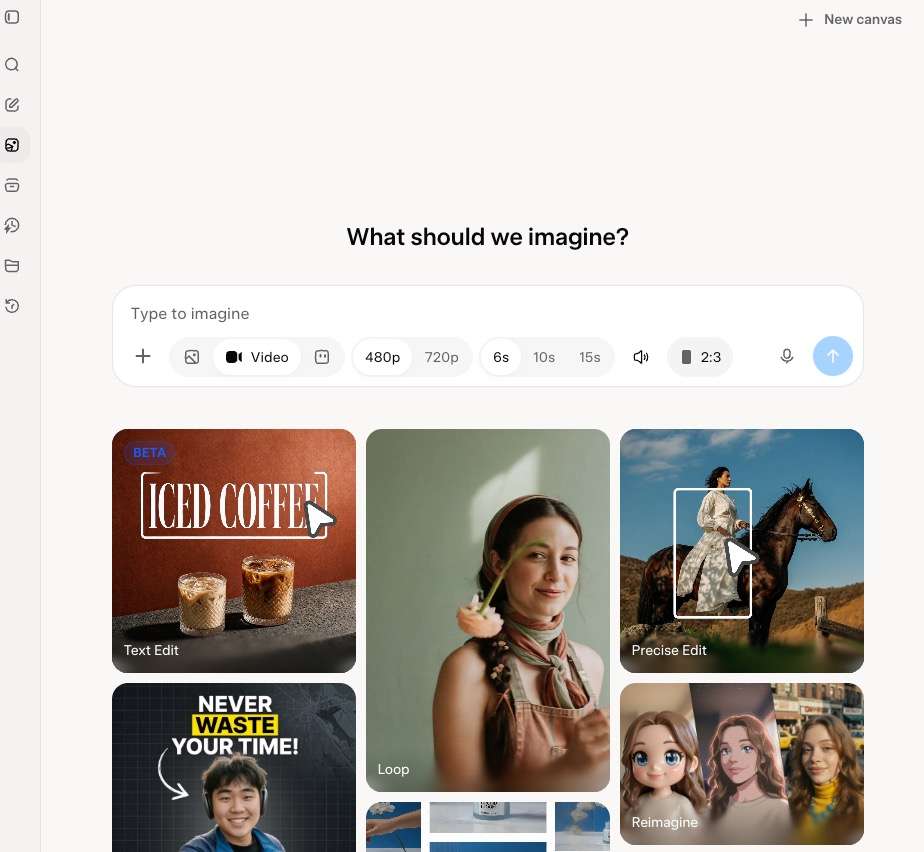
Grok Imagine Video 1.5 combines short video and generated audio inside the broader Grok interface. xAI also documents Projects, reusable references, parallel agents, and library search. In our guest inspection, Video mode showed 480p and 720p, 6-, 10-, and 15-second options, audio, upload, and aspect-ratio controls.
Our test stopped when Submit opened the account-creation dialog, so we do not treat render speed or output quality as personally verified. Grok Video Generator also keeps creators inside xAI's model family. It fits quick audio-ready concepts and existing Grok users, but it is less suitable for pre-sign-in evaluation or cross-model testing.
How to Choose a Text-to-Video AI Tool
The most useful comparison is not which homepage has the strongest demo. It is which workflow produces acceptable clips within your real time and credit budget.
Start With the Model Strategy
A single-model platform can be easier to learn, while a multi-model platform lets you compare how different engines interpret the same brief. Also decide whether text is truly your only input. Creators who begin with a designed frame may need image to video, while recurring subjects or products may benefit from reference to video.
Check Control, Audio, and Editing Needs
Native audio matters when dialogue, ambience, or effects are part of the concept. Keyframes and references matter when visual continuity matters more than speed. If the initial generation is close but the movement is wrong, a dedicated motion control workflow may be more useful than generating the entire shot again.
Compare the Cost of Acceptable Clips
Subscription price alone is a weak measure. Estimate how many generations, retries, extensions, and enhancements a finished clip typically needs. The platform's current pricing should be checked immediately before purchase because credit use varies by model, duration, and resolution. Apply the same test to every candidate: compare the cost of an acceptable clip, not the advertised cost of one attempt.
How to Use SelfyzAI for Text-to-Video
Start in the text workflow, then use extend video when a successful shot needs another segment or video HD when enhancement is a separate finishing step.
-
Write the subject, action, setting, camera movement, lighting, and intended mood. Keep the first request focused enough to judge prompt adherence.
Done whenThe brief describes one shot with one primary action.
-
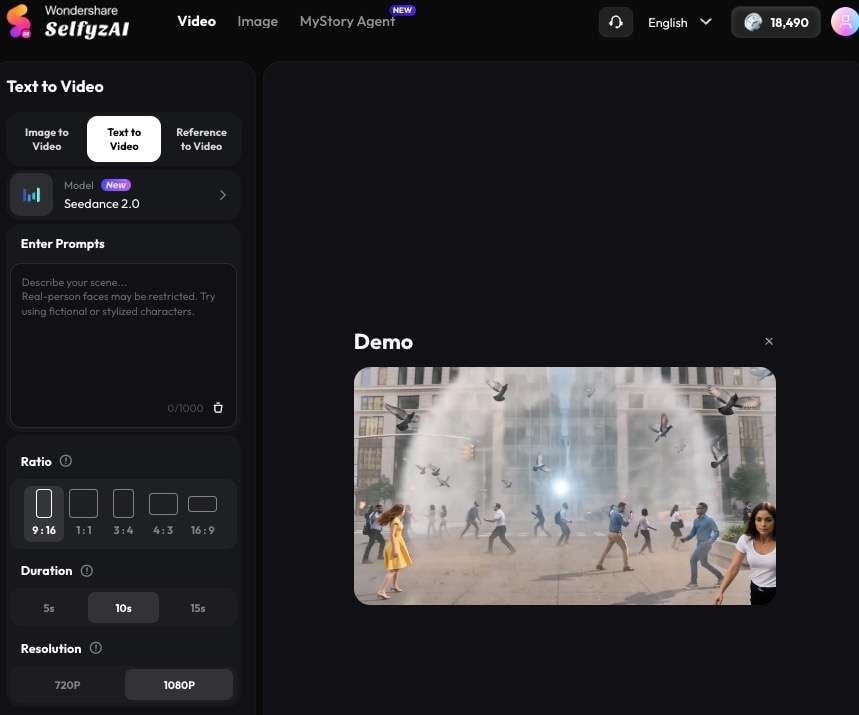
Choose the text-led workflow so the generation starts from the written brief rather than an uploaded image or reference set.
Done whenThe text prompt field and current model selector are visible.
-
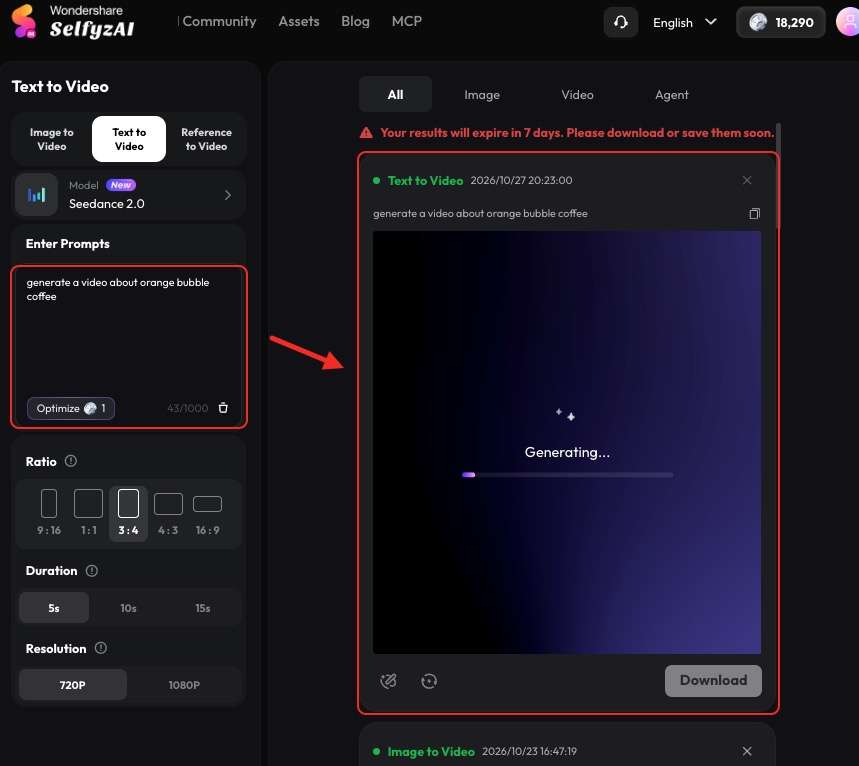
Select a named model, then review its available duration, aspect ratio, resolution, audio, and credit requirements. Options differ by model.
Done whenThe selected settings match the intended channel and budget.
-
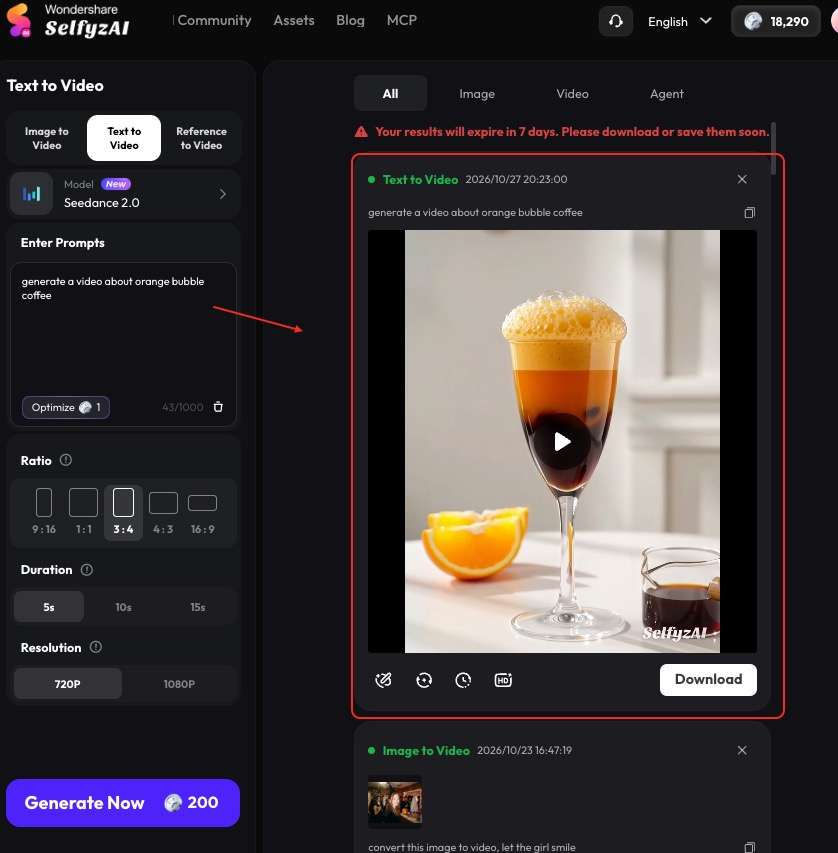
Check subject identity, action, camera behavior, continuity, unwanted artifacts, and any generated audio before changing the prompt.
Done whenYou have recorded what worked and one change for the next attempt.
-
Continue a successful clip or enhance its resolution as a separate decision instead of regenerating an acceptable scene from the beginning.
Done whenThe final clip meets the delivery length and quality target.
Frequently asked questions
Which AI tool is best for text-to-video generation in 2026?
Our first-ranked option leads for multi-model access and separate generation workflows. Google Flow is better when Veo and native audio are the priority, while Runway is better suited to creators who need a broader editing environment. The ranking changes when a project values one model or ecosystem above flexibility.
What is the best free text-to-video AI generator?
Free access changes frequently and usually includes limits on credits, resolution, duration, queues, downloads, or watermarks. Treat a free allowance as a way to inspect the workflow, not proof that a complete project can be finished without payment. Verify the live account terms before generating multiple variations.
Which text-to-video tool is best for longer videos?
Most generative tools still create short shots rather than a complete long-form video. Kling offers comparatively long single-generation options in its current advanced workflow, while platforms with extension and editing tools can assemble longer sequences. For a real project, compare shot continuity and extension cost, not only the maximum advertised duration.
Which text-to-video tools generate native audio?
Google Flow with Veo 3.1, PixVerse V6, and Grok Imagine Video 1.5 explicitly promote native audio workflows. Kling 4.0 also includes audio capabilities in its current feature set. Availability and control can vary by mode, so verify that the selected model—not merely the platform—supports the required audio behavior.
Is OpenAI Sora still available in 2026?
No, not as a current public option at the time of this review. OpenAI's official help center states that the Sora web and app experiences ended on April 26, 2026, and the API ended on September 24, 2026. Older roundups that still list Sora as available should be treated as outdated.
Conclusion
SelfyzAI is the strongest fit in this roundup for creators who want several named models and specialized text, image, reference, motion, extension, and enhancement workflows in one place. Google Flow and Runway remain better choices for users committed to their specific ecosystems, while Kling, Luma, Firefly, PixVerse, and Grok each solve a narrower problem well.
The practical winner is the tool that produces an acceptable clip within the available controls, credits, and number of retries. Use this list as a workflow decision guide, then test the leading option with the type of scene you actually plan to publish.