
Why Short Drama Is the Hardest Test for AI Video
A single stylish clip is easy; a drama is a composite exam. The failures that kill AI dramas are specific: faces drift between scenes, dialogue mouths miss their lines, cuts wobble when the camera changes angle, and the grade falls apart under compression. Those four failure modes are exactly where our beta testing showed upgrades — steadier multi-scene character consistency, better line accuracy in dialogue with tighter lip-sync, more stable multi-camera cutting, and new 2K/4K output with 10-bit color depth.
That is why this scenario is worth planning around: the workflow below is organized so that each stage attacks one of those four failure modes. When Vidu Q4 goes live, a plan like this would live inside an AI video generator that covers text, image, and reference inputs in one workspace.
6 Use Cases of AI Short Drama Generation with Vidu Q4
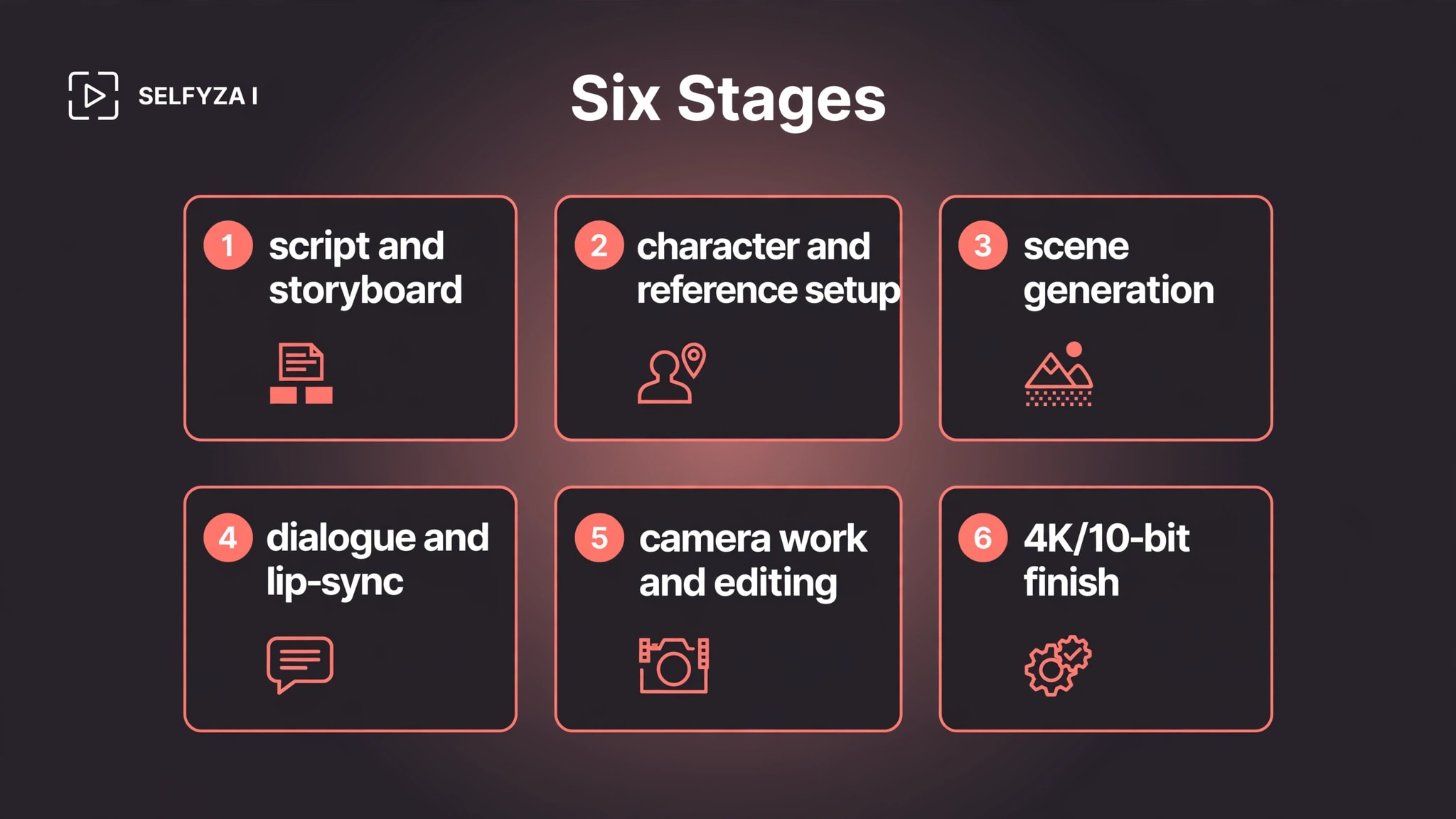
Use Case 1: Script and Storyboard — the Locked Shot List
Who: you, the writer-director, before a single frame is generated.
The pain: every downstream inconsistency — a drifting face, a mismatched cut — usually traces back to a shot that was never properly specified.
The approach: break the script into a locked shot list: scene, shot size, camera move, action, dialogue, and intended duration. Write one prompt pack per shot, and decide up front which shots need references and which can be pure text. Establishing shots and b-roll are the natural candidates for text to video, since no character continuity is at stake there.
The output: a shot list with per-shot prompts, frozen before generation starts.
Where it goes next: the shot list becomes the checklist for character references (Use Case 2) and for clip coverage (Use Case 3).
Video generated by Vidu Q4: Tested by SelfyZ AI team:
Use Case 2: Character and Reference Setup — a Continuity Bible
Who: the same creator, now acting as casting director.
The pain: character drift across scenes is the most visible way an AI drama fails.
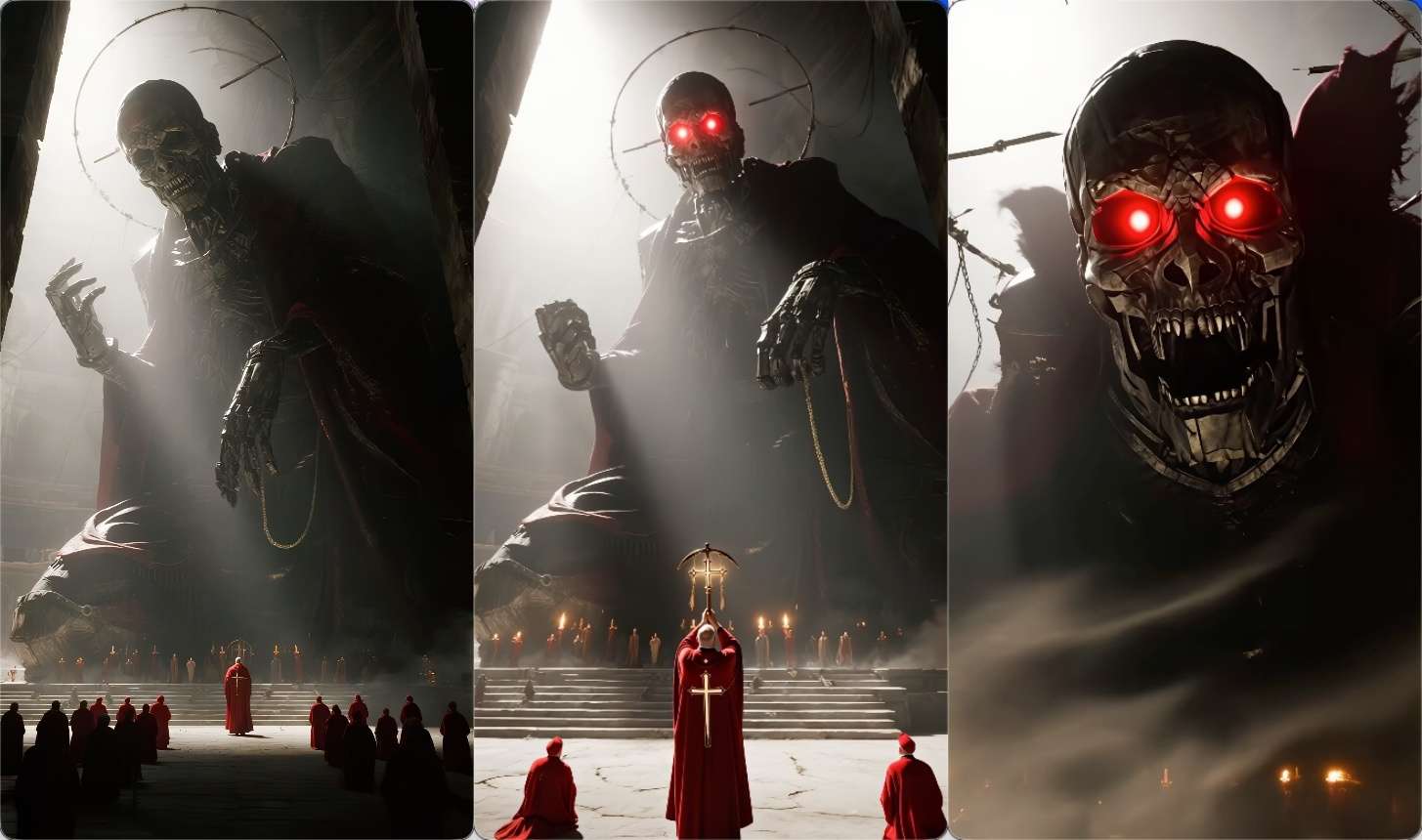
The approach: build one continuity bible per character — front, side, and detail portraits — and reuse the same ten-plus reference images across every shot that character appears in. Our beta testing confirmed support for ten-plus reference images; we quote no exact cap — the final ceiling is confirmed at release — and recommend treating the reference pack as a locked asset. Generate against it, and regenerate against it again when a shot drifts, rather than improvising new references mid-shoot. Reference-driven shots then run through reference to video workflows, which exist precisely for this kind of anchored generation.
The output: a locked reference pack per character.
Where it goes next: the pack anchors every scene generation in Use Case 3 and every dialogue close-up in Use Case 4.
Video generated by Vidu Q4: Tested by SelfyZ AI team:
Use Case 3: Scene Generation, Shot by Shot
Who: the director of photography — you, with prompts.
The pain: Vidu Q4's output in our testing was 3–16 seconds per generation at 24 frames per second. No single generation is a scene; coverage has to be planned clip by clip.
The approach: work stills-first. Lock each shot's keyframe image, then bring it to motion with image to video. Choose the aspect ratio before shooting, not after: our beta testing confirmed 16:9, 1:1, 9:16, 4:3, and 3:4 for reference-driven generation, while image-driven generation inherits the input image's ratio — so a vertical drama should be composed vertical from the very first frame. Describe camera movement in the prompt; our beta testing showed master-level camera control with smoother camera logic for longer video, so plan moves like push, pull, pan, and travel as intent — then keep the takes where the move actually lands and regenerate the rest.
The output: a folder of raw clips, one or more per shot on the locked list.
Where it goes next: dialogue shots go to Use Case 4; everything goes to the edit in Use Case 5.
Video generated by Vidu Q4: Tested by SelfyZ AI team:

Use Case 4: Dialogue and Lip-Sync
Who: the dialogue editor — the role short dramas punish most.
The pain: a missed mouth movement breaks believability faster than any lighting flaw.
The approach: our beta testing showed noticeably better line accuracy in multi-person dialogue scenes and upgraded lip-sync precision. Plan dialogue as dedicated passes: isolate the talking shots, keep the same locked reference pack on the speakers, and treat the audio references exactly as described — "0–3 audio references" — without assuming more than we have tested. Expect iteration here; dialogue close-ups are where regeneration budgets tend to get spent.
The output: dialogue clips with synced delivery.
Where it goes next: into the assembled cut in Use Case 5.
Video generated by Vidu Q4: Tested by SelfyZ AI team:
Use Case 5: Camera Work and Editing — the Cut
Who: the editor assembling the film.
The pain: cuts expose everything generation hides — a character who shifts position between camera angles, a move that stutters mid-shot.
The approach: our beta testing showed steadier multi-camera cutting, with character positioning holding across angle changes, and large-scale motion — turns, head shakes, chases — staying intact. Cut for story first: assemble the raw clips in script order, then use extend video on the moments that need to breathe past the per-clip cap. The assembly half — turning a folder of 3–16-second clips into a 15–90-second watchable narrative — is the job SelfyzAI's MyStory Agent is built for, supporting 9:16, 16:9, and 1:1. Before publishing anywhere, remember that platform policies on AI-generated content differ — check the platform's current guidelines.
The output: an assembled cut with titles and pacing.
Where it goes next: the grade in Use Case 6.
Video generated by Vidu Q4: Tested by SelfyZ AI team:
Use Case 6: The 4K and 10-Bit Finish
Who: the colorist — usually you, ten minutes before upload.
The pain: heavy compression and thin color flatten the cinematic feel the whole shoot was planned for.
The approach: our beta testing confirmed new 2K and 4K resolution options with 10-bit color depth — Vidu calls it the industry's highest, and the extra grading headroom was visible in our test generations — which in practical terms means smoother color transitions and more information retained in shadows and highlights. Decide the grade before shooting, one consistent look across all shots, and finish the best takes with video HD on the platform. Output in our tests was MP4 or MOV with H264 encoding.
The output: a finished master, graded and exported.
What Each Stage Costs
Budget two currencies: time and credits. Time is dominated by iteration — dialogue close-ups and drifted characters get regenerated most, so the shot list and reference bible in Use Cases 1–2 are really cost-control documents.
Credits are consumed per generation on the platform, and the amount varies by model, duration, and resolution — a drama needing dozens of clips plus several regeneration rounds multiplies that cost quickly. Plan the iteration budget before the first generation, not after the twentieth.
Which Stage Plan Fits Your Project
Match the prep to the drama.
- Dialogue-driven romance or workplace drama → overweight Use Cases 2 and 4: the reference bible and the dialogue passes decide everything.
- Action or chase-heavy story → overweight Use Cases 3 and 5: camera-move planning and the cut carry it.
- Vertical short-form for social feeds → lock 9:16 in Use Case 3 before any generation; reformatting later wastes the reference work.
- The honest split: if you must deliver a finished film this week, this plan is not your tool — Vidu Q4 is not runnable yet. If you can start the paper half today, the locked shot list and reference bible are exactly what will make your first week with the model productive.
Real Limitations of Vidu Q4
Four boundaries, stated plainly, so the plan above is read as a plan.
A generation is 3–16 seconds, not a film
The beta materials specify 3–16 seconds per output at 24 frames per second. The "film" in the title is assembled from many such clips; anyone describing a one-click feature from a single generation is describing a different product.
Vidu Q4 is in internal beta and not in SelfyzAI's picker
The workspace picker currently lists Vidu Q3 Pro and Vidu Q2 Turbo — not Q4 (verified September 28, 2026). Vidu Q4 will join the SelfyzAI model picker in the first wave once it officially launches. Every capability above comes from beta testing, and the release build can still change — do not build a launch calendar around it.
Iteration has a real credit cost
On SelfyzAI, credits are consumed per generation, and the amount varies by model, duration, and resolution — so a multi-scene drama with regeneration rounds carries a budget line, not just a creative process. Check the current pricing before planning a large shoot.
Consistency is supported, not guaranteed
Ten-plus reference images are supported, but no consistency rate is published — and we report no exact cap, since the final ceiling is confirmed at release. Treat character drift as the expected failure mode and keep the locked reference pack as your control.
Frequently asked questions
What is an AI short drama generator?
A tool or workflow that turns a script or story idea into short-form dramatic video — typically by generating consistent character references, storyboarding shots, producing clips, and assembling them into a finished piece. Most current options are developer-oriented pipelines; a model-native workflow like the one planned above is where the category is heading.
How does the Vidu Q4 workflow handle dialogue scenes?
In our beta testing, Vidu Q4 improved line accuracy in multi-person dialogue scenes and upgraded lip-sync precision. In the planned workflow, dialogue shots get dedicated generation passes with the same locked reference pack on the speakers. Audio references are described as "0–3 audio references" in the beta.
How long can each Vidu Q4-generated clip be?
In our beta testing, each generation ran 3 to 16 seconds, at 24 frames per second, in MP4 or MOV with H264 encoding. Longer sequences are built by extending and assembling multiple clips.
When will Vidu Q4 be available on SelfyzAI?
Vidu Q4 will join the SelfyzAI model picker in the first wave once it officially launches; the exact timing is not confirmed. The workflow above describes what to expect when it arrives. The pre-production half — script, shot list, reference bible — can be prepared now.
How do you keep the same character consistent across many scenes?
By reusing one locked reference pack — ten-plus reference images in our beta testing — across every shot featuring that character, and regenerating against the same pack when drift appears. The materials promise no specific consistency rate, so verification stays a manual step.
What does it cost to make an AI short drama?
On the platform, each generation consumes credits, and the amount varies by model, duration, and resolution — so total cost depends on clip count, resolution, and how many regeneration rounds the scenes need. Budget the iteration rounds, not just the first passes.
Conclusion
A short drama is won or lost before the first clip is generated — in the shot list, the reference bible, and the cut plan. If you need a finished film this week, this article is a waiting list, not a workflow: Vidu Q4 is not runnable yet, and no amount of planning changes that.
But if your timeline allows the paper half to start today, you will be the creator who gets a usable result in the model's first week — because the failures that would have eaten that week, drifted faces, missed dialogue, a wrong aspect ratio, were already designed out on paper. When the model arrives — in the first wave of the SelfyzAI picker once it officially launches — run the six stages in one workspace, keep the iteration budget honest, and let the edit — not the generator — have the last word.