
What Is an AI Image-to-Video Generator?
The AI Image-to-Video Generator adds subject motion, camera movement, lighting changes, and scene ambiance to static images based on your prompts, turning them into dynamic videos. With SelfyzAI, creators can animate portraits, product photos, illustrations, pets, and AI images without traditional video editing.
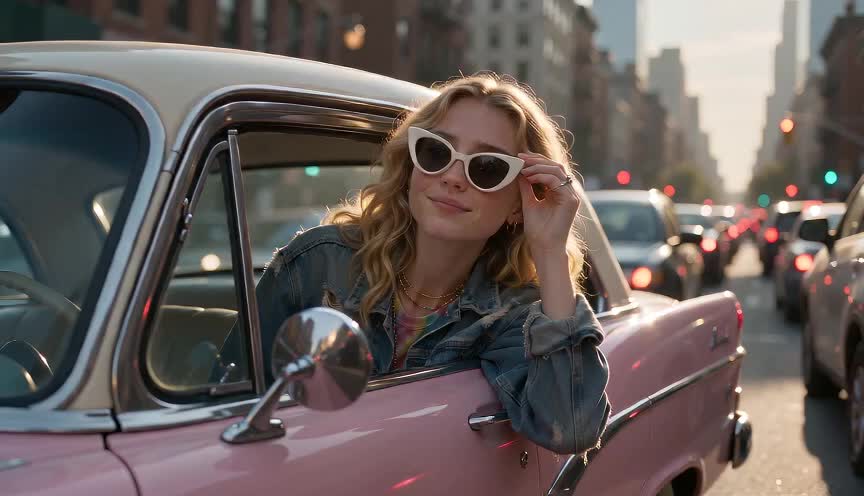
Output
Top AI Image-to-Video Models and Tools in SelfyzAI
SelfyzAI provides creators with AI image-to-video models, photo animation tools, and prompt-based video workflows that turn a single image into realistic motion, maintain character consistency, and produce product videos, short-form social videos, and cinematic storytelling content.
 Minimax H3
 Seedance 2.0
 Vidu Q2 Turbo
 Veo 3.1
 Kling 3.0
 Hailuo 2.3
 SelfyzAI
Why do creators use SelfyzAI Image to Video?
SelfyzAI is designed for rapid visual content production, helping creators turn a single image into AI short videos for posts, ads, marketing campaigns, and personal stories.
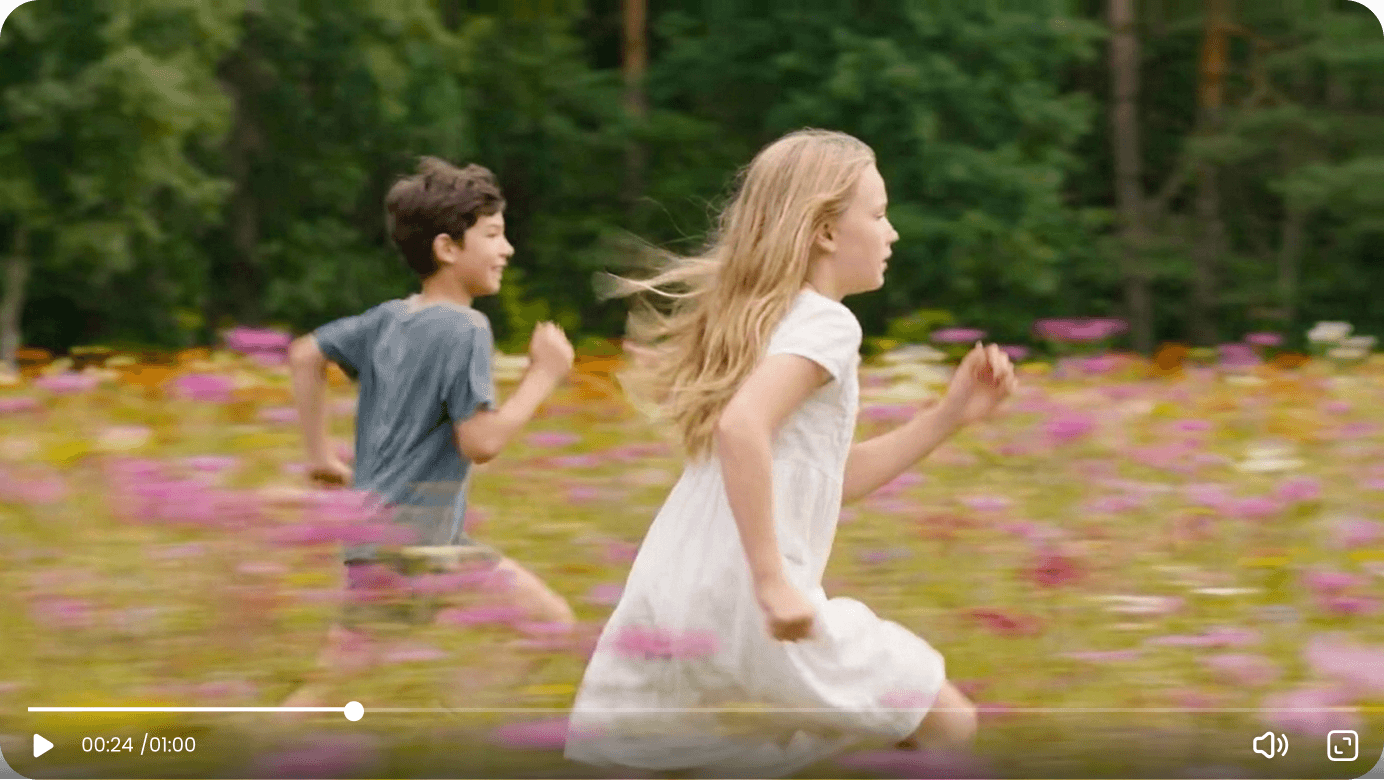
Generate cinematic Image to Video effects
Create smooth AI videos with natural motion, light and shadow changes, camera movement, and refined visual details—ideal for social media, ads, music visuals, and creative projects.
PRO/MAX members get unlimited access to SelfyzAI models.
Premium members get unlimited access to SelfyzAI models for image-to-video creation. SelfyzAI also offers periodic model promotions for Premium members, helping creators scale AI video production.
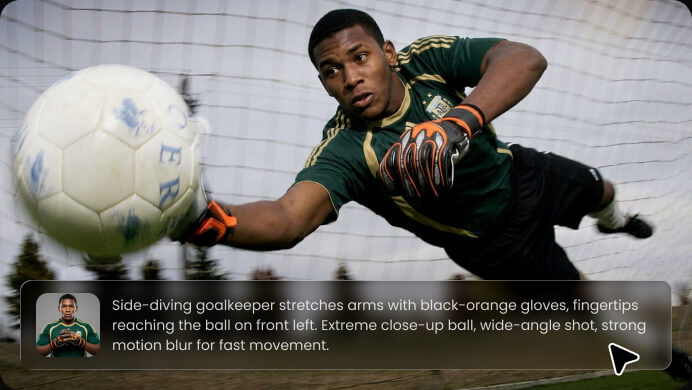
Create AI videos from images in seconds.
Upload a photo and enter a prompt, and SelfyzAI will automatically generate an AI video from the image. Ideal for portraits, product shots, pets, illustrations, characters, and AI-generated artworks.
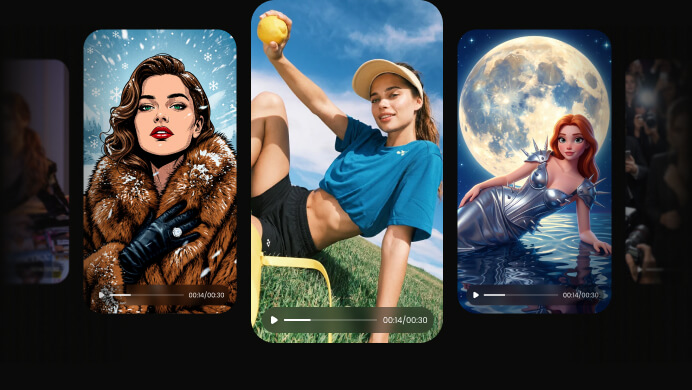
Create AI videos in any style
Create cinematic portrait videos, dynamic product ads, fashion shorts, animated character scenes, lifestyle videos, and visual story posts.
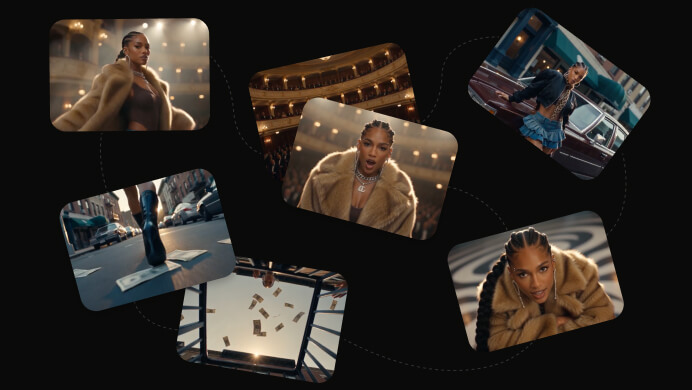
Control motion, shots, and story.
Control visuals and motion with prompts, including action, camera direction, pacing, lighting, mood, background, and narrative style.
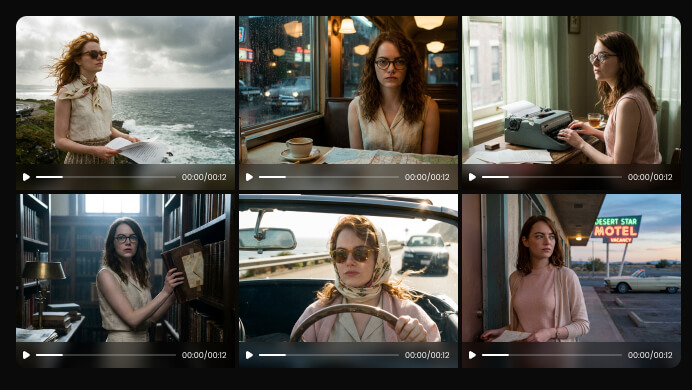
Maintain character consistency across scenes
Generate AI videos from photos or character images to maintain consistent appearance, style, and expressions across different shots, scenes, and creative directions.
Image-to-Video Use Cases
Start with an image, and let SelfyzAI add motion, energy, and camera work aligned with your content goals.
Turn selfies and portraits into cinematic personal clips with nuanced expressions, natural hair movement, evolving light and shadow, and dynamic camera motion.
How do I create an AI video from an image?
SelfyzAI makes image-to-video creation simple: upload an image, describe what should happen, then generate and share the result.
 1
1Upload Image
Start with a portrait, product photo, pet image, illustration, character design, or AI-generated image.
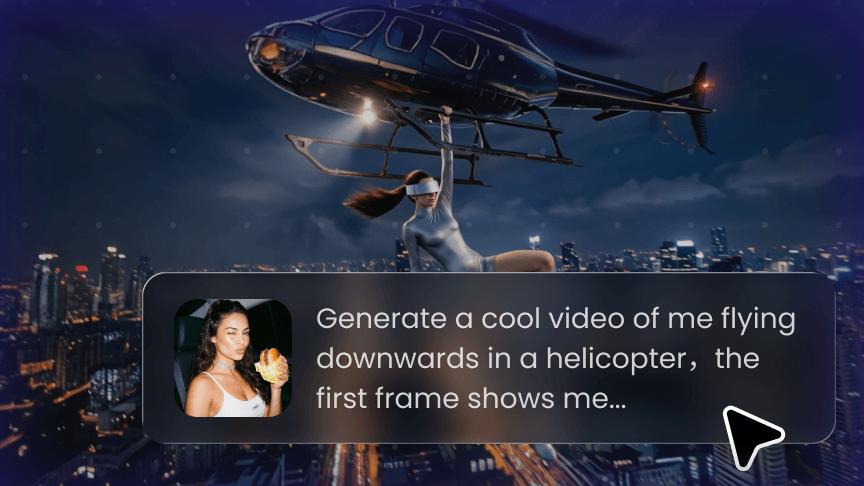 2
2Describe motion
Write a prompt that describes action, camera movement, lighting, visual style, mood, and scene details.
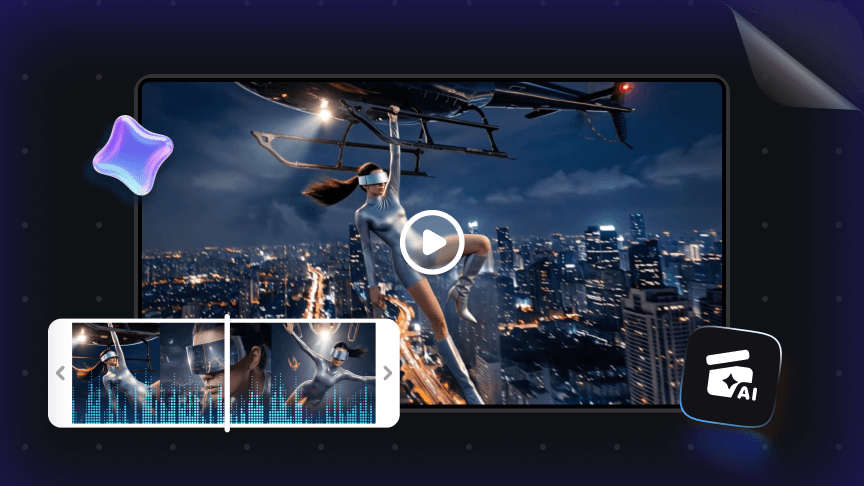 3
3Get your video in seconds
Generate an AI video, preview the result, then download it or use it for social media, advertising, and creative projects.
FAQ about SelfyzAI Photo to Video
- SelfyzAI Image to Video is an AI Image to Video generator that uses prompts to drive motion, turning still photos, product images, portraits, character designs, or AI artwork into dynamic videos.
- Upload an image, write a prompt describing actions, camera direction, lighting, mood, and story, then generate an AI video from the image in SelfyzAI.
- You can create cinematic portrait videos, dynamic product ads, pet animations, character shorts, illustration animations, fashion visuals, social media Reels, and short narrative scenes.
- Yes. Max members have higher parallel task capacity and can create up to 15 AI video tasks at once, helping with batch image-to-video generation and prompt testing.