
What is AI image generation?
Create high-quality AI images from text prompts or uploaded reference photos with ease. SelfyzAI helps you generate realistic photos, anime, product visuals, social media graphics, posters, ads, and a wide range of concept images in seconds.
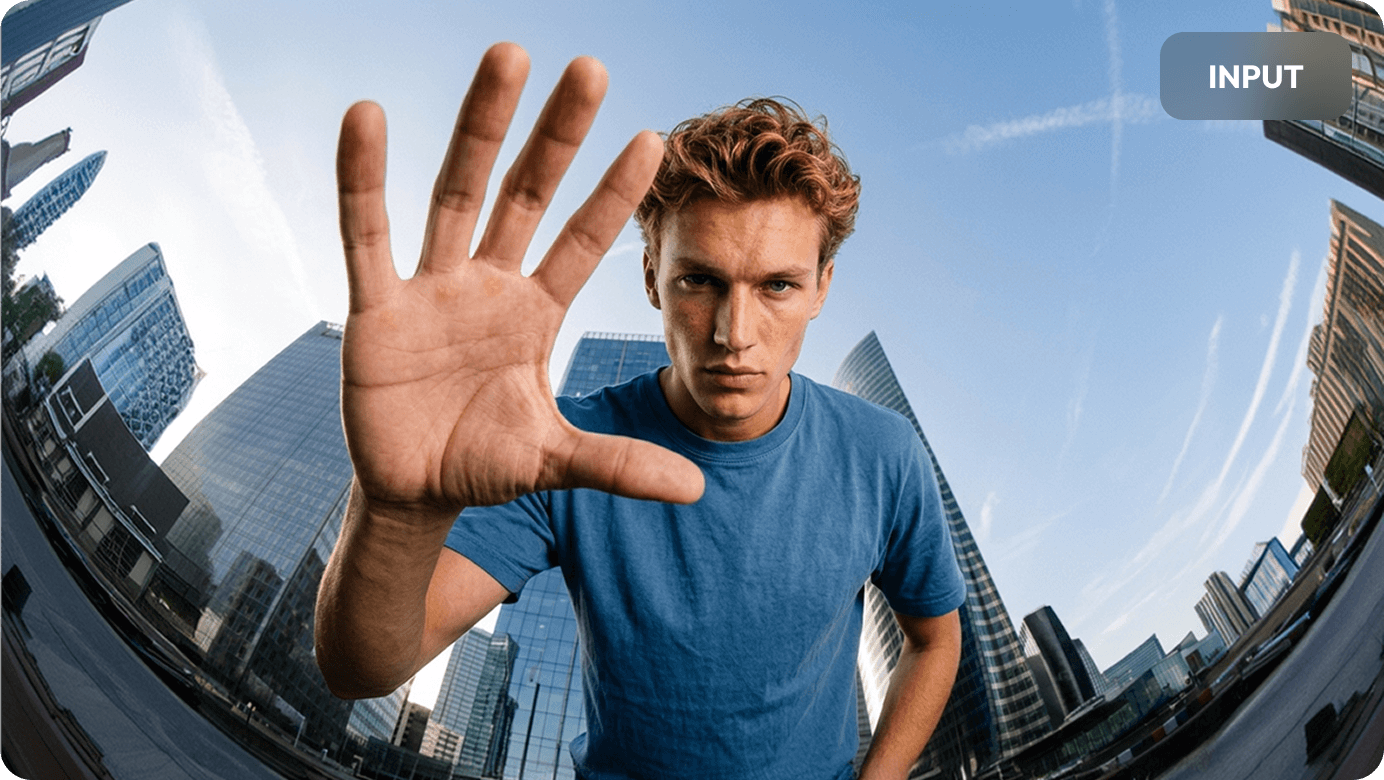
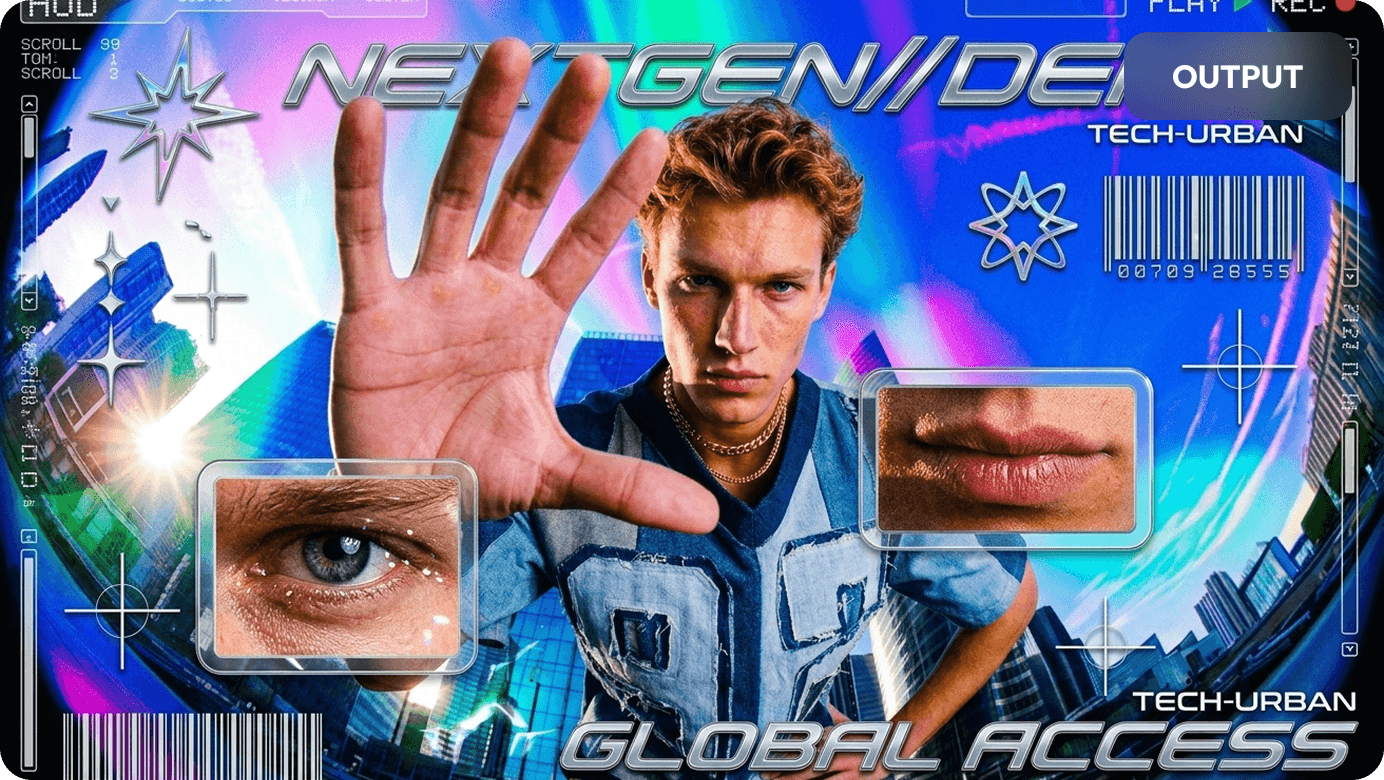
AI Image Generation Models
Generate images with advanced AI models in a single creative workspace. SelfyzAI supports powerful image-generation models such as Nano Banana 2, helping creators produce detailed, stylish, high-quality images from prompts and reference photos.
Use different models and settings to explore photorealistic photography, anime artwork, product visuals, fashion images, character concepts, lifestyle scenes, and ad creatives.
 Nano Banana 2
 GPT Image 2
 Seedream 5.0 Pro
 SelfyzAI
What sets SelfyzAI's AI Image Generator apart?
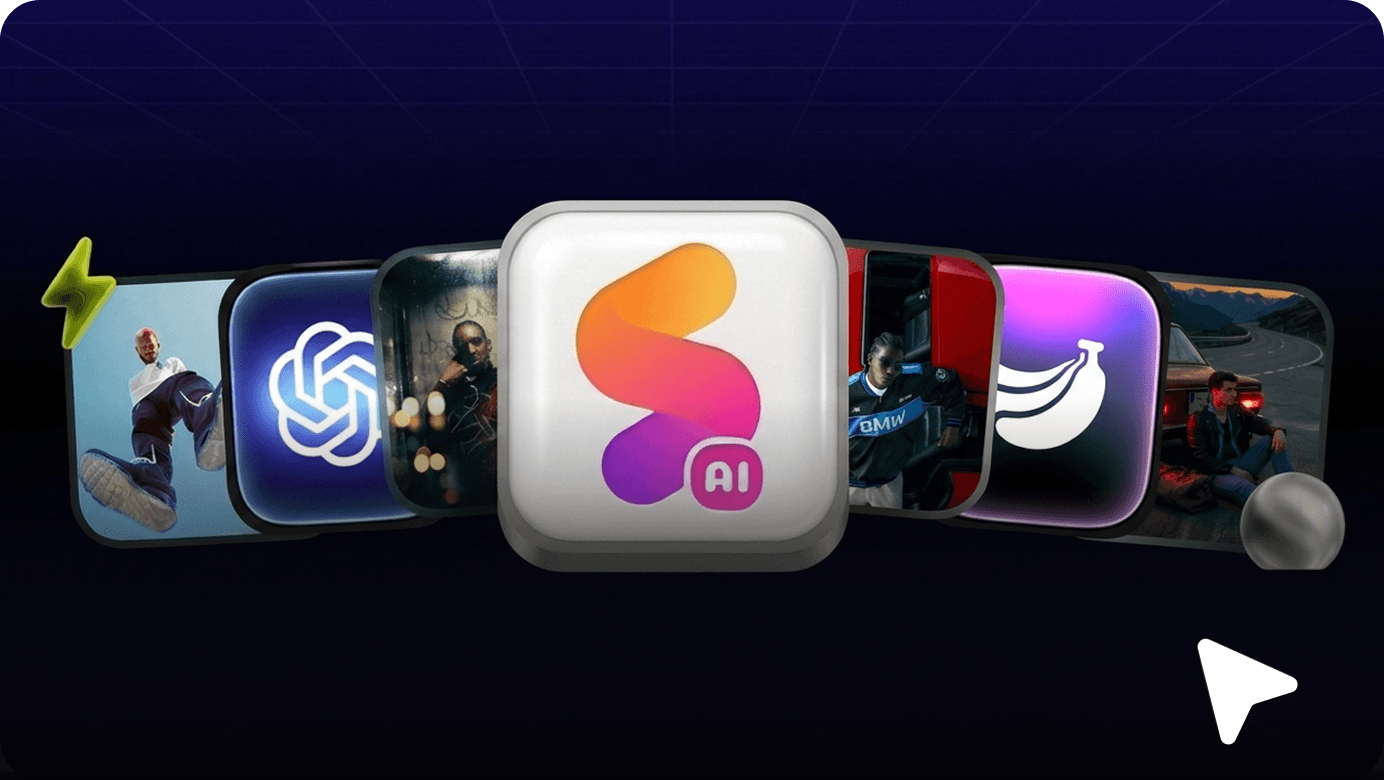
Unlimited Access to SelfyzAI Models
Unlimited access to SelfyzAI image models for greater creative freedom. Generate, compare, refine, and test more visual ideas without worrying about model usage limits.
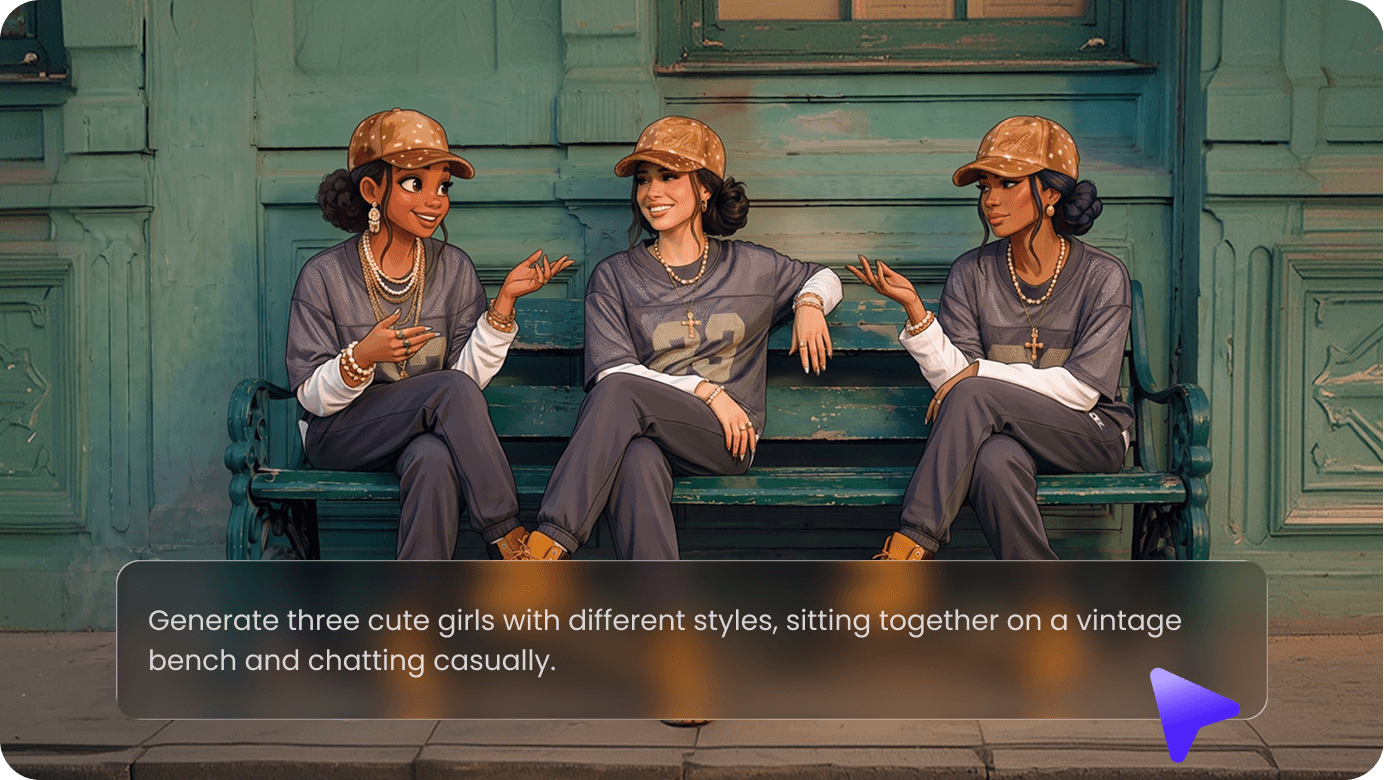
Text to Image
Describe what you want to create, and SelfyzAI will turn your prompt into detailed AI images suitable for portraits, product shots, anime characters, scenes, posters, and ads.
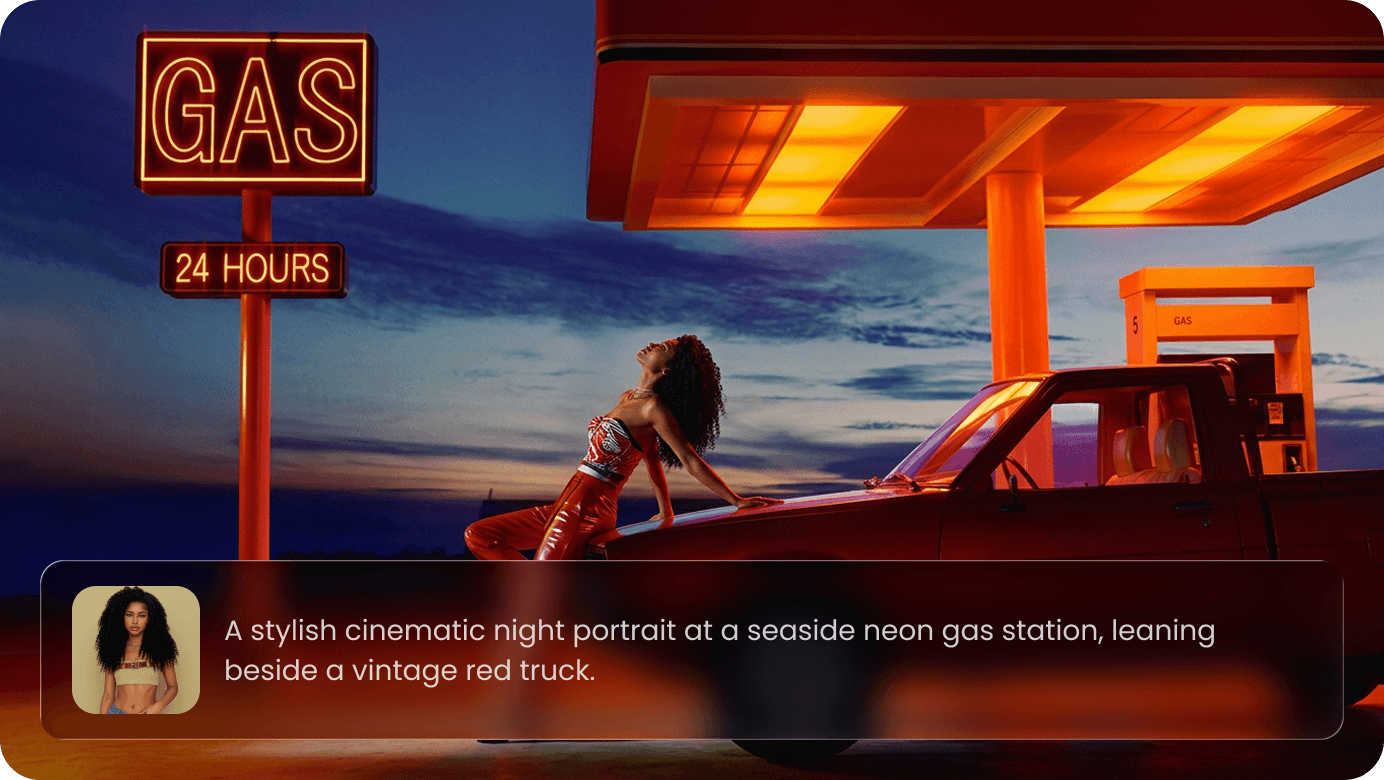
Image to Image
Upload a reference photo and create new variations. Change the style, adjust the mood, or explore entirely new visual directions while keeping the original as guidance.
AI Image Editor
Use SelfyzAI as an AI image editor to remove backgrounds, replace scenes, add or delete objects, swap elements, enhance clarity, upscale details, and change angles or perspective. Optimize product images, portraits, social posts, and marketing visuals in a single workflow.
From AI Images to AI Video
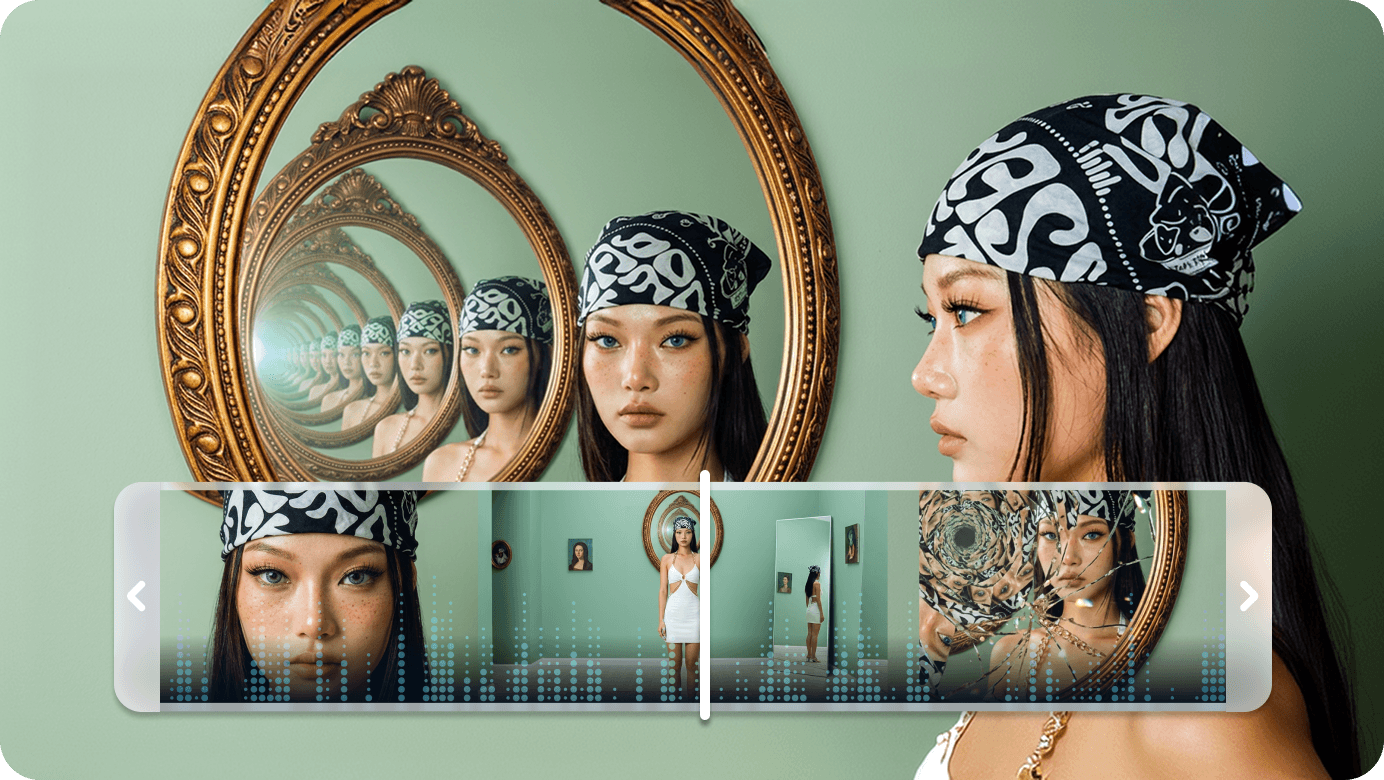
Extend your image creation to AI video, AI effects, creative assets, and editable templates, all in one SelfyzAI workspace.
Create Brand-Ready Text for Images
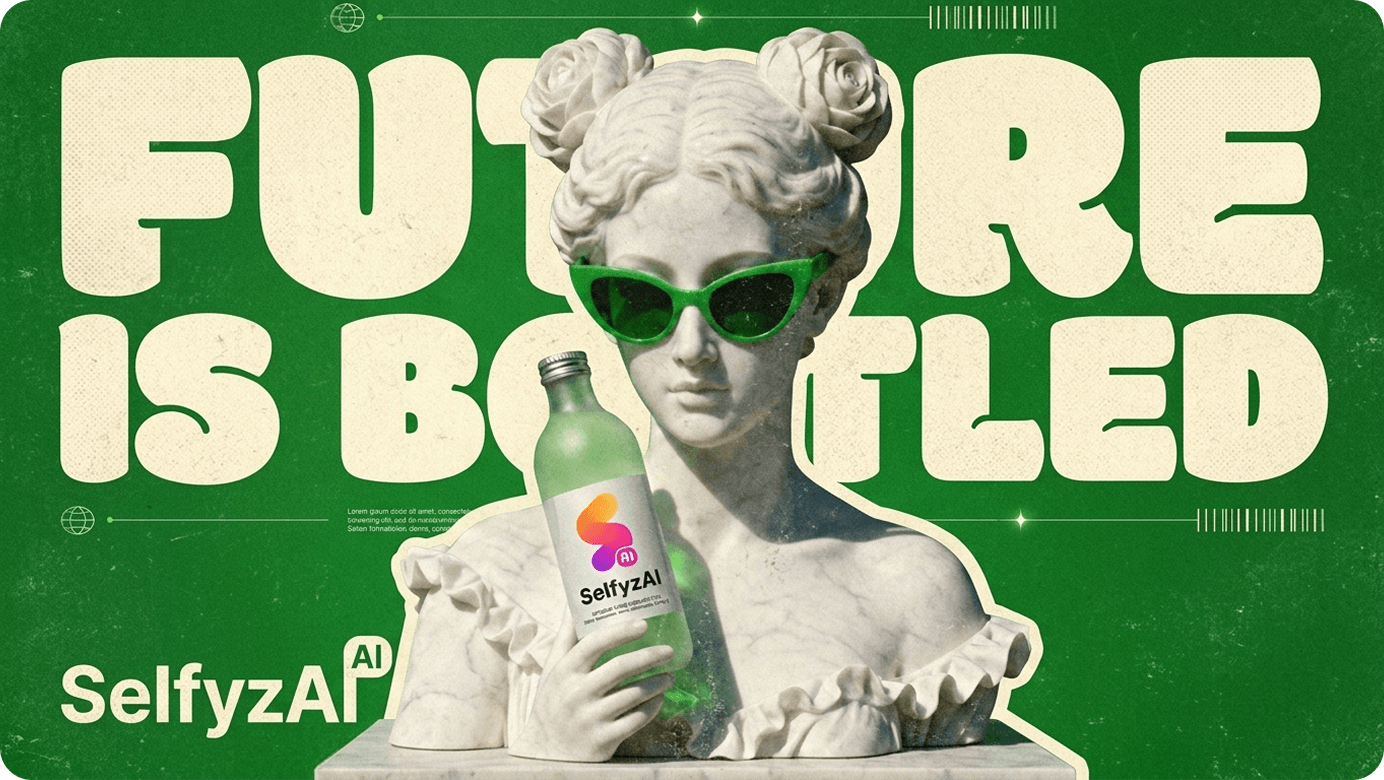
Turn AI images into on-brand visuals with editable text, taglines, product names, captions, and typographic styles. Use brand colors, typographic direction, and layout prompts to create ads, posters, thumbnails, and social images that align with your brand identity.
What can you create with SelfyzAI?
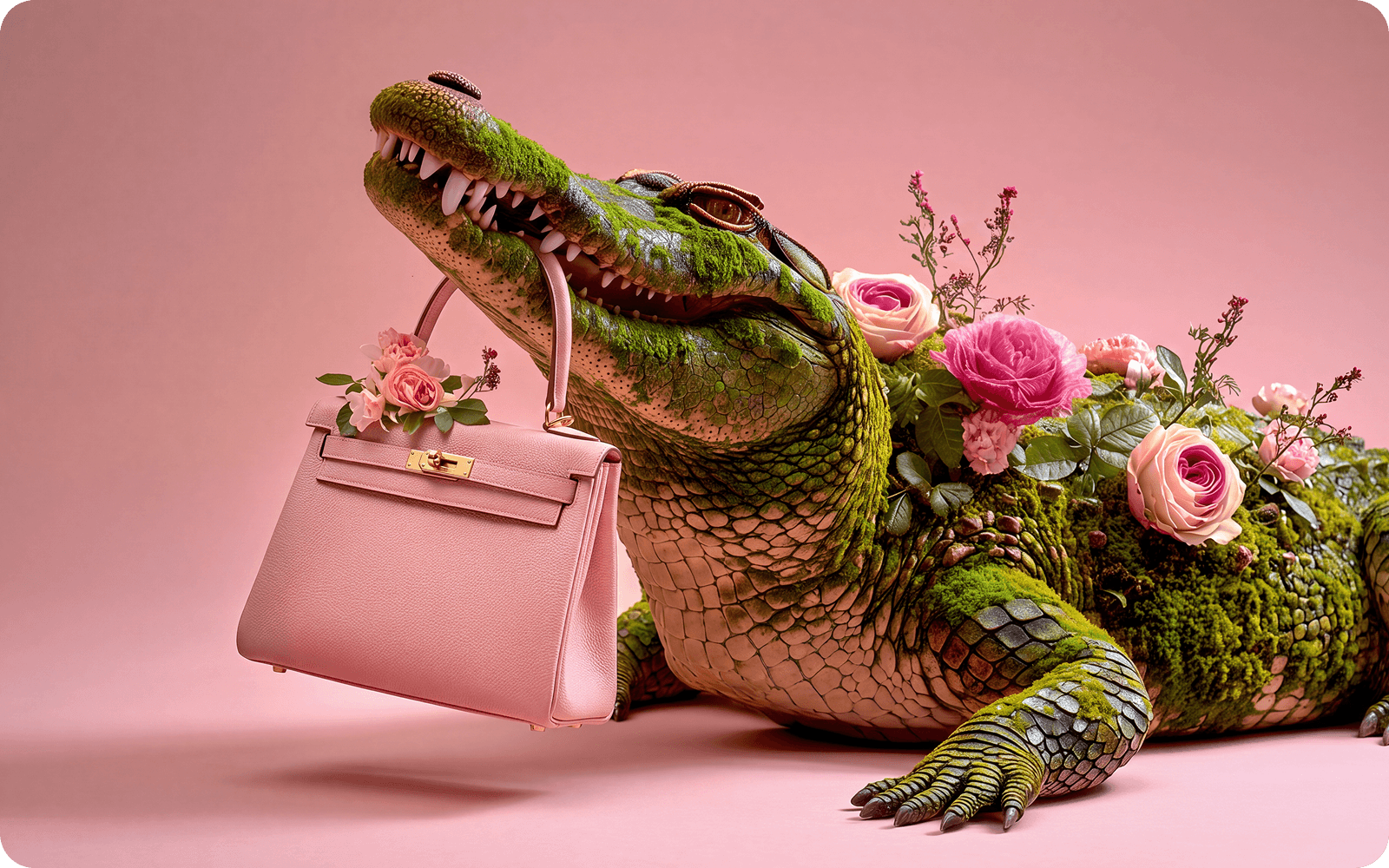
Create clean product photos, lifestyle product scenes, e-commerce visuals, and ad-ready images.
How to Generate AI Images with SelfyzAI
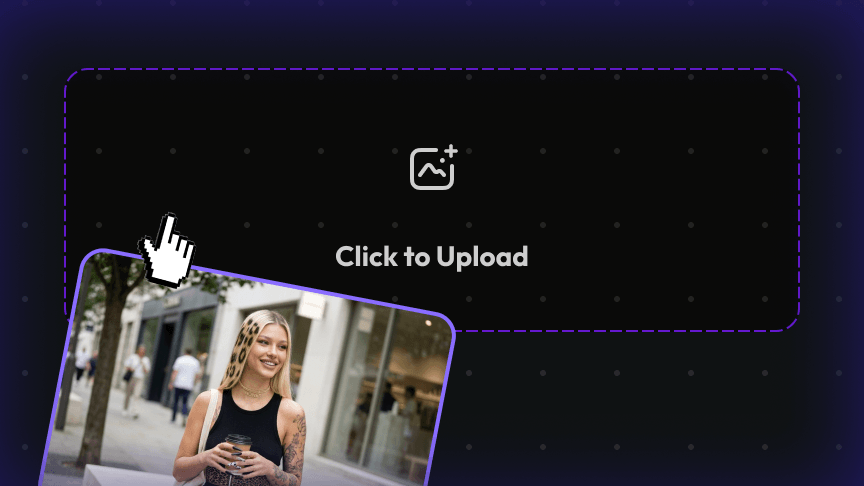 1
1Enter a prompt or upload a photo
Describe your image idea in detail, or upload a reference photo to guide the AI.
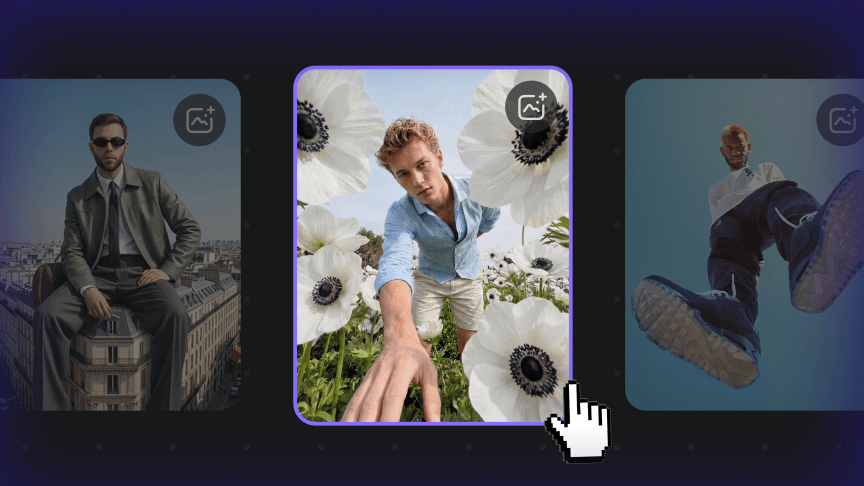 2
2Choose your image settings
Select a model, aspect ratio, style direction, or other generation settings available in SelfyzAI.
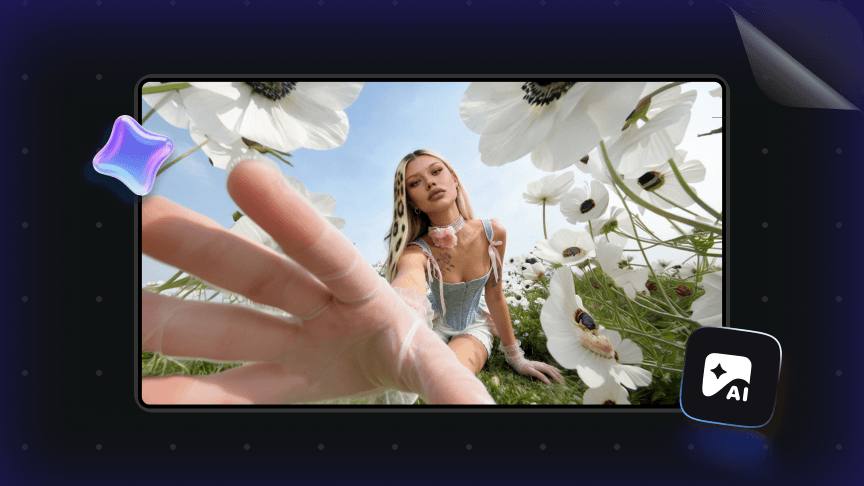 3
3Generate AI Images
Click Generate to let SelfyzAI create image variations from your prompt or photo.
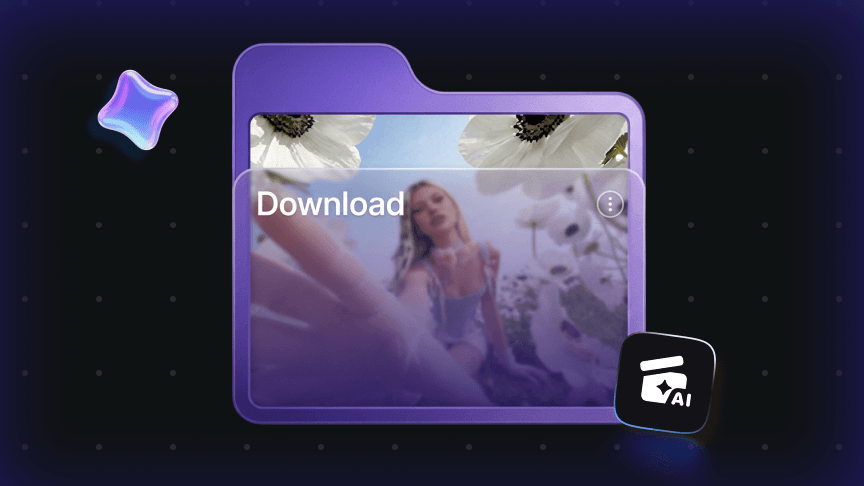 4
4Optimize and Download
Refine your prompt, regenerate, compare results, and download your favorite AI-generated images.
FAQs About the SelfyzAI AI Image Generator
Learn how to use SelfyzAI to create AI images with text prompts and multiple reference images, and review FAQs on text-to-image, multi-reference generation, image-to-image, AI image editing, model upload limits, image quality, and creative use cases.
- The best AI image generator should help you create high-quality images from text prompts and reference photos while providing tools to edit, refine, and reuse results. SelfyzAI combines AI image generation, AI image editing, AI effects, and AI video creation in one workspace, making it valuable for creators, marketers, e-commerce sellers, and design teams.
- Yes. SelfyzAI offers online access to AI image generation, including unlimited use of SelfyzAI image models and limited-time access to selected GPT image models. Availability may vary by plan, model, and promotions; please check the current pricing page for the latest details.
- Yes. You can enter text prompts describing the subject, style, lighting, background, mood, and composition you want. SelfyzAI can turn your prompts into AI-generated images for product photos, portraits, anime art, posters, ads, thumbnails, social media graphics, and creative concepts.
- Yes. SelfyzAI allows you to upload multiple reference images for AI image generation. Different AI models support different upload limits. Multiple references help the model better understand products, people, poses, clothing, backgrounds, styles, and visual details.
- A strong AI image prompt includes subject, scene, style, lighting, background, color, mood, composition, and intended use. For example: "A premium skincare bottle on a white marble surface, soft studio lighting, clean e-commerce product photography, highly detailed, brand-friendly typographic layout."
- Yes. Max members can generate unlimited AI images with SelfyzAI models. Max members can create more images, test more creative directions, and refine results more freely using supported SelfyzAI image models. Depending on current Max member benefits, time-limited access to GPT image models may also be available.
- Usage rights depend on SelfyzAI’s current Terms of Service, your subscription plan, and the source material used in generation. If you upload reference images or include protected brand elements, make sure you have the rights to use them before publishing or selling the final images.
- SelfyzAI is more than just an AI image generator. It brings together AI image generation, image editing, AI effects, creative assets, and AI video workflows into one platform. Users can start with a prompt or a photo, refine images, create brand-ready visuals, and continue turning images into videos or effects.