
Is Sora 2 Really Gone? The Shutdown Timeline
Much of the coverage mixes two different shutdowns into one date. They were five months apart, and which one affects you depends on how you used Sora 2.
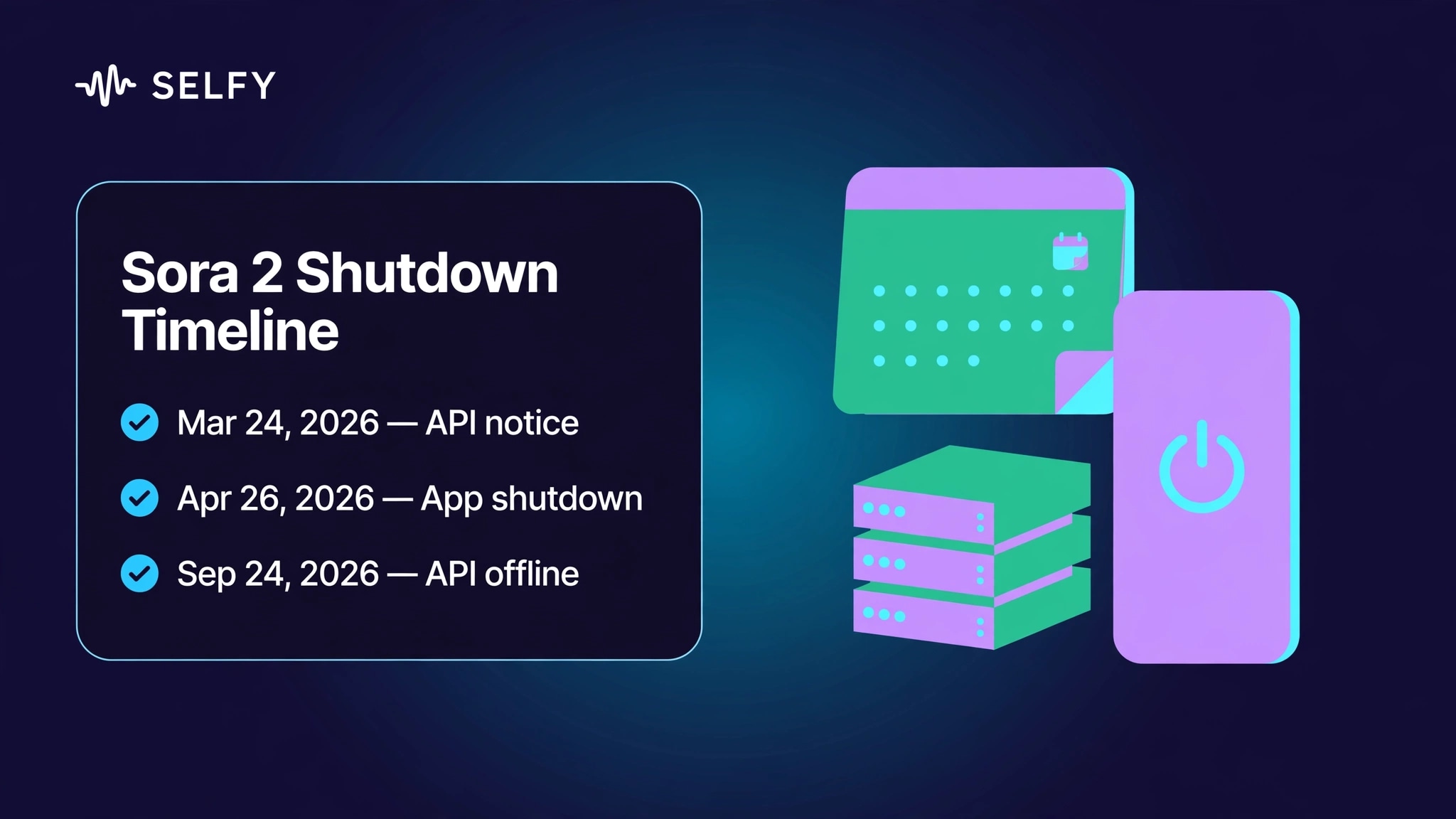
On March 24, 2026, OpenAI notified developers that the Videos API — including the sora-2 and sora-2-pro model IDs and all dated snapshots — would be removed, giving a six-month migration window (reported by simpleaispot.com, updated September 27, 2026, and mediovsky.com). On April 26, 2026, the consumer side went dark: the Sora web experience and the app, including sora.chatgpt.com, were shut down. On September 24, 2026, the developer side followed: the Videos API and every Sora 2 model ID went offline. Notably, OpenAI's deprecation table lists no recommended replacement — there is no official successor.
The most authoritative account of why comes from an OpenAI spokesperson speaking to WIRED: rising compute demand was a factor, and the Sora research team is shifting toward world simulation work aimed at robotics (via runtimewire.com). You will also see cost figures circulating — roughly a million dollars a day in infrastructure against about $2.1M in lifetime revenue — but that is a single-source report (ngram citing the WSJ) and should be read as such.
One practical warning: some pages still advertise Sora 2 API keys even after the shutdown. Anything selling Sora 2 access today is outdated — the model IDs no longer resolve.
Why Look for an Alternative
This section is not here to pretend Sora 2 was replaceable all along. It paired a capable video model with a genuinely social app: launched invite-only on September 30, 2025, it topped the US App Store charts within days, and its native synced audio set a bar that alternatives are still measured against. If your workflow was built on it, losing it is a real cost.
The reason to look is simple and unsentimental: both doors are closed. The consumer app shut down in April, the API went offline in September, and the six-month developer migration window has expired. The question is no longer whether to move but where — and the honest answer is that the migration is a comparison exercise, not a single download.
7 Sora 2 Alternatives Worth Considering
This list was built from two signals: presence in current search results for Sora 2 alternatives, and availability for hands-on testing. Each entry follows the same dimensions — what it is, what is documented about it, where its edges are, and who it fits. Competitors are described, not recommended; there are no outbound links in this section.
1. SelfyzAI — One Workspace, 13 Video Models
SelfyzAI is an AI video workspace whose model picker holds 13 video models, verified on September 29, 2026: Veo 3.1, Kling 3.0, Kling 3.0 Turbo, Kling 2.6, Seedance 2.0, Seedance 2.0 Fast, Seedance 2.0 mini, Vidu Q2 Turbo, Vidu Q3 Pro, Hailuo 2.3, Hailuo 2.3 Fast, Minimax H3, and the SelfyzAI model itself.
The documented case for it as a migration target is structural rather than model-specific: text to video, image to video and reference to video run in the same AI video generator, so a Sora-era prompt, a still frame, or a character reference sheet can each enter through the image to video path without changing tools. One credit system covers all thirteen models, which matters when the migration itself requires testing several of them.
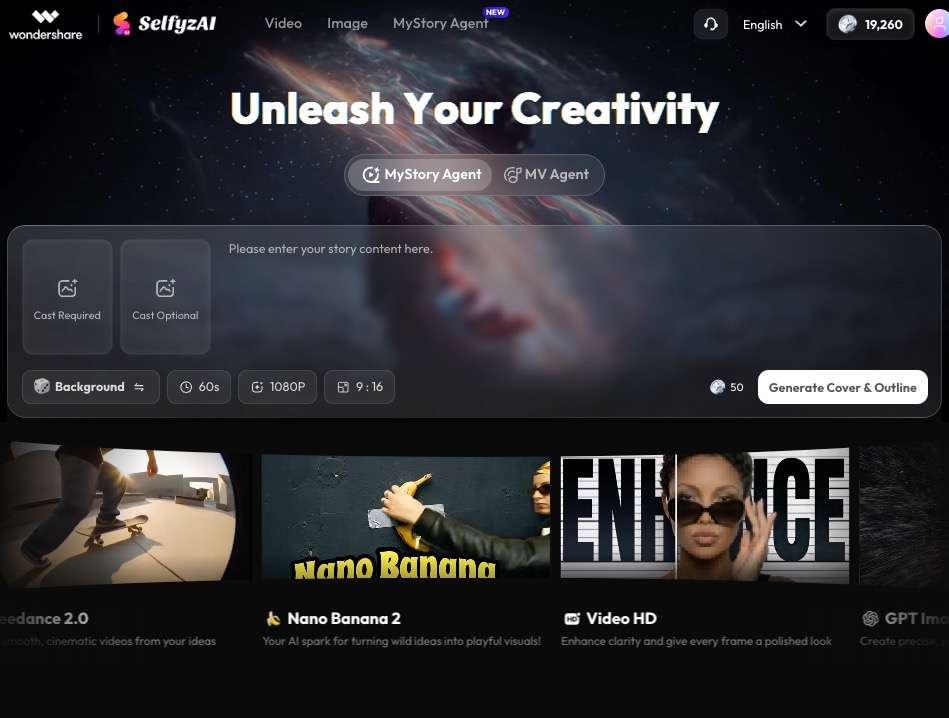
Its edges are concrete: credit cost varies by model, duration and resolution; web workspace generations run 2–15 seconds per clip; and Kling 4.0 is not in the picker (see Real Limitations). It fits teams that want to run the shortlist bake-off — the same brief across Veo 3.1, Kling 3.0, Seedance 2.0 and Hailuo 2.3 — without opening four separate subscriptions first.
2. Veo 3.1 (Google)
Veo 3.1 is Google's current video generation model, served through the Gemini API and Vertex AI, with consumer access via the Gemini app and Flow. Google's official documentation describes native synced audio, first-frame and last-frame control, up to three reference images, clip extension, and 4K output on the higher tiers (as summarized by Magichour from the official docs, fact-checked September 13, 2026).
Pricing is public and worth quoting exactly, because it shapes the migration math. Google's official pricing page (last updated September 24, 2026, UTC) lists per-second rates: Standard at $0.40 per second for 720p and 1080p and $0.60 for 4K; Fast from $0.10 per second; Lite from $0.05 per second with no 4K option. There is no free tier, and you are billed only when a video generates successfully.
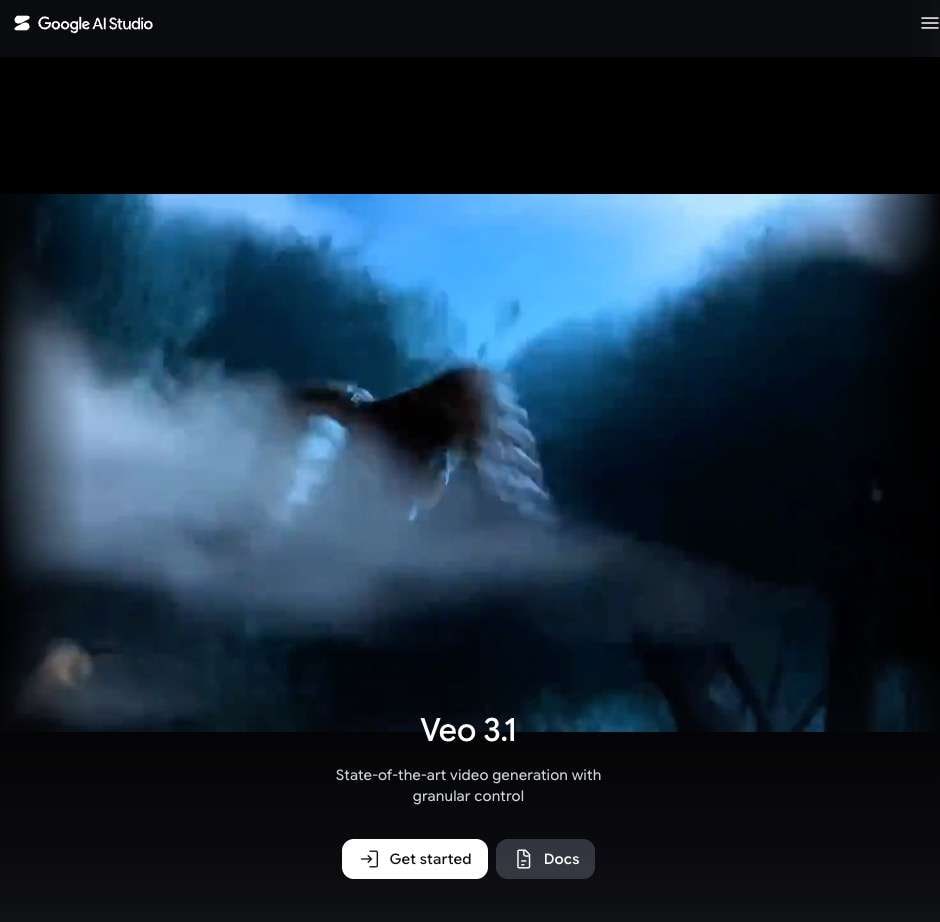
The boundary to note is the billing model itself: per-second usage pricing rewards careful prompting and punishes iteration-heavy exploration. It fits developers already inside the Google Cloud or Gemini API ecosystem. It is also one of the thirteen models in the workspace picker, verified September 29, 2026.
3. Kling 3.0 (Kuaishou)
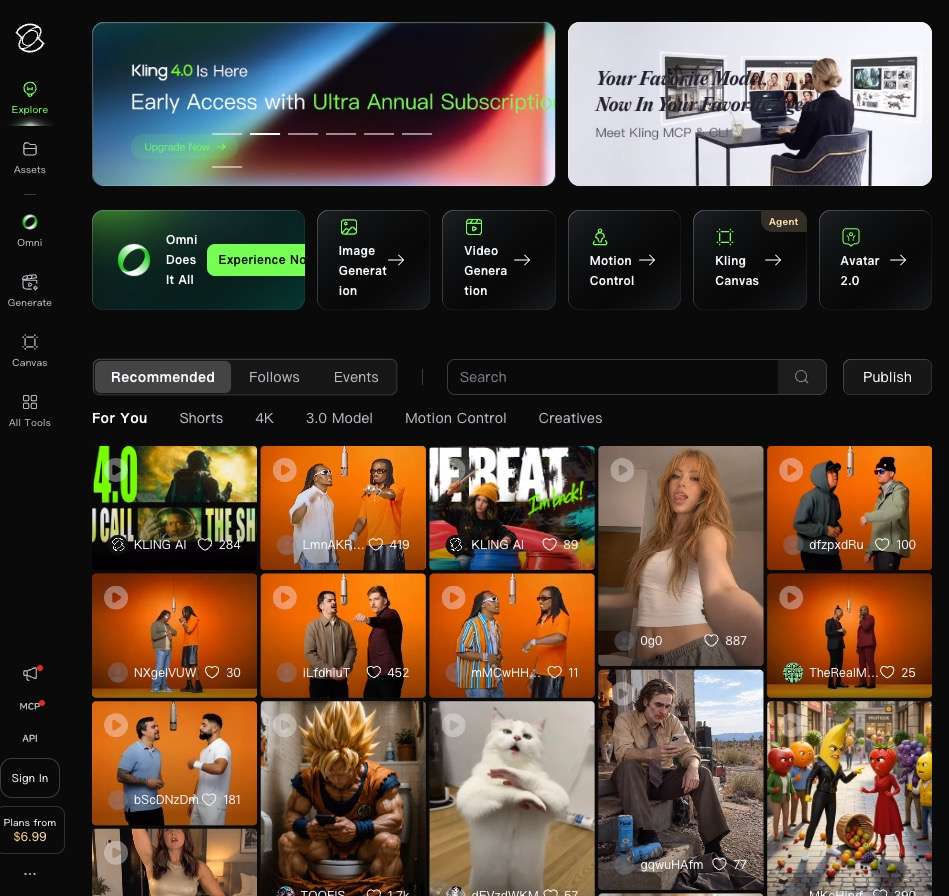
Kling 3.0 is Kuaishou's video model family, announced in February 2026 (via Magichour's writeup of the official announcement). The official materials describe text-to-video, image-to-video and reference-to-video generation plus in-film editing, clips of up to 15 seconds, native audio, multi-camera prompting in the base Video 3.0 model, and storyboard-style controls in the Omni variant.
Two cautions come with it. First, Kling's official pricing is not published — treat third-party price lists as unverified. Second, duration figures vary across third-party pages; the 15-second figure above is the official account. It fits dialogue-led and multi-shot short-form work, and it sits in the workspace picker as Kling 3.0 and Kling 3.0 Turbo.
4. Seedance 2.0 (ByteDance)
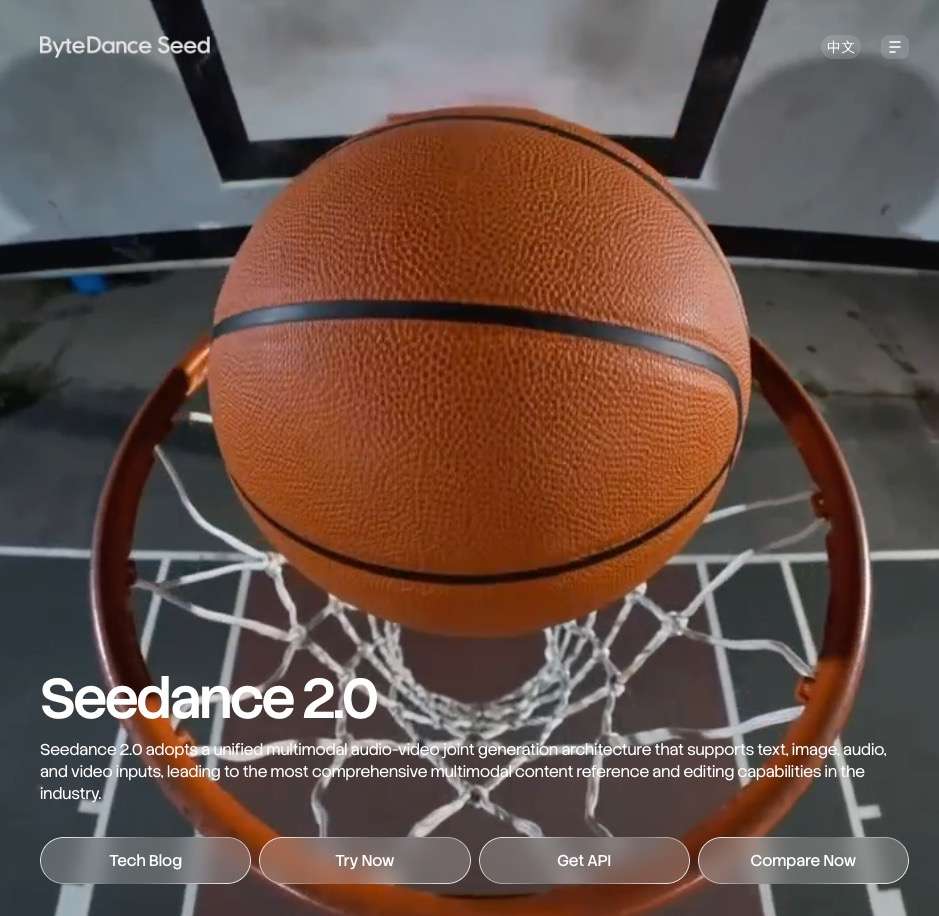
Seedance is ByteDance's video model. The version in the workspace is Seedance 2.0, alongside 2.0 Fast and 2.0 mini variants (verified September 29, 2026). A note on version hygiene: some third-party pages refer to a Seedance 2.5 release.
If you are comparing notes across sources, check which version each source means — this article's claims cover the 2.0 line as available in the workspace. It fits reference-controlled generation where you want several speed and quality variants of the same model family in one place.
5. Hailuo 2.3 (MiniMax)
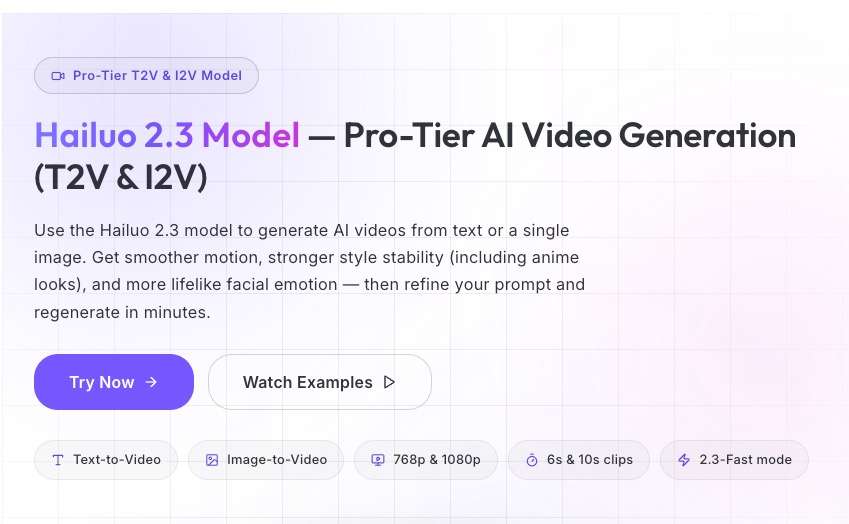
Hailuo is MiniMax's video model, present in the workspace picker as Hailuo 2.3 and Hailuo 2.3 Fast (verified September 29, 2026). It fits fast-iteration drafting: run the quick variant to test a concept, then the full variant for the keeper. As with every third-party model here, capability claims beyond workspace availability should be checked against MiniMax's own documentation.
6. Runway Gen-4.5
Runway's Gen-4.5 is the company's current video model and shows up repeatedly in developer migration guides — versely.studio's 30-day Sora migration plan, for example, names Veo 3.1, Kling 3.0 and Runway Gen-4.5 as the three options worth testing side by side. The neutral boundary: it is not in the workspace, so evaluating it means a separate account and a separate billing relationship. It fits teams whose pipeline already runs through Runway's editing toolset.
7. Luma Ray3
Luma's Ray3, continuing the Dream Machine line, appears across third-party alternative lists compiled after the shutdown. The same boundary applies as with Runway: it is a separate platform with its own account, outside the workspace picker. It fits shots where realism and camera movement are the priority and you are willing to manage one more vendor.
How to Choose: 3 Decision Lenses
With no official successor, "which is closest to Sora 2" is the wrong question — the models differ along different axes. Three lenses cover most migration decisions.
Native audio
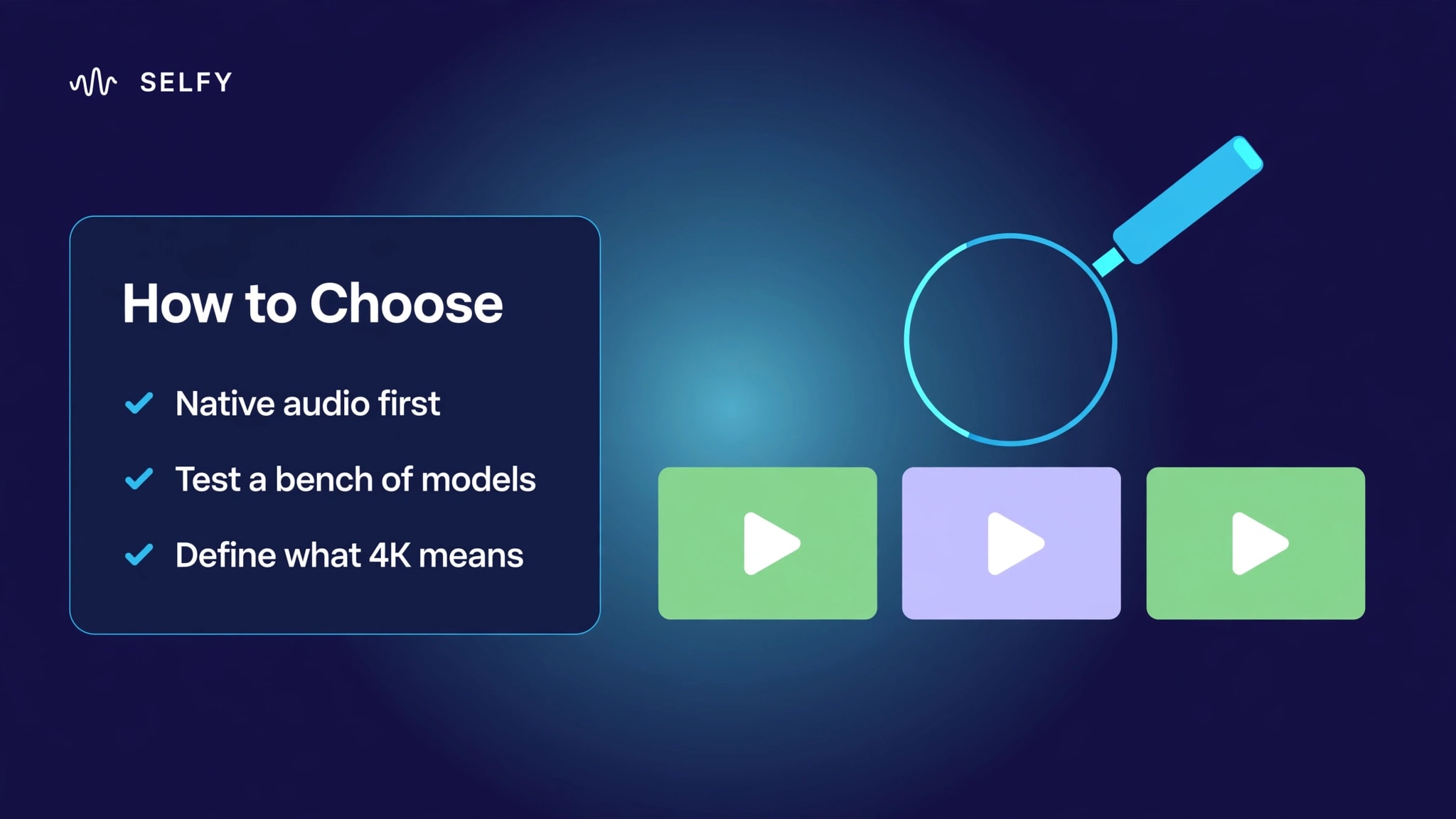
If your Sora 2 work leaned on synced dialogue or sound design, filter first for models that generate audio natively rather than as a post step. Veo 3.1 and Kling 3.0 both document native audio; that single filter narrows the field faster than any leaderboard.
One model versus a bench.
If you already know which model fits, subscribe to it directly. If you do not — and most migrating teams do not yet — a multi-model workspace lets you run the same brief across several models before committing. Locking into a single-model subscription before the bake-off is how teams end up migrating twice.
Resolution, honestly defined.
Check what "2K/4K" means each time you see it: the web workspace outputs under 2K/4K per clip, while paid plans list export up to 2K/4K, and the video HD tool handles upscaling as a separate step. Any alternative deserves the same scrutiny — per-clip output, plan-gated export, and post upscale are three different claims.
Sora 2 Migration Checklist
For former API users and app users working from local copies, in order:
1. Inventory what you had.
Prompts, character and object reference assets, finished outputs — everything the old workflow touched. Sources tracking the shutdown report that account-linked data was permanently deleted after the export window closed (mediovsky.com; simpleaispot.com), so this step is now about local copies, not the Sora account.
2. Rebuild reference inputs.
Sora-era character sheets and style frames become reference images. The reference to video path is where consistent characters re-enter the workflow.
3. Port prompts, don't paste them blindly.
Prompt length guidance differs by model, and a prompt tuned for Sora 2 will not behave identically elsewhere. Start with text to video, keep the first runs short, and expect to iterate.
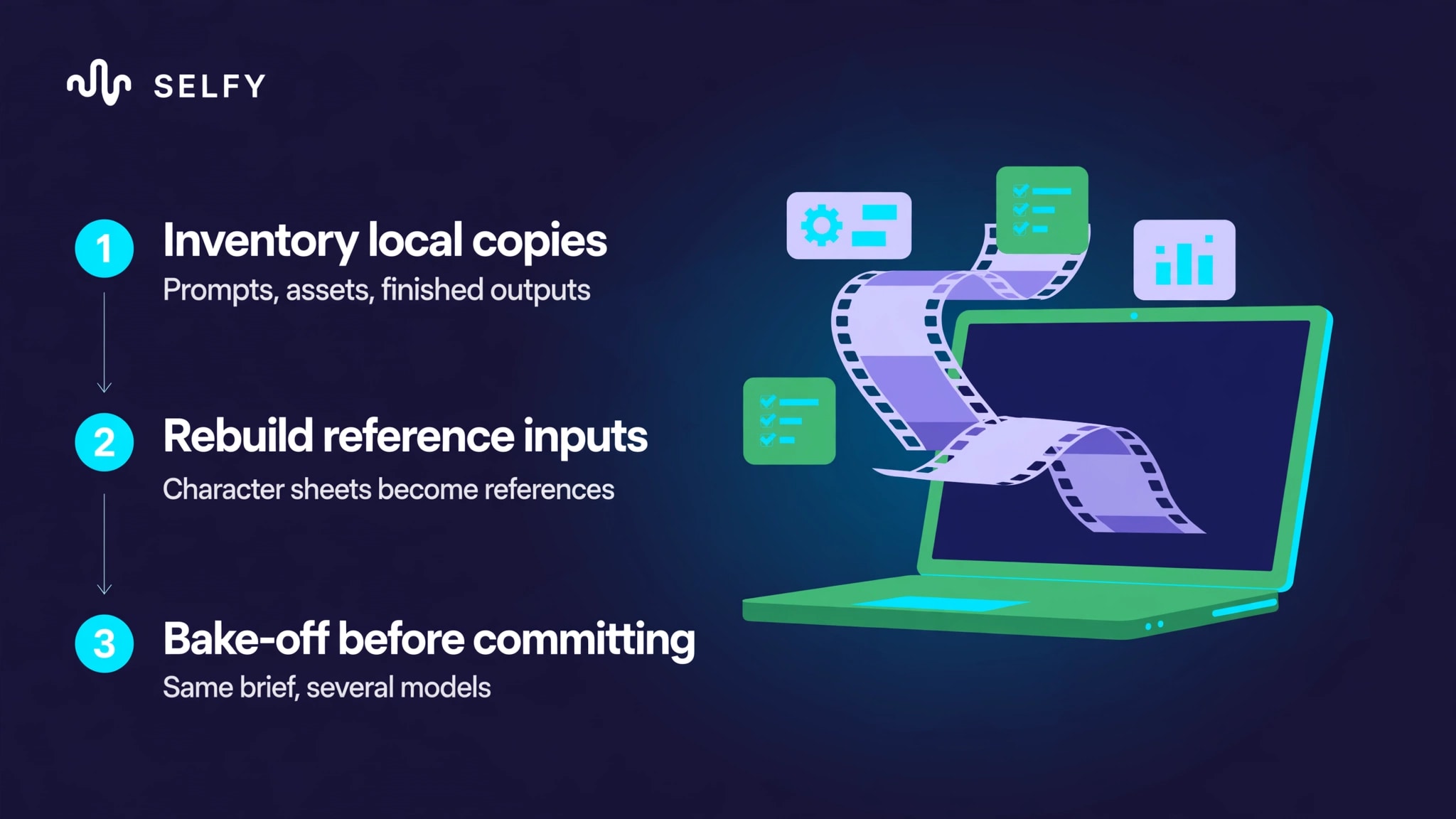
4. Run a bake-off before you commit.
The same brief across two or three models, judged on your actual deliverable — not on sample galleries. Watch credit burn while you do it: cost varies by model, duration and resolution.
5. Cut over cleanly.
Do not build new dependencies on workarounds or pages claiming to still offer Sora 2 access. The model IDs are offline; anything routed through them is a dead end.
Real Limitations of Sora 2 Alternatives
Four honest edges, each checkable against the sources named.
1. Credits are the real budget line.
Credit cost varies by model, duration and resolution (official FAQ), so a migration bake-off across several models consumes credits by design. As of September 2026, Pro Monthly is $12.99 with 1,000 credits a month and Max Monthly is $25.99 with 1,500, verified on the pricing page — and referral credits expire after 7 days. Plan the test matrix before you start generating, or the comparison gets expensive. The pricing page also lists the credit store for top-ups once the monthly allocation runs out.
2. Clips are short by design.
The web workspace outputs MP4 or MOV, under 4K, at 2–15 seconds per generation. Anything longer is assembled from segments: extend video continues a clip, but a two-minute piece is still a multi-clip edit. If your Sora 2 habit was long single takes, budget editing time, not just generation time.
3. Purchases are non-refundable.
The official FAQ states it plainly: "All purchases are non-refundable." Subscriptions auto-renew, can be cancelled in account settings, and stay valid until expiry — but there is no trial refund. Start monthly while you are still evaluating, not annual.
Frequently asked questions
Is Sora 2 really shut down?
Yes, in two stages. The consumer app and web experience closed on April 26, 2026; the Videos API and all Sora 2 model IDs went offline on September 24, 2026, after a six-month developer notice period. OpenAI named no successor.
Can I still use Sora 2 through a workaround or an older API version
No. The September 24 shutdown removed the sora-2 and sora-2-pro model IDs and all dated snapshots. Pages still advertising Sora 2 API keys are outdated.
What happens to my Sora videos and prompts?
Sources tracking the shutdown report that account-linked data was permanently deleted after the export window closed. What survives is what you exported or saved locally — which is why the migration checklist above starts with an inventory of local copies.
What is the best Sora 2 alternative in 2026?
It depends on the job, and anyone naming a single winner is selling something. For native-audio dialogue work, Veo 3.1 and Kling 3.0 document that capability. For developers on Google infrastructure, Veo 3.1's API is the natural fit. For teams that need to test several models before committing, a multi-model workspace like SelfyzAI's — with Veo 3.1, Kling 3.0, Seedance 2.0 and Hailuo 2.3 in one picker — removes the multi-subscription overhead.
Is there a free Sora alternative?
Honestly, free tiers are limited everywhere: Veo 3.1's official pricing page lists no free tier at all, and free plans generally mean watermarks, lower resolution, or tight quotas. "Free to try" is real; "free at Sora 2's quality" is not currently on offer from any major provider.
How do I migrate a Sora API workflow?
Export, audit, bake-off, cut over: inventory prompts and assets from local copies, rebuild reference inputs, run the same brief across two or three candidate models while watching credit burn, then move production traffic and retire the Sora integration. Do not build anything new on claimed Sora 2 workarounds during the transition.
Conclusion
Sora 2's shutdown leaves no heir — OpenAI's own deprecation table has an empty "recommended replacement" column. That is inconvenient, but it is also clarifying: the migration is a testing exercise, and the teams that do it well will pick the model that fits their deliverable rather than the one with the loudest launch.
If your next step is the bake-off itself, run it where the shortlist already lives: Veo 3.1, Kling 3.0, Seedance 2.0 and Hailuo 2.3 are all in the SelfyzAI workspace picker, verified September 29, 2026. Bring one brief, generate across the models, and let your own output — not a leaderboard — make the decision.