
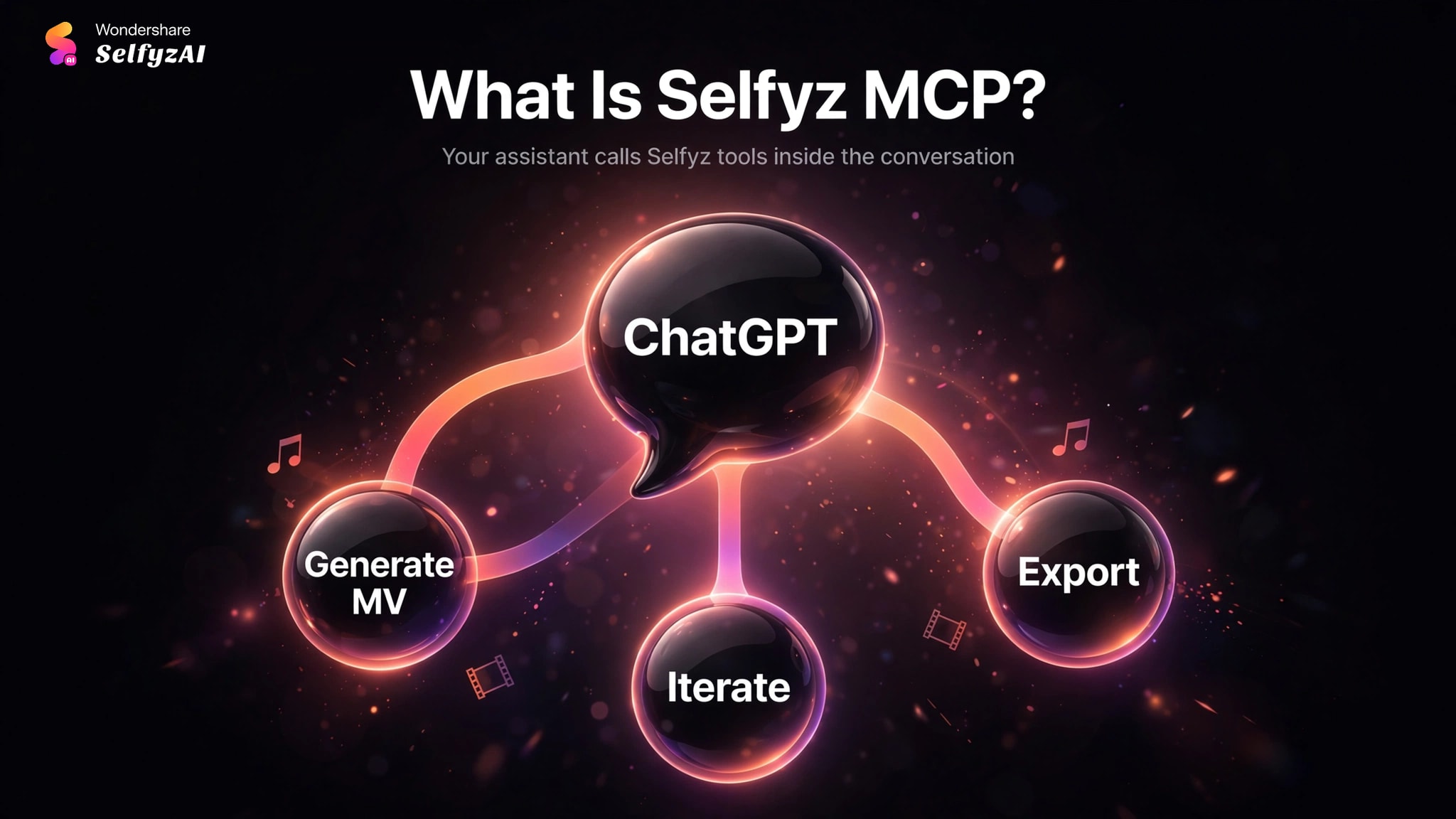
What Is Selfyz MCP?
MCP stands for Model Context Protocol, an open standard that lets AI assistants call external tools. Selfyz MCP exposes Selfyz's generation capabilities as tools your assistant can use inside the conversation: instead of clicking through the web app, you describe what you want and the assistant runs the generation for you.
At launch, Selfyz MCP supports AI video generation for MV videos: describe the music video you want in ChatGPT, attach reference material, and the assistant runs the generation for you. More workflows will follow as the integration expands.
A command-line interface (CLI) ships alongside MCP for terminal workflows: batch jobs, scripts and repeatable pipelines that run without a chat window. Both connect to the same SelfyzAI account.
What You Need Before You Start
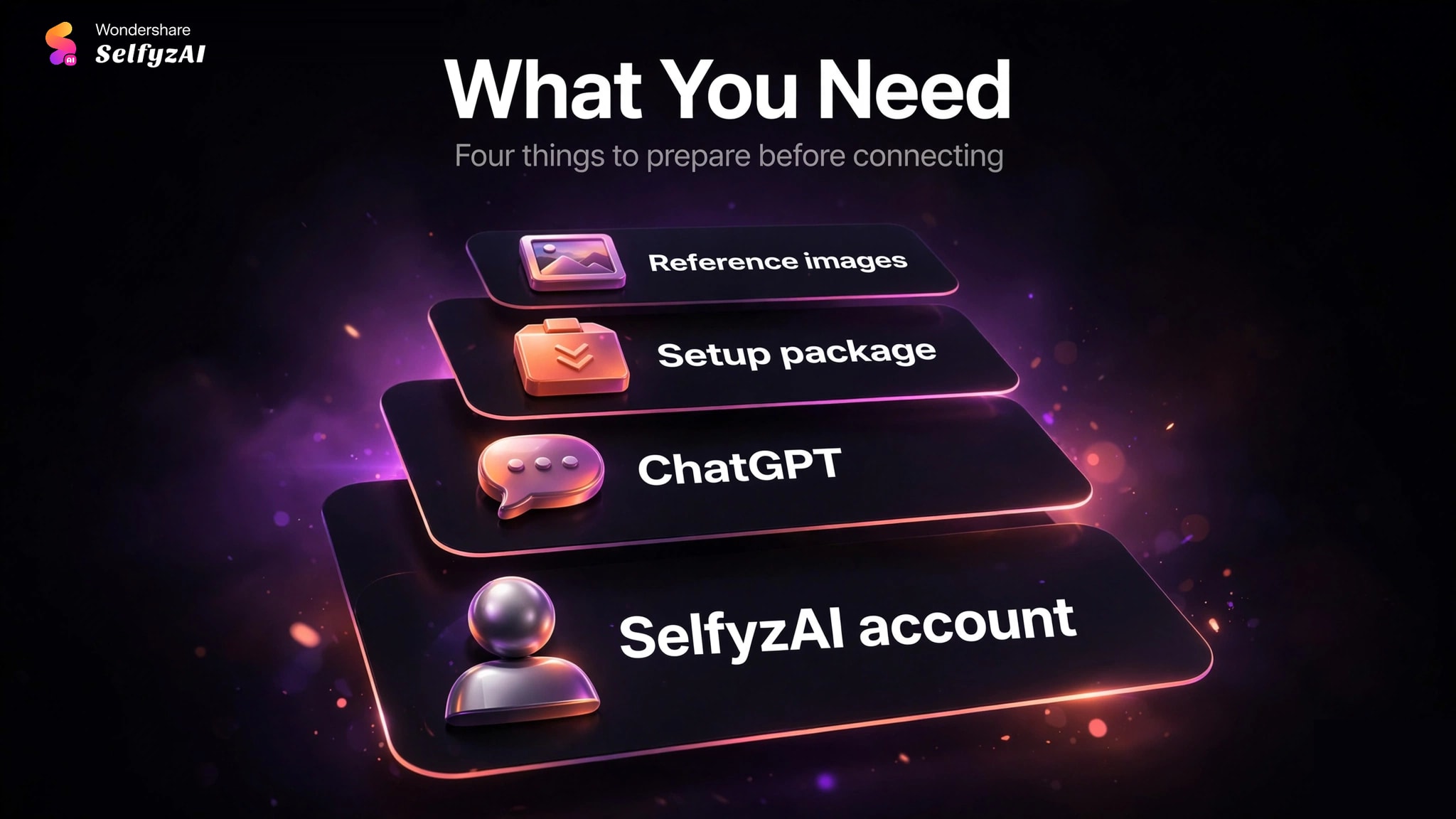
Prepare these four things before connecting:
A SelfyzAI account: Sign in with the account you use on the web app. Generations through MCP and the CLI draw on the same credit balance as the web app.
ChatGPT: Selfyz MCP currently works with ChatGPT. Support for more AI assistants may follow.
The Selfyz MCP setup package: This is what registers Selfyz as a tool inside ChatGPT.
Reference material you own or have rights to use: For MV generation, have your reference images ready — they guide the visuals while your prompt directs the action.
How to Use Selfyz MCP: Step by Step
Once ChatGPT lists Selfyz among its available tools, the workflow below applies to every MV generation.
Step 1: Connect Selfyz MCP to ChatGPT
Install Selfyz MCP Download Package, or paste the link to ChatGPT and let AI to install for you. After installation, sign in with your SelfyzAI account to connect in seconds—no API key required.
Step 2: Describe the MV You Want
We recommend writing the prompt the way you would brief a director: subject, action, setting, mood and camera. A specific prompt gets you closer on the first try than a vague one.
Weak: "a car video."
Stronger: "a 6-second cinematic clip of a red sports car driving through a neon-lit tunnel at night, slow tracking shot, reflections on wet asphalt."
Your assistant sends the prompt to Selfyz and reports back when the draft MV is ready.
Step 3: Attach Reference Images for the MV
Attach your reference files before sending the prompt. Reference images guide characters, settings or visual style; the text prompt then directs what happens with them.
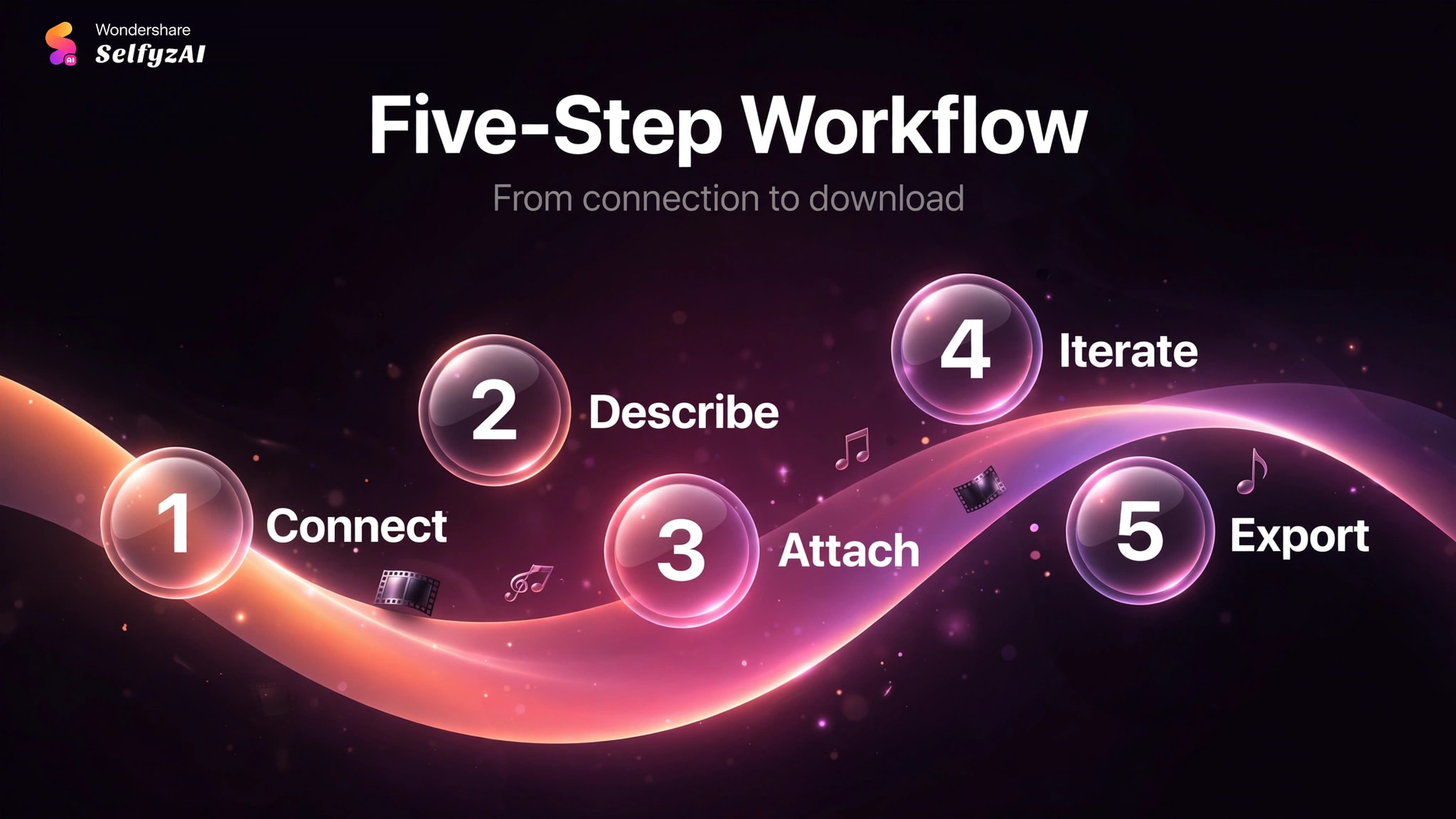
Step 4: Review the Draft and Iterate in the Same Conversation
When generation finishes, ChatGPT presents the result in chat. Don't settle for the first draft if it's off: describe what to change — "make the camera move slower", "keep the same car but change the background to daylight" — and the assistant runs a new variation. Staying in the same conversation keeps the context, so each round builds on the last instead of starting over.
Step 5: Export and Download the Final Result
When you're happy with a version, ask your assistant for the final file and save it to your own storage.
Tips for Better Results
Output limits vary by model. Resolution and duration caps differ across models, so if the choice matters for your shot, name the model explicitly instead of letting your assistant pick a default.
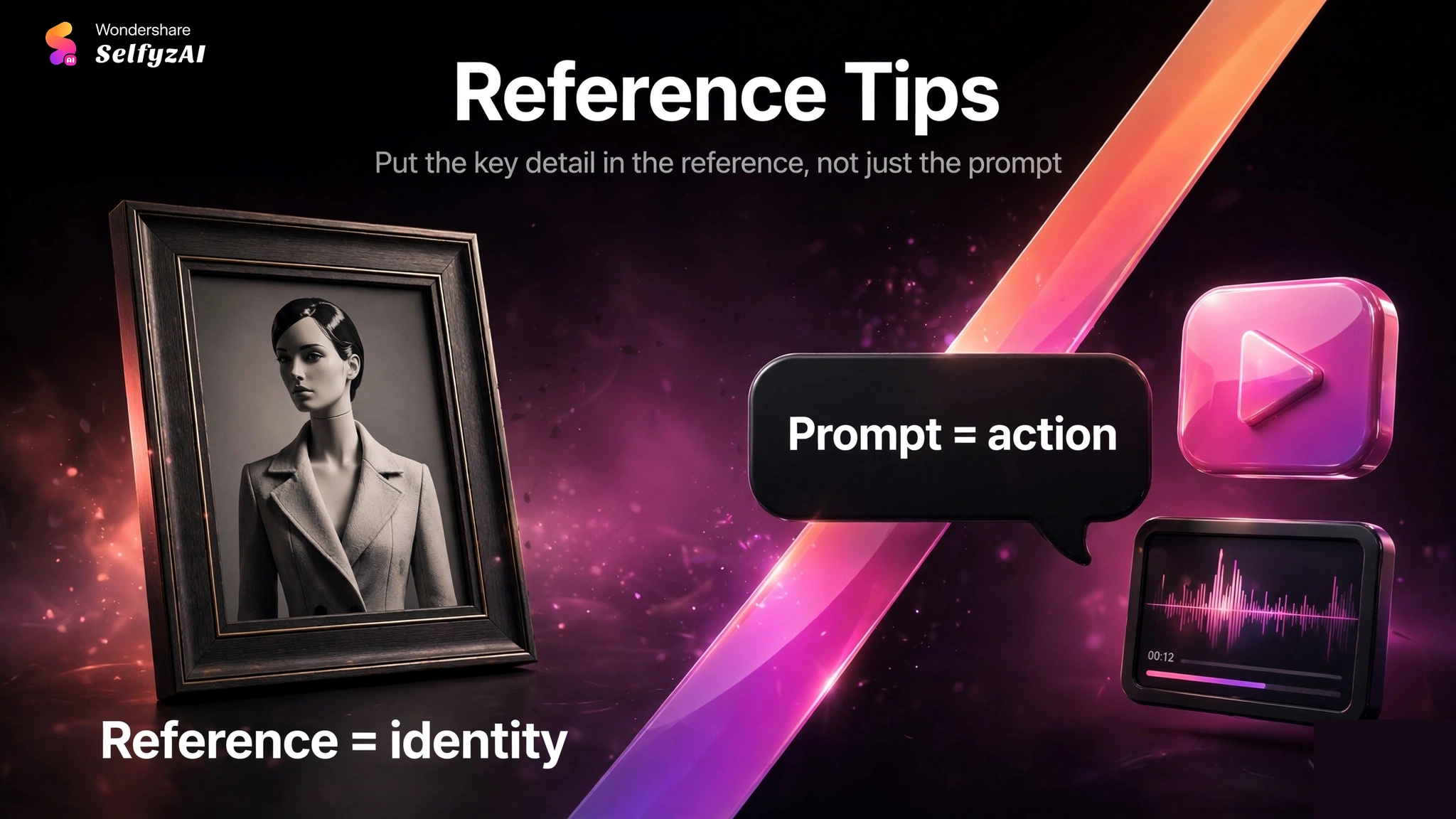
Put the key detail in the reference, not just the prompt. For MV work, the reference image carries the identity (face, product, logo); the prompt carries the action. Splitting the job this way gives you more control than describing everything in text.
Match the output to the destination. Generate with your target platform in mind — vertical for short-form feeds, widescreen for YouTube-style uploads — so you don't crop away the good parts later. Output specs match the web app.
One idea per generation. Our recommendation: a prompt that asks for three different scenes returns a compromise. Generate the scenes separately and assemble them — iteration is cheap, reshoots of a muddled prompt are not.
Real Limitations
MV generation only at launch. Selfyz MCP currently supports MV video generation. For the full set of web-app workflows, the web app remains the complete surface.
Generations use your web-app credits. MCP and CLI generations draw on the same credit balance as the web app — check the pricing page for current plans before running large batches.
Reference inputs must be yours or properly licensed. Selfyz generates from the material you provide, so don't upload photos, artwork or footage you don't own or don't have rights to use.
Only ChatGPT is supported for now. If you use a different AI assistant, the web app covers Selfyz generation through a point-and-click interface instead.
Frequently asked questions
What is Selfyz MCP?
Selfyz MCP connects ChatGPT to Selfyz's MV video generation through the Model Context Protocol. It lets your AI assistant work with your prompts and reference material to generate MV videos without leaving the conversation.
What can I create with Selfyz MCP and the CLI?
At launch: MV videos. Describe the music video you want — with reference images — and your assistant generates it through Selfyz. More workflows will follow.
Which AI tools support Selfyz MCP?
Currently, ChatGPT. Support for more AI assistants may follow.
What inputs can I use?
Text prompts plus reference images for the MV. Output limits vary by model.
Can I use MCP and the CLI for the same creative workflow?
Yes. Start a concept in chat through MCP, then run variations or batch jobs through the CLI — both connect to your SelfyzAI account, so nothing gets lost between the two.
Conclusion
Using Selfyz MCP means describing the MV you want in ChatGPT and letting the assistant handle generation and iteration: connect once, prompt in plain language, attach references when you have them, and download the result. For the full capability list and current plans, see the pricing page — then try your first generation from chat.
Ready to try it? Connect Selfyz MCP to ChatGPT as described in Step 1 and describe the MV you want — your first generation is one conversation away.