
Minimax H3 AI Video Generator
Combine photos, motion references, and audio in one prompt. Minimax H3 is a multimodal video generator that brings multiple inputs together into a coherent video. Try it now in the SelfyzAI workspace.
Why creators choose Minimax
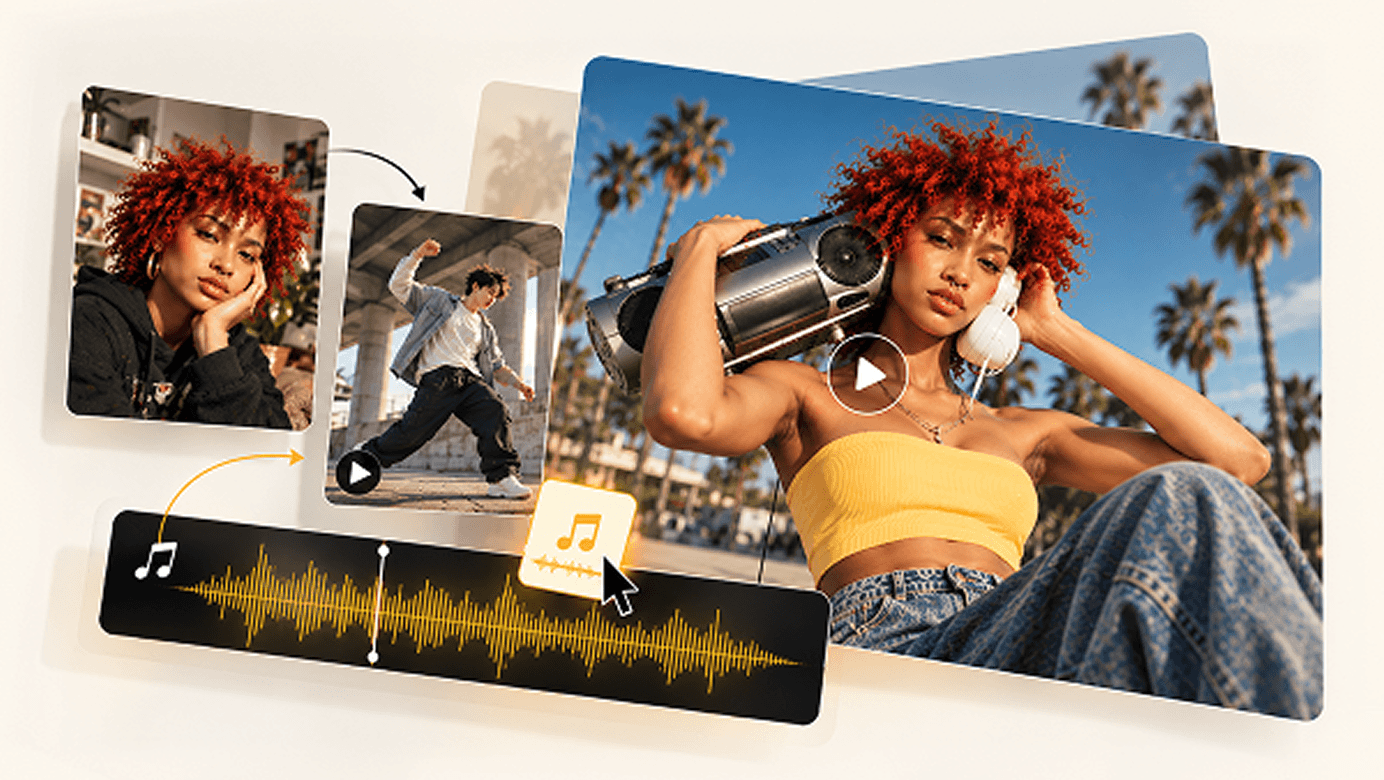
One Prompt, Three Inputs
One description is all it takes: the person comes from your photo, the motion from a reference video, and the voice from your audio. Minimax H3 combines the “photo subject + reference motion + audio voice” into one coherent video—no stitching or separate processing needed.
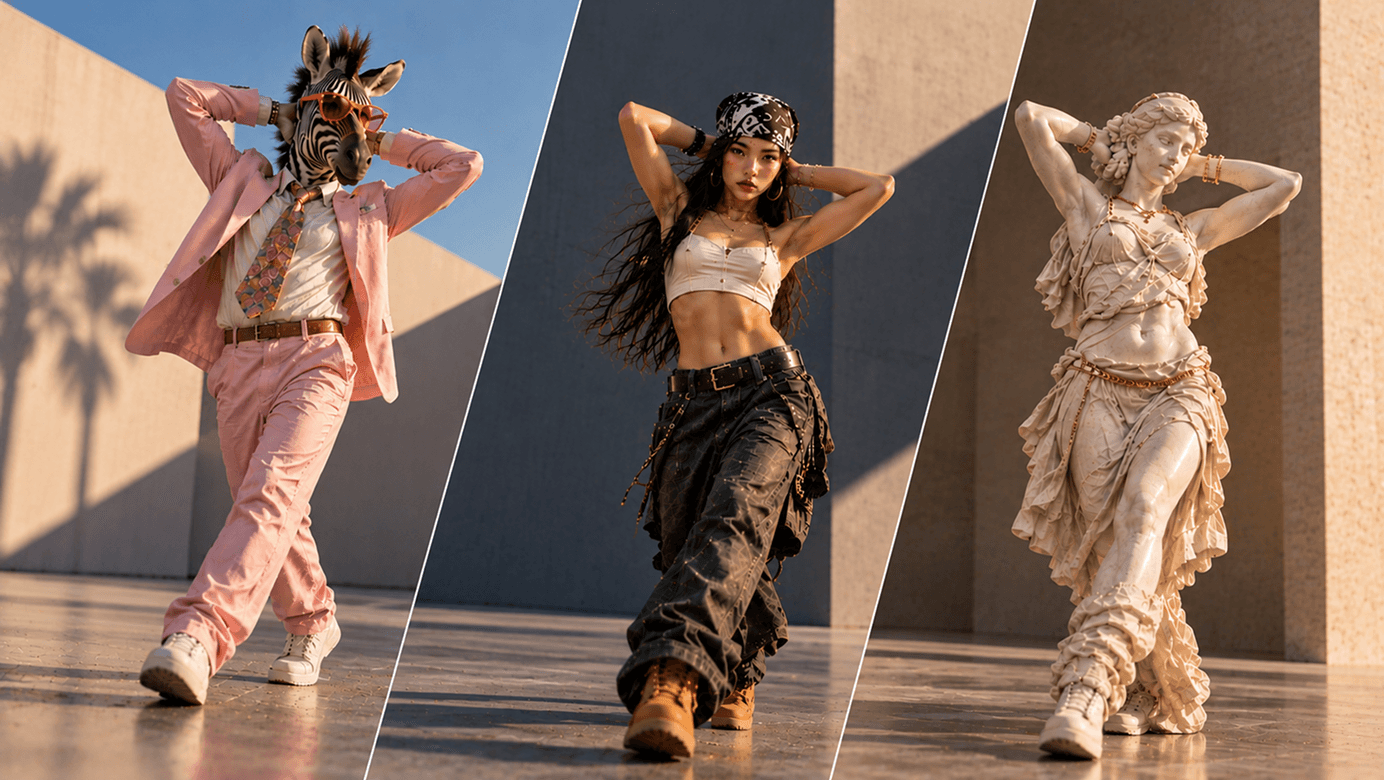
Truly Natural V2V Motion Transfer
Provide any action or dance reference video, and Minimax H3 maps the motion to your character, generating smooth, believable movement. It works directly with SelfyzAI's AI dance moves and trending templates: choose a template, upload a photo, and create a performance video.
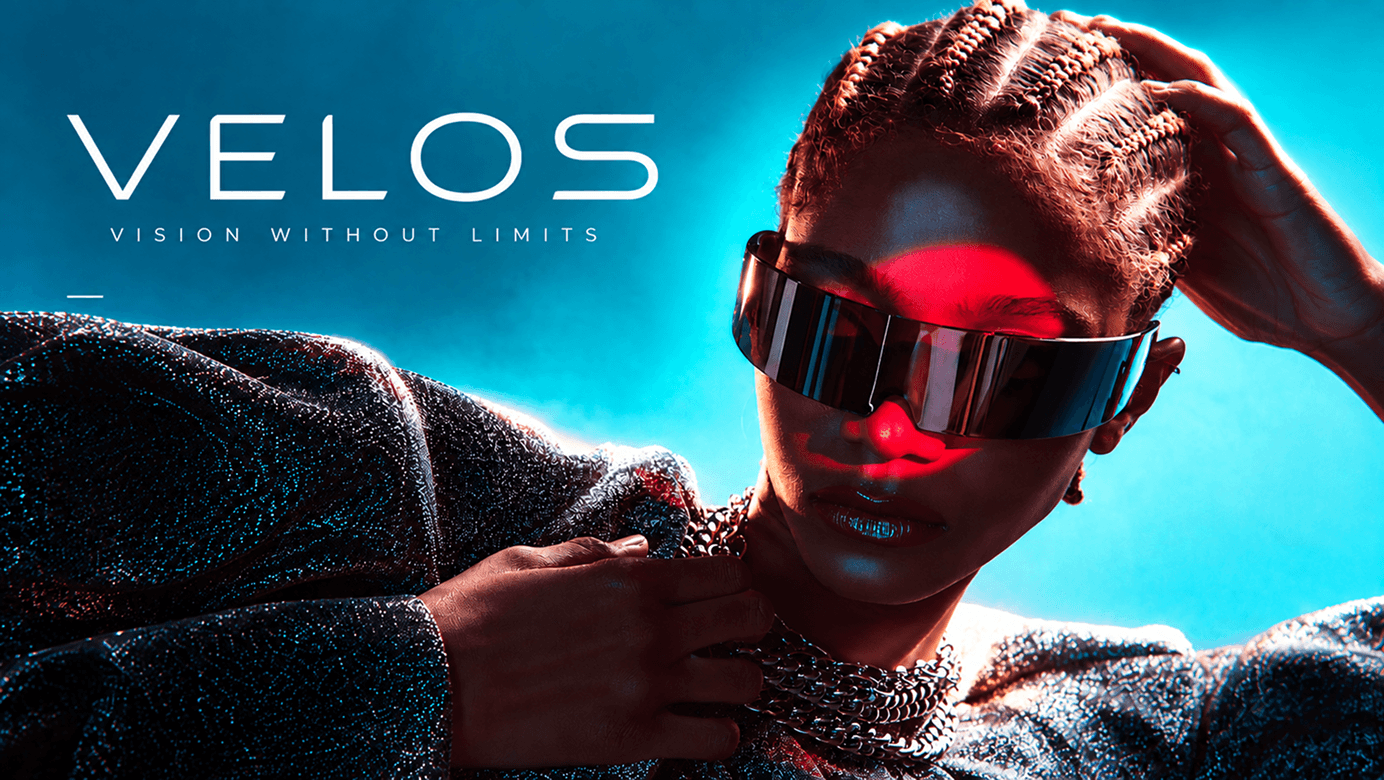
2K detail with clear, readable text
At 2K resolution, fine textures, fabrics, and facial details remain clear, while on-screen text stays stable. Logos, labels, and brand information appear as expected without turning into unreadable gibberish, making H3 ideal for product and ad creation.
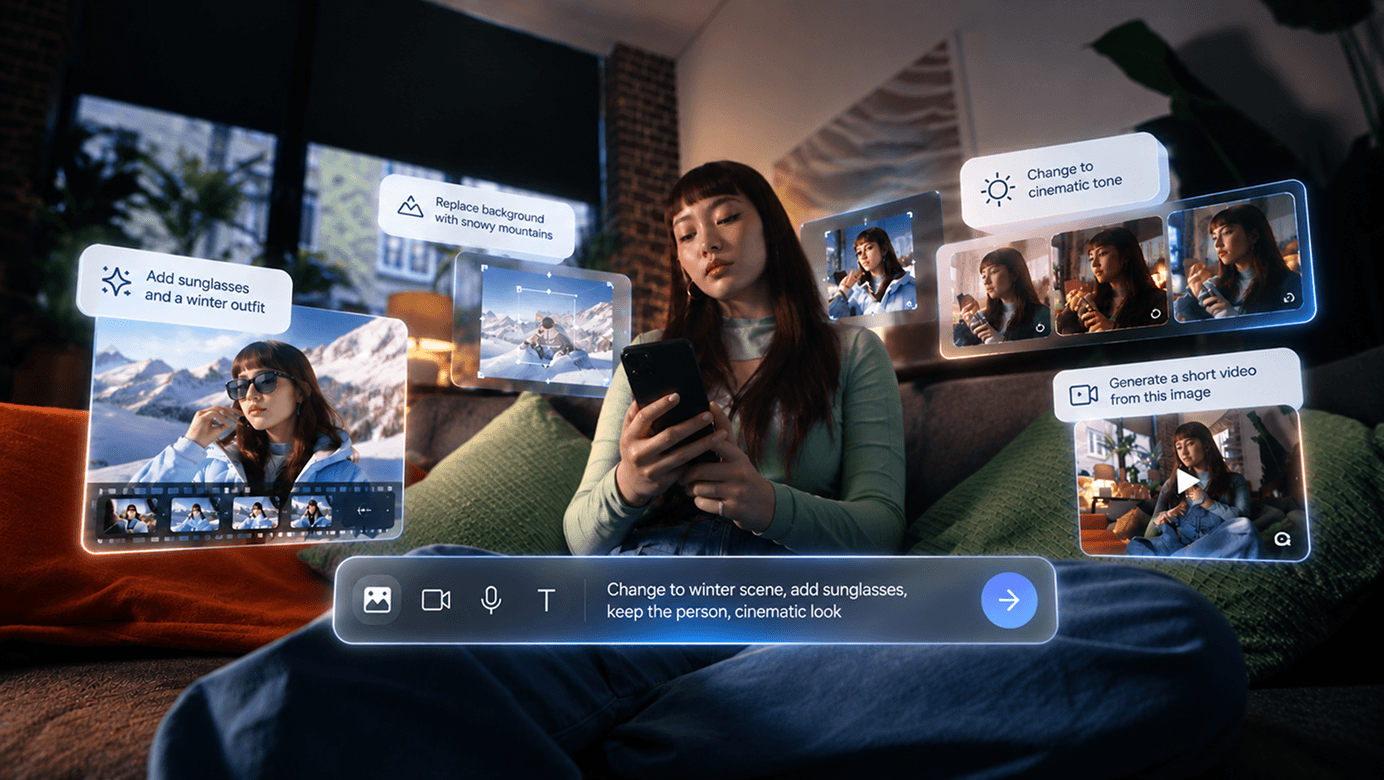
Precise, controllable editing
Transform videos with reliable instruction following: replace backgrounds, restyle scenes, or change action direction. Multimodal editing modifies only what you specify, leaving everything else unchanged.
MiniMax H3 vs VEO 3.1 vs KLING 3.0
Best Use Cases for Minimax H3
Create with Minimax H3 in 4 Steps
- 1
Open Workspace
Enter the SelfyzAI video workspace. No installation needed—complete everything right in your browser.
- 2
Add prompts and input assets
Write what you want to see, then add input assets: use a photo for the subject, a reference video for the motion, and audio for vocals or music.
- 3
Select Minimax H3
Select Minimax H3 in the model selector and let its multimodal engine handle the generation task.
- 4
Generate and Refine
Generate and preview results in seconds, then adjust the prompt or input assets and regenerate until the motion, visuals, and rhythm meet your expectations.
Popular AI Models and Tools in SelfyzAI
SelfyzAI brings AI image and video generation into one workspace, with image models, Text to Video, Photo to Video, and Reference to Video workflows that turn an idea into complete visuals, including product shots, posters, short videos, and cinematic stories.
Minimax H3 Guides
Read our in-depth article on MiniMax H3 to learn more about reviews, comparisons, performance, and more.
Minimax H3 FAQ in SelfyzAI
See how SelfyzAI helps you create AI images, videos, reusable characters, and portrait assets—without a complex workflow.
- Minimax H3 is a multimodal AI video generator in the SelfyzAI workspace. It can use a photo, motion from a reference video, and audio in a single prompt to generate a coherent video.
- You can combine three inputs: a photo of a person (subject), a reference video (motion to transfer), and audio (vocals or music). Describe their relationship in natural language, for example: "The person in the photo dances to this song, following the motion in the reference video."
- Video-to-video motion transfer extracts movement from a reference video—such as dances, gestures, or other actions—and applies it to your own subject. SelfyzAI supports AI dance moves and trending templates: upload a photo, choose an action, and let your character perform.
- Yes. H3 preserves 2K details well and reliably renders on-screen text such as logos, labels, and short brand messages. For best results, keep text brief and use high contrast with the background.
- Generated videos can be 2 to 15 seconds long and exported as MP4 or MOV. Paid plans support up to 4K resolution and watermark-free downloads, while the Video HD tool can further sharpen the results.
- Credit usage depends on video length, resolution, and the selected model. The workspace shows the exact cost before generation, and every deduction can be viewed in Credit History.
Guide your next video with Minimax H3
Connect photos, motion, and music with one prompt to create your first Minimax H3 video in seconds