
GPT Image 2.5 Generator
Two models under one Image 2.5: Flare generates fast—with 50% lower latency than Images 2.0, making it the default choice for most use cases—while Sunburst takes longer in exchange for finer control and production-ready, finished images. Choose your pace in the SelfyzAI workspace.
Two models, one GPT Image 2.5—choose your pace
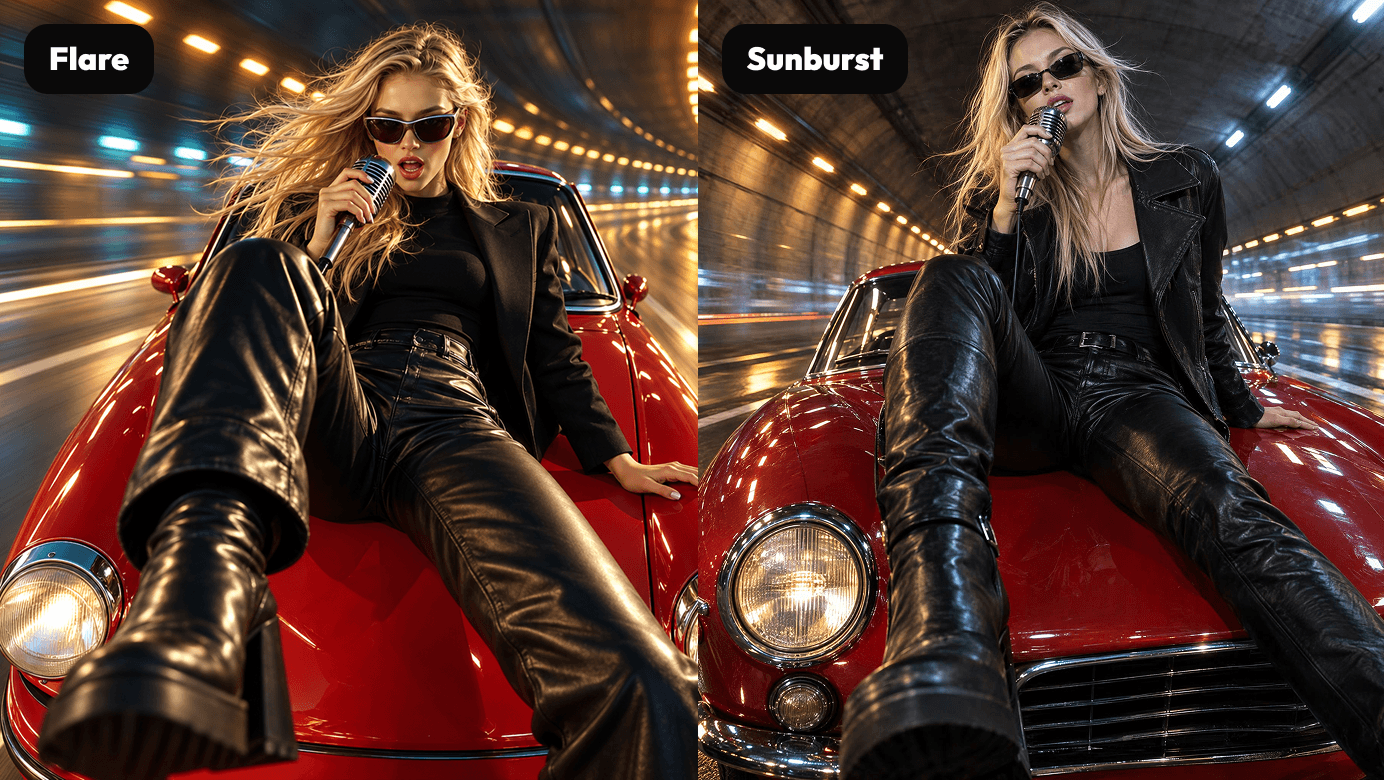
Flare: Speed First
Flare is built for speed—with 50% lower latency than Images 2.0, it’s the default choice for most use cases. Create faster, iterate quicker, and produce in batches without watching the progress bar.
Sunburst: Precision First
Sunburst trades speed for control: finer control over results and longer generation times to deliver production-ready, final-quality images. When the output itself is the deliverable—posters, product shots, key visuals—choose Sunburst.
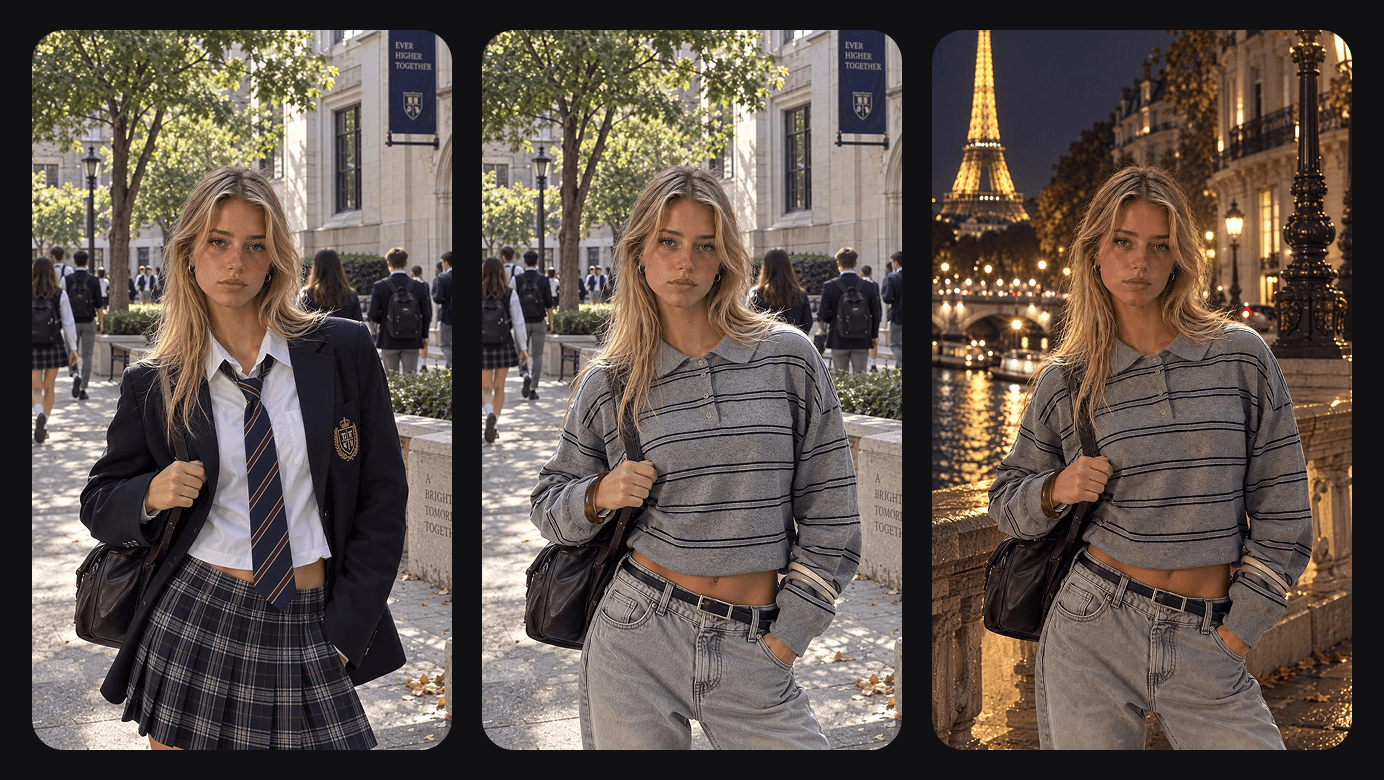
Only edit what needs to change
Precise local editing changes only the parts you specify—replace objects, change clothing styles, or fix details—while the rest of the image stays exactly the same.
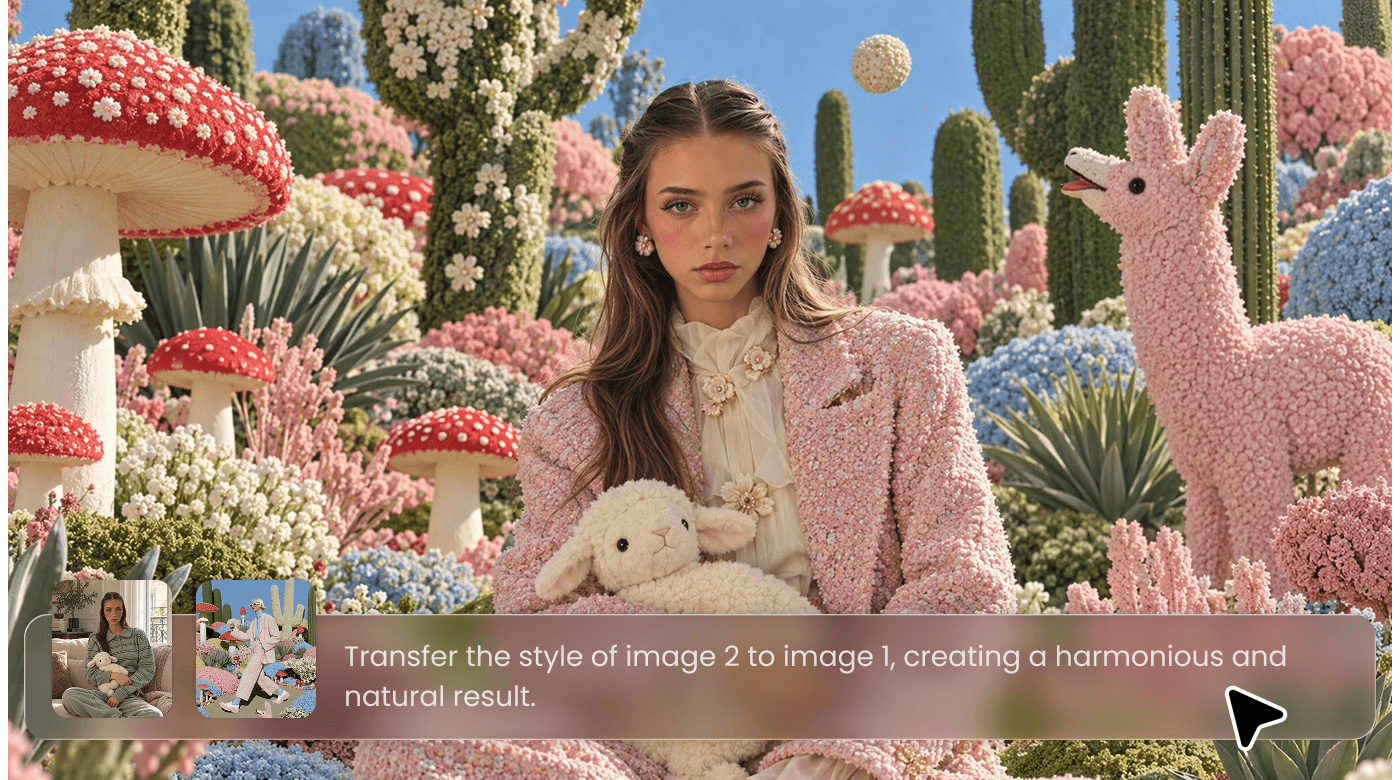
Faithful to Your Reference Materials
Referenced people, products, characters, and brand assets reliably keep their look during generation and editing, with natural lighting and richer textures. Your brand always stays your brand.
GPT Image 2.5 vs Nano Banana 2.1 vs Seedream 5.0 Pro
Where GPT Image 2.5 Excels
Create with GPT Image 2.5 in 4 Steps
- 1
Open Workspace
Go to the SelfyzAI Image Workspace — no installation needed. Everything runs in your browser.
- 2
Describe or Upload
Write a prompt describing the image you want—or upload an existing image for local edits.
- 3
Choose Flare or Sunburst
Choose Flare for speed (it offers 50% lower latency than Images 2.0 and is the default choice for most tasks), or choose Sunburst for precision and production-ready output.
- 4
Generate and Refine
Render, preview, and iterate—quickly redraw in Flare, or push your chosen direction to final quality in Sunburst.
Popular AI Models and Tools in SelfyzAI
SelfyzAI brings AI image and video generation into one workspace, with image models, Text to Video, Photo to Video, and Reference to Video workflows that turn an idea into complete visuals, including product shots, posters, short videos, and cinematic stories.
Helpful Articles About GPT Image 2.5
Read our in-depth articles on GPT Image 2.5 for more reviews, comparisons, performance insights, and more.
FAQ About Image 2.5 in SelfyzAI
See how SelfyzAI helps you create AI images, videos, reusable characters, and portrait assets—without a complex workflow.
- GPT Image 2.5 is an AI image generator in the SelfyzAI Workspace, with two specialized variants: speed-focused Flare and precision-focused Sunburst—plus precise local editing and strong reference fidelity.
- Flare prioritizes speed—with 50% lower latency than Images 2.0, it’s the default choice for most use cases. Sunburst prioritizes precision—with finer control and longer generation times, it delivers production-ready, final-quality images. Both are part of the Image 2.5 family, but built for different pacing.
- Based on product data, Flare has 50% lower latency than Images 2.0, making it the default choice for drafts, batch production, and rapid iteration.
- Yes—precise local editing only changes the areas you specify: remove objects, replace backgrounds, or change detail styles. The rest of the image stays exactly the same.
- Yes—Image 2.5 is designed to preserve the look of reference people, products, characters, and brand assets, with natural lighting and richer textures.
- Credit usage varies by model variant and output size. The workspace shows the exact cost before generation, and every deduction is listed in your credit details.
Get Started with GPT Image 2.5 Flare & Sunburst
Generate in seconds with Flare, or create production-grade visuals with Sunburst. Start creating with GPT Image 2.5 now.